Process Document
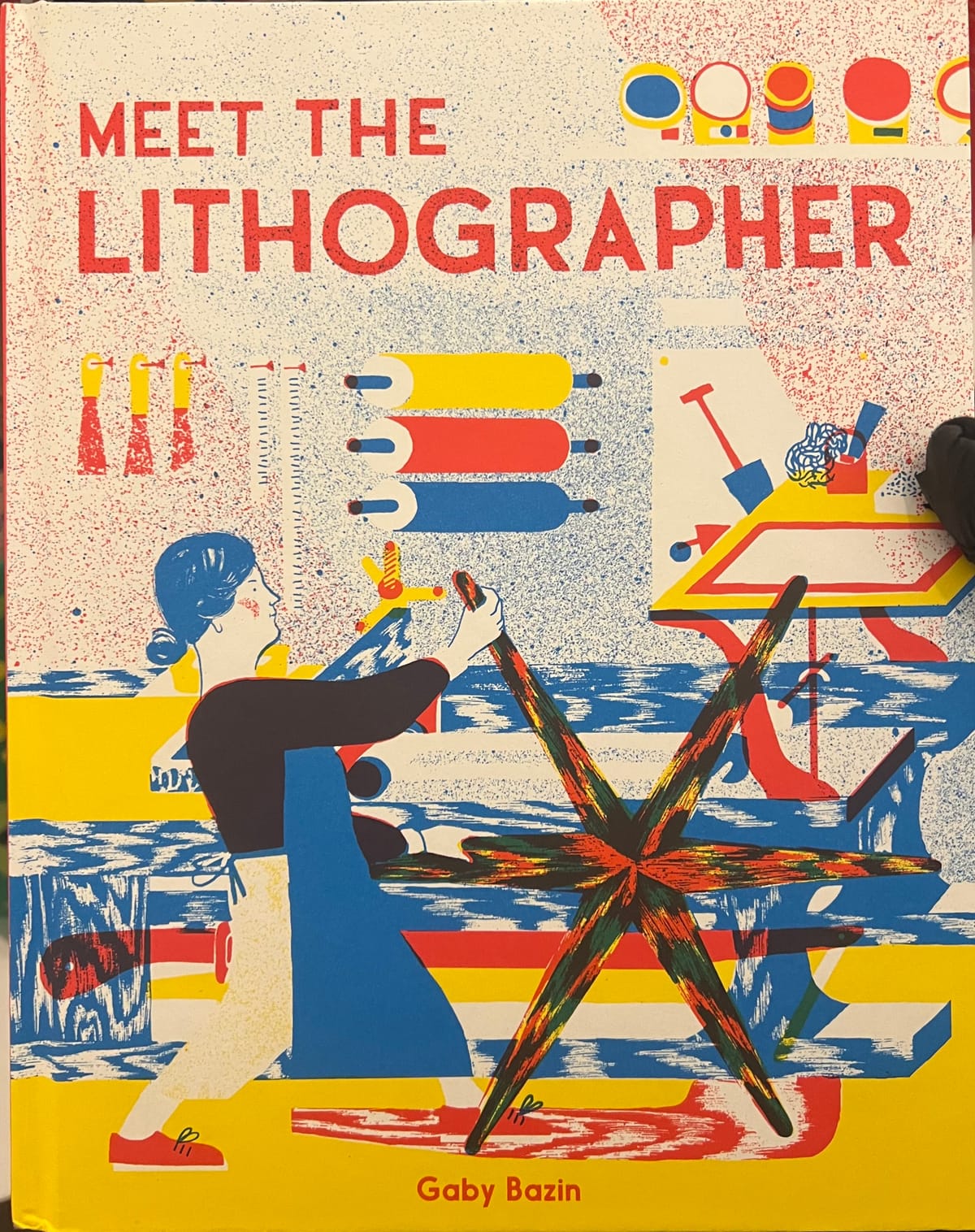
In module 5.2, I have learnt not only just how to gain our skill in equipments, softwares but also is the creativity by thinking, processing and finalising. I loved how we can be graphic designer without some casual softwares in Adobe, explore design websites, books, visual elements and coding.
Starting with 5.2.1:
Where I was missed but I have my campaign by using coding to make a interact via camera, it will transfer our moving to be graphic elements and following our movings.
We have Animation sessions with Jon throughout the module. To be honest I feel maybe a bit fast for me to do, and because my eye-sight is not too good so it took time to absorb everything. I like Jon and his way to teach us, very supportive and cute, instead of just heading to our sessions, he know how to wake us up and make funny sound. I had a chance to explore new effects in After Effect, or in 3D which I feel regret because I missed the last session. But in overall, it was informative and joyable. I'd love to in it more if I have more time to play.
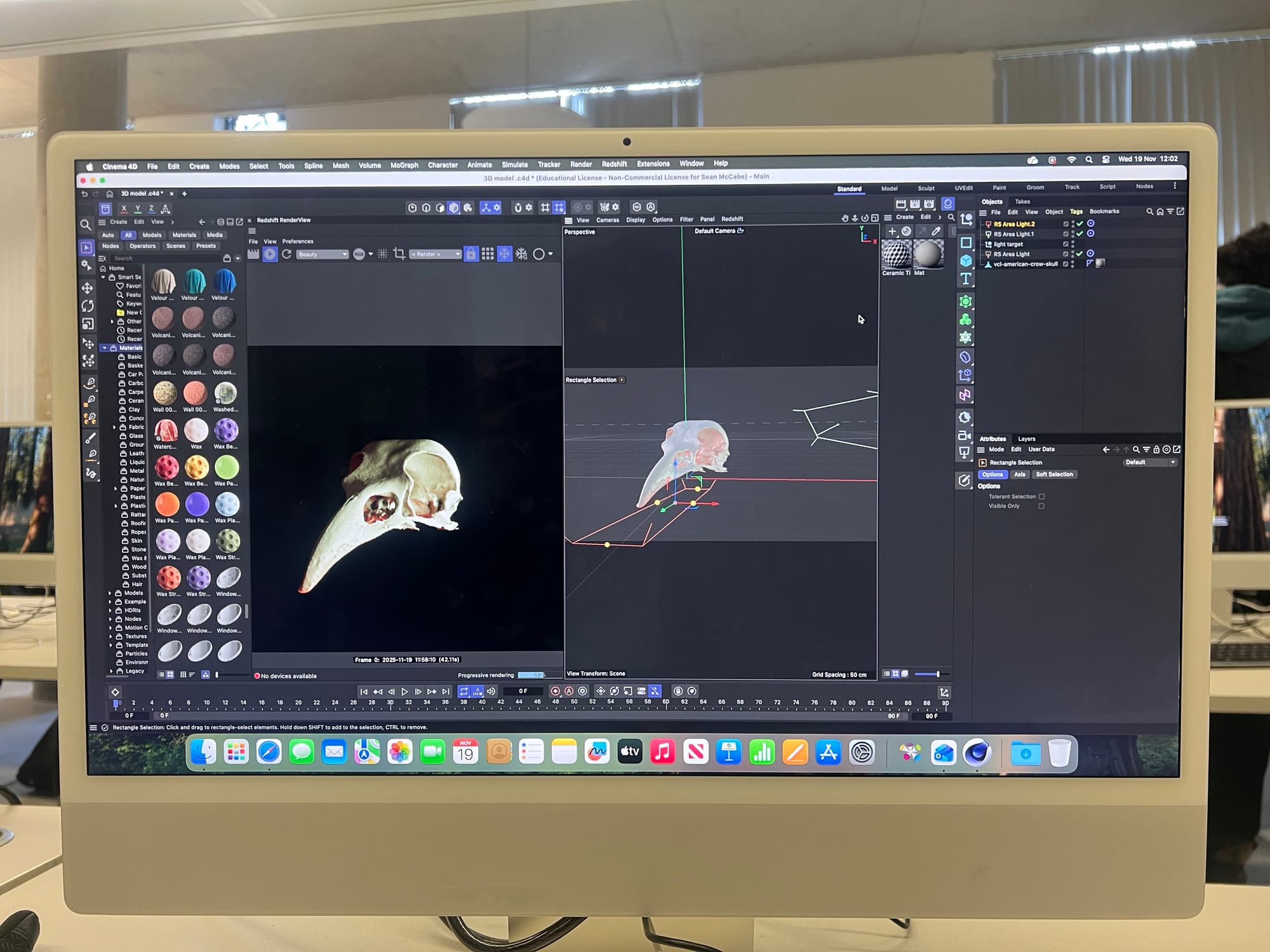
Rotoscoping Effect
Screen Graphic
Media Diet in 5.2.2 is where I can share my favorites/interested videos I found in social media (Instagram). By that videos, I knew how people in creative and their processes during do their arts. Having a new look about 3D motion, typography and web design brings me a new horizon in creative field, there are not just having branding, commercial or normal art, however they marked their value by their style and creative thinking.
Jitter and Automation workshop
We had a playful and explorable in Jitter, the website making animation for Figma, although I felt it's having some limits on its motion preset, I still can fuse it to make it better, also I can customise as many effects as I want. That was incredible, the good website for animation without using After Effect (we still need AE for more complex effects).
In Automation workshop, I knew how code can improve/boost our process in design from simple to some quite complex by Processing software.
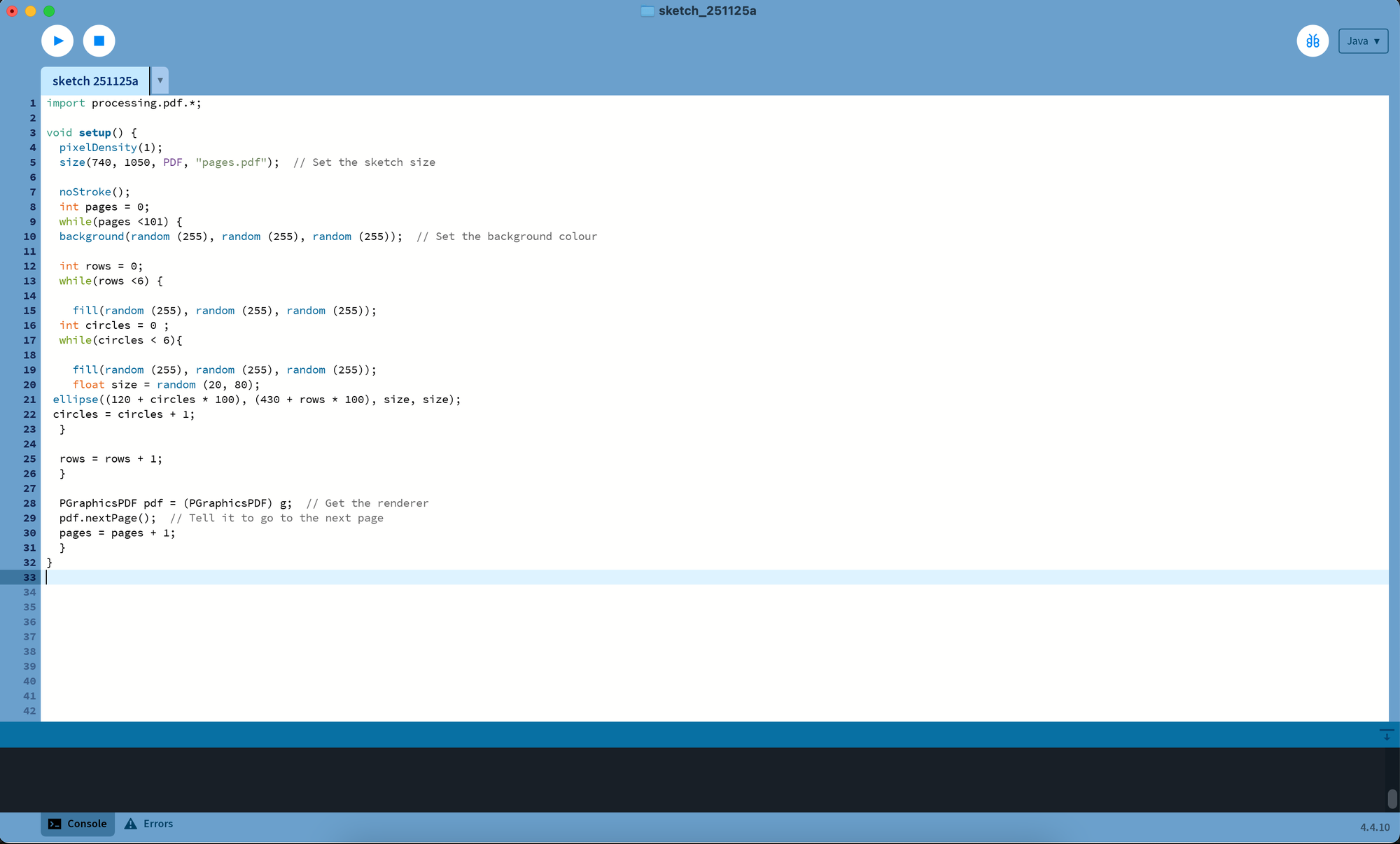
Code is quite difficult for me to absorb but I like how simple it is for running.
The Work->Flow in 5.2.3 guided and reflect myself in graphic design, which is my strong point, difficulties and moreover is optimizing my workflow now and in the future. Scoping my visual to futher, more obvious and better, it helped me know what, where and why I am in Creative world, what i still lack and need to improve, what I should focus to step on in the future.
5.2.4 No task for us but we had a chance to explore as many websites, app, tutorial as we can, I didn't remember how many website I tried:
https://softglossary.space/
https://colab.munken.com/
https://p5studio.vercel.app/
https://turtletoy.net/
https://www.tooooools.app/
https://nodesignfoundry.com/rasterizer
https://spacetypegenerator.com/stripes (my favorite)
https://tinytools.directory/
https://animalswithinanimals.com/generator/generator.html
https://openprocessing.org/discover/#/generativeart
https://experiments.withgoogle.com/collection/chrome
https://www.artfromcode.com/posts/
https://coolors.co/?home
5.2.5 The 4X6 Project
In this project, I can look back to my old project in last year and continue to proceed it, as I chose "system expansion" and "animation" to make the branding logos more lively and interactable.
To sum up, throughtout this module, I'm able to learn, explore and practice not only the softwares, links but also the way to improve myself in creative career path. I love how everything worked and working in this module and I hope I can keep on the path/guide of the module. I feel thankful to have oppotunities to proceed lots of aspects in design such as 3D, animation, Motion, automation and even coding.