Workshops
1st (Wacom pads/photoshop animation)
Looking at using the Wacom pads to create a drawn animation on photoshop. the first video is just me messing around and getting and understanding of how it works. then the second video is of a bunny hopping which I then looped.
The next set of videos is the rotoscoping workshops we had. Video 1 is one i did in class again learing how it works. Then video 2 is my creating my own video using the skills i had learnt in the lesson.
experimenting with it
looped bunny jumping
2nd (Rotoscoping)
The videos are slightly long to upload on here but everything is on my CAGD journal.
In this workshop we looked at rotoscoping on after affects adding in text behind the man as well as the red fog at the bottom. As well as blacking out the man and having him fade in.
I loved this kin of work however I need to spend more time on it, looking at experimenting more with this tool. I found it really interesting all the different effects I could add into the background.
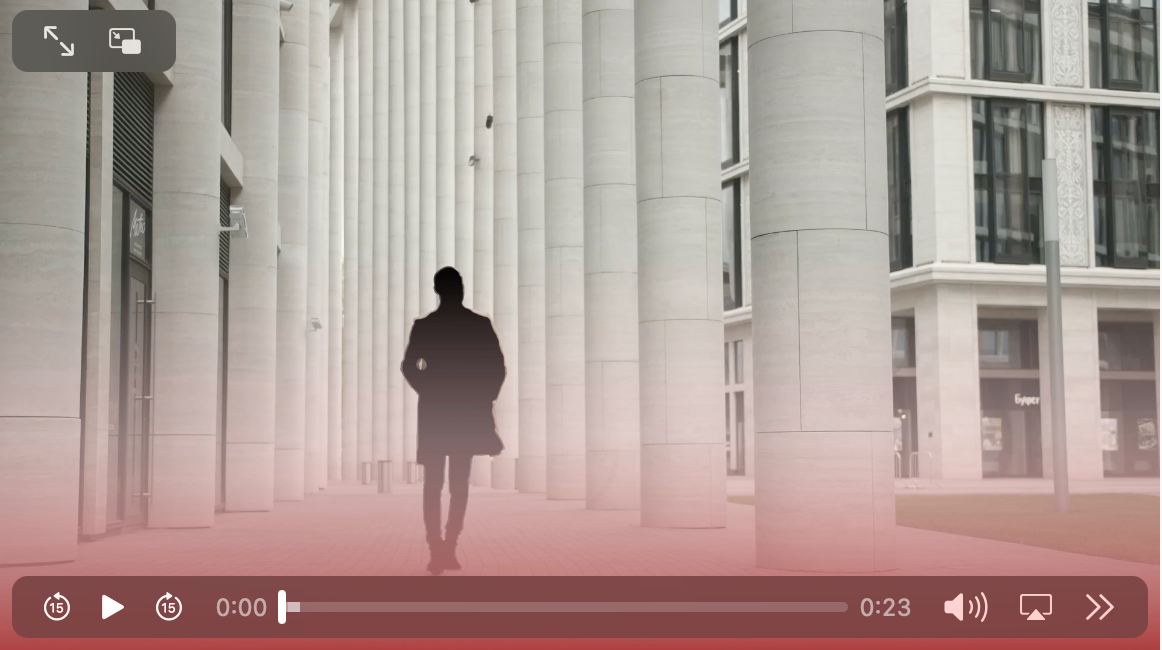
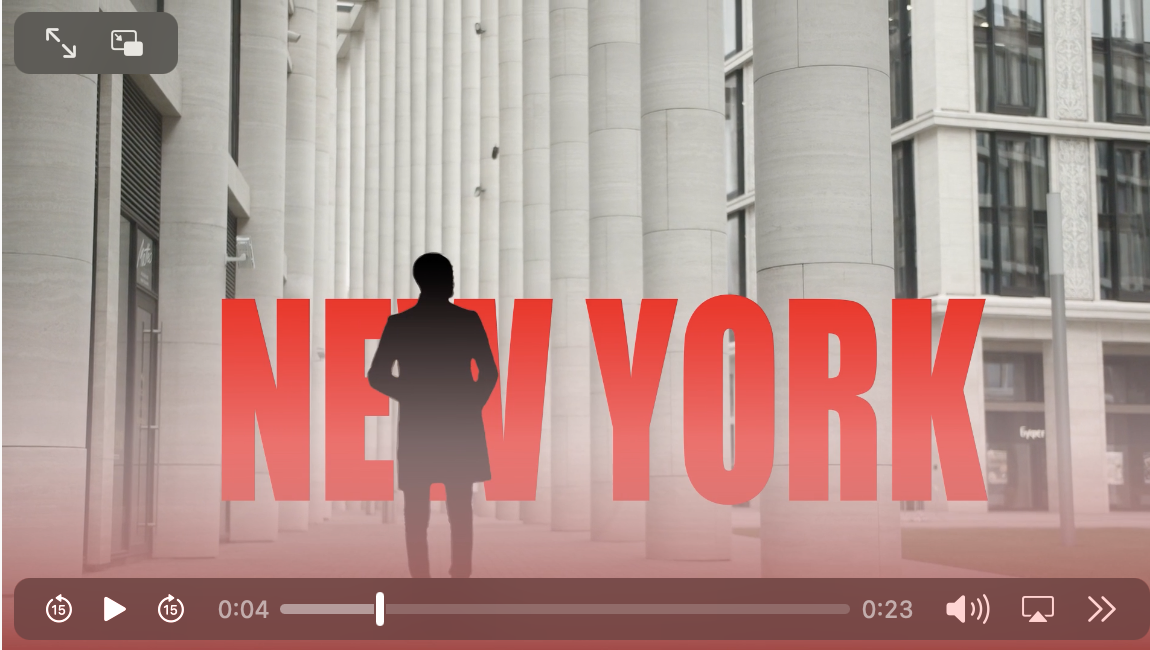

I also experimented with my own dance video which is again on my journal
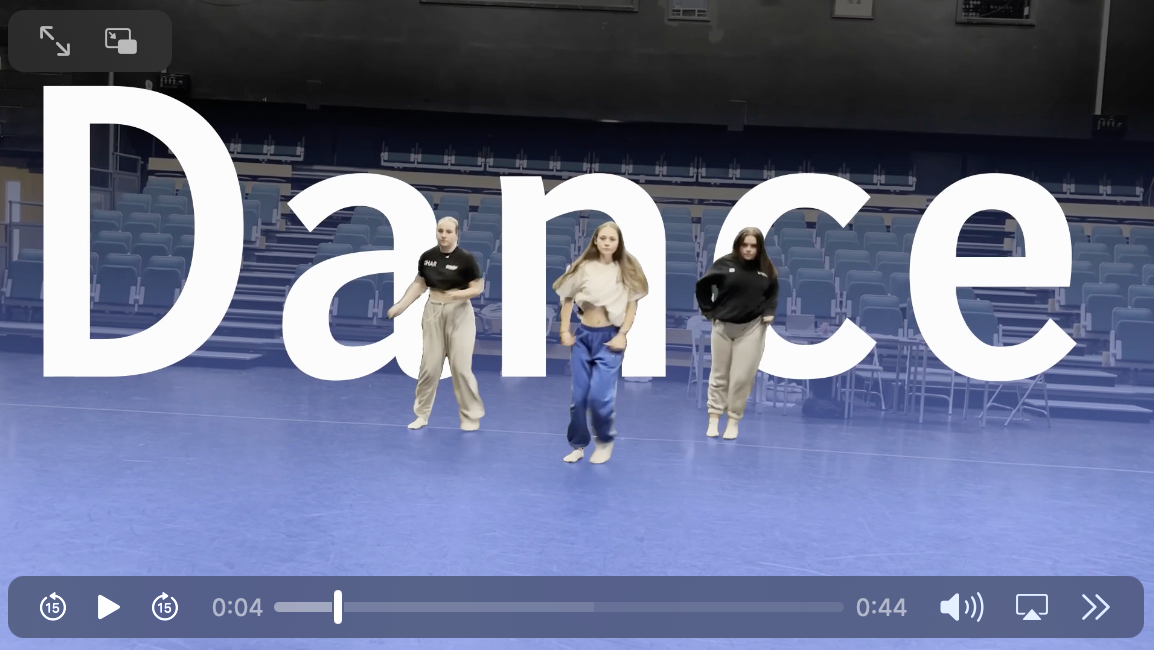
I found that when I came around to this id forgotten how to do some things so I definitely need to go back and relearn some things such as the blacking out of the rotoscoping.
3rd (Screen graphics)
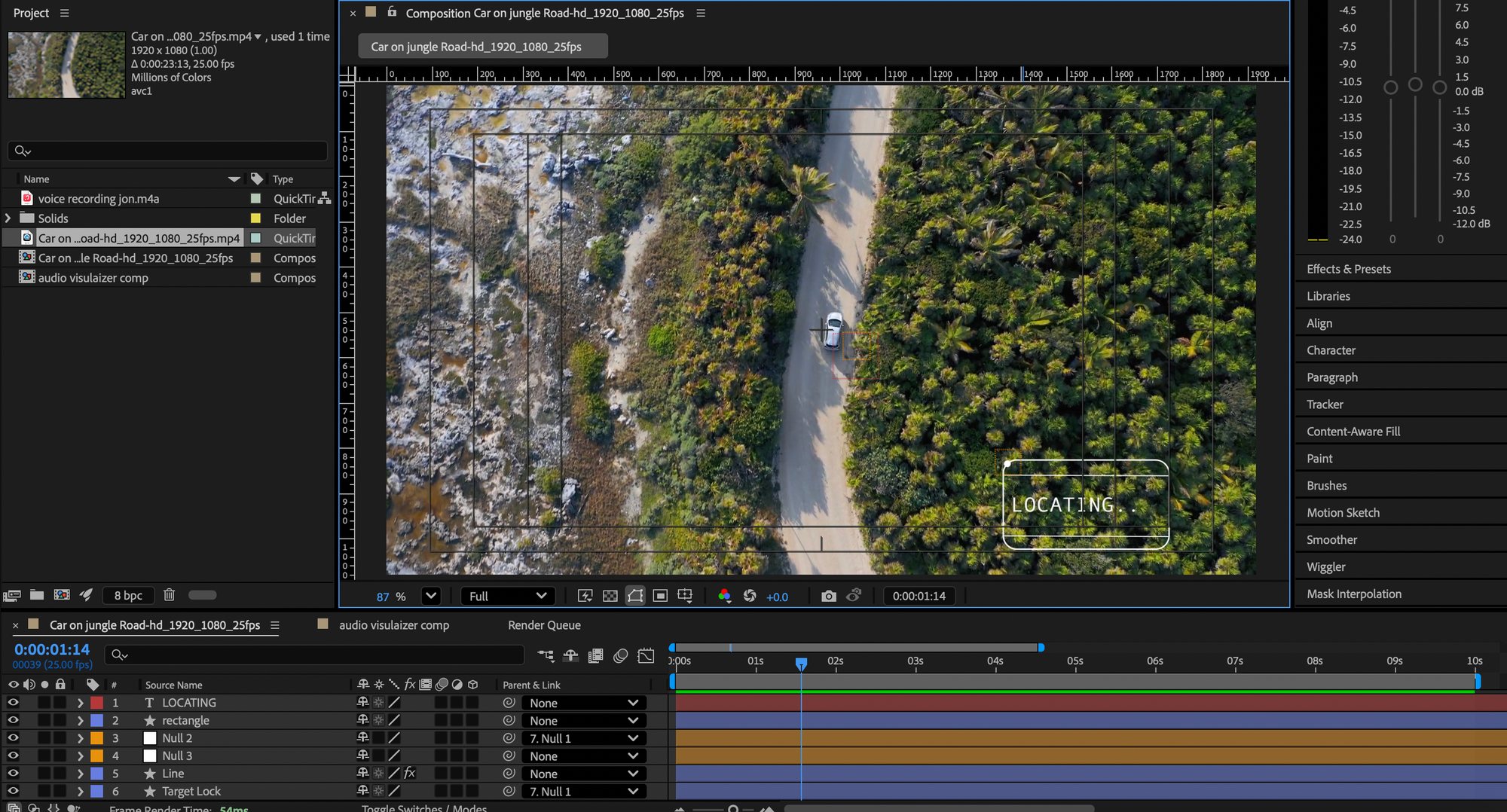
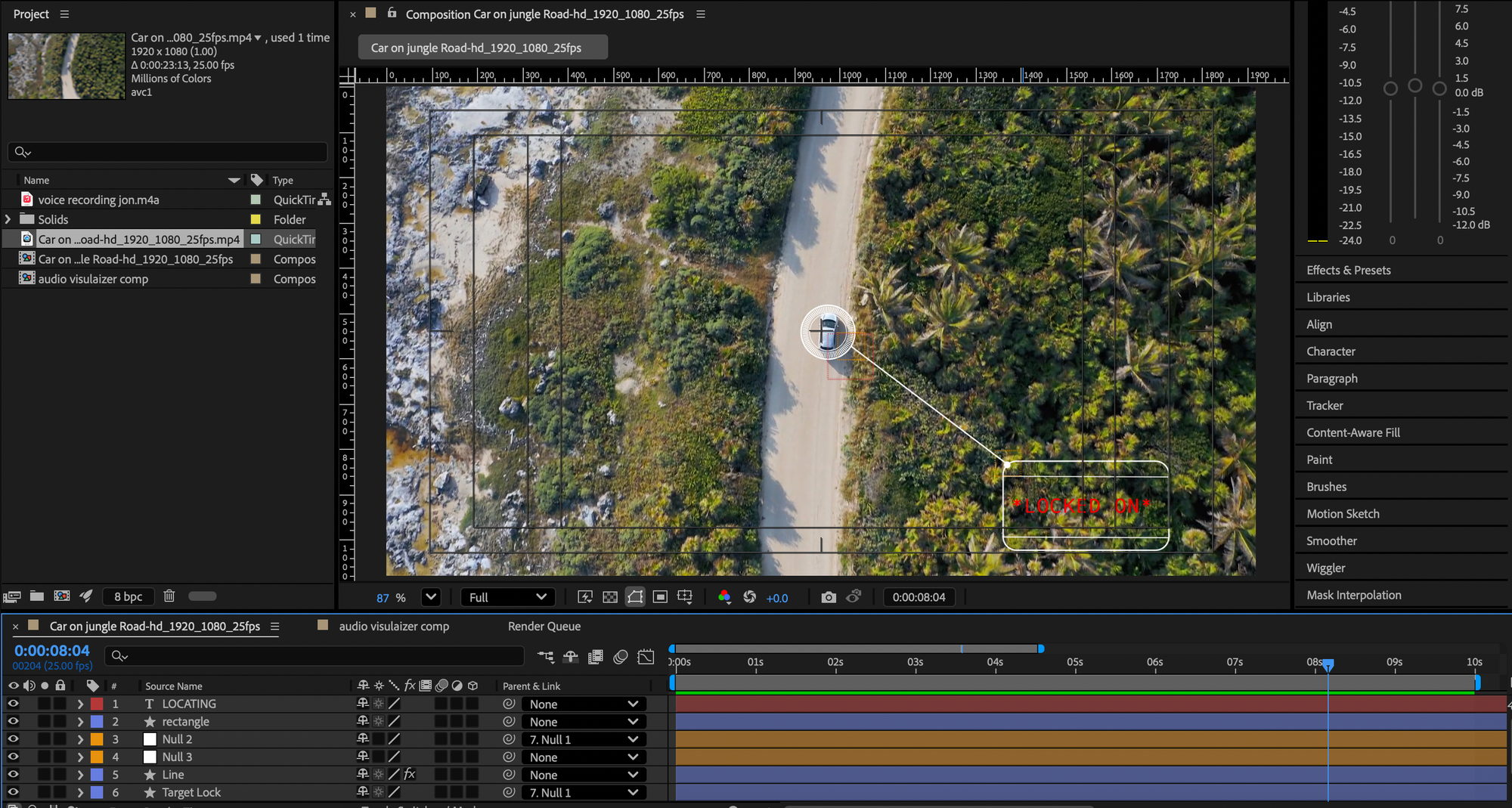
For this we looked at a moving car and tracking its movements adding circles/target and having that move along side the cars movements. We then added in type in the bottom corner. At first I found this really difficult to follow and I couldn't keep up but eventually I go there and managed to create the video. I struggled the most with the tracking and adding the circles as my car wouldn't stay in the circles at first so I went back and re tracked the car.
We then added sound over the top off the video which I wasn't a fan of hearing my own voice over.


4th ( 4D Cinema)
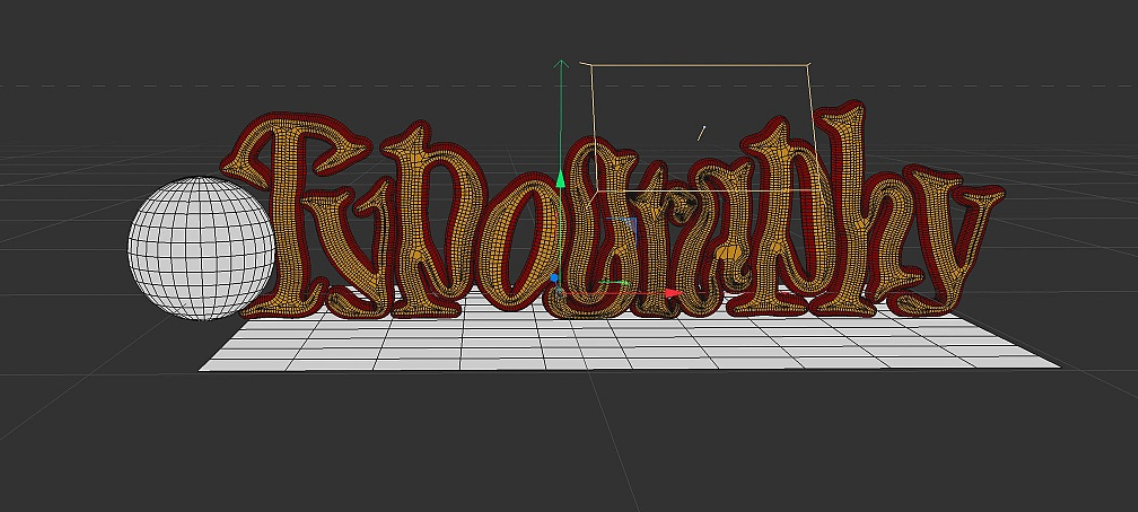
This workshop was my favourite out of them all, I found it the most interesting to play around with with and I found this on less confusing to work with. at first we looked at static type and adding different textures, moving the placement of the lighting seeing how that effected it. Then we moved on to sing motion to it, adding a bubble affect, making the letters explode an having a ball crush through them.

5th (Illustrator to Animation)
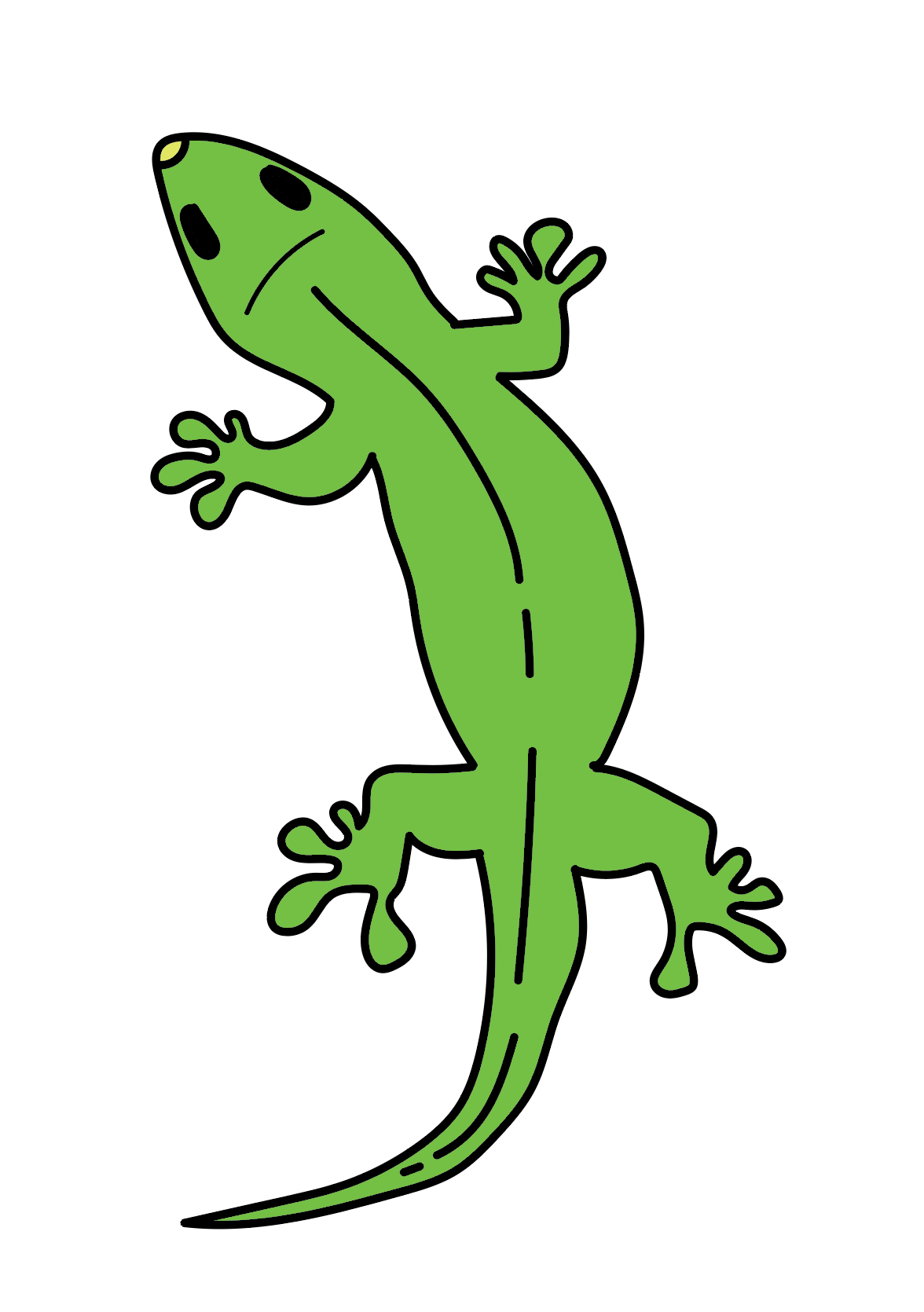
We began by drawing the gecko using the Wacom pads again but this time using illustrator. Taking an image from google for inspiration then drawing it and adding colour.
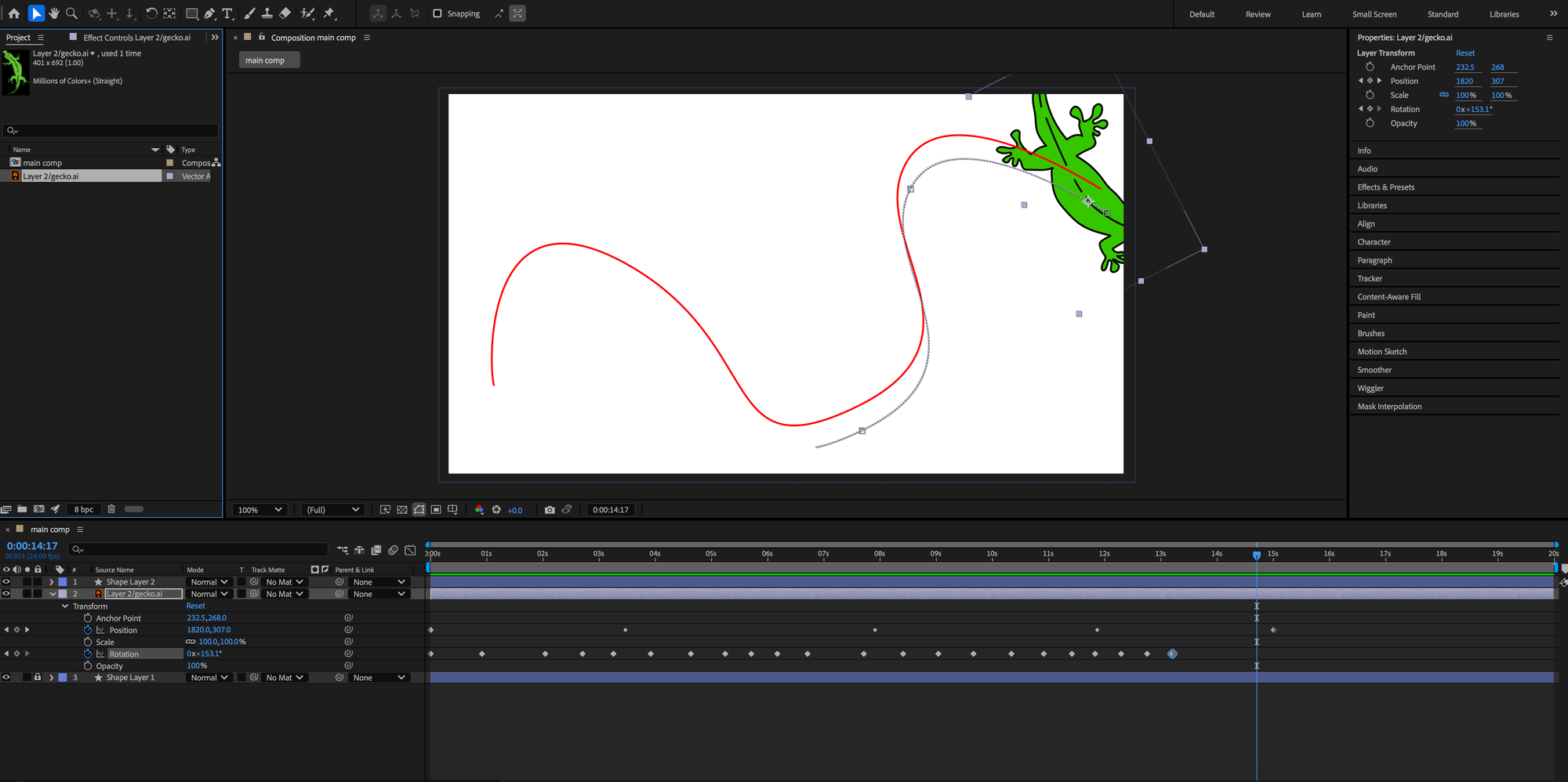
We then imported the image on to After Affects creating a path for the gecko to follow when we come to animating it.
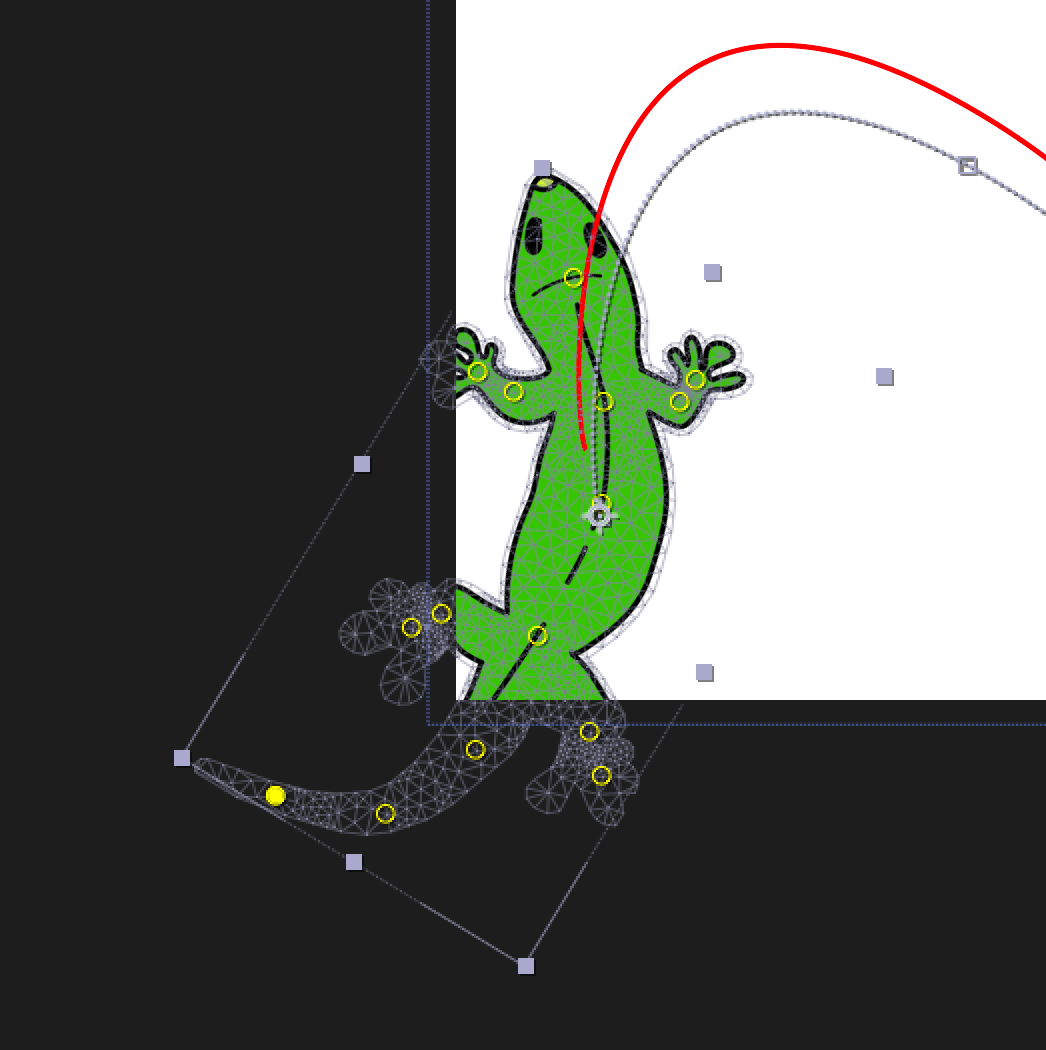
Finally, we looked at adding in pins to make the movements more life like.
I found this workshop one of the more easier ones, I could follow along well and make sure I was listening and watching what was happening. I could do with spending g more time on looking at the pins and making the movements look more realistic as we only spent a short amount of time on this part.
