Workshop sessions
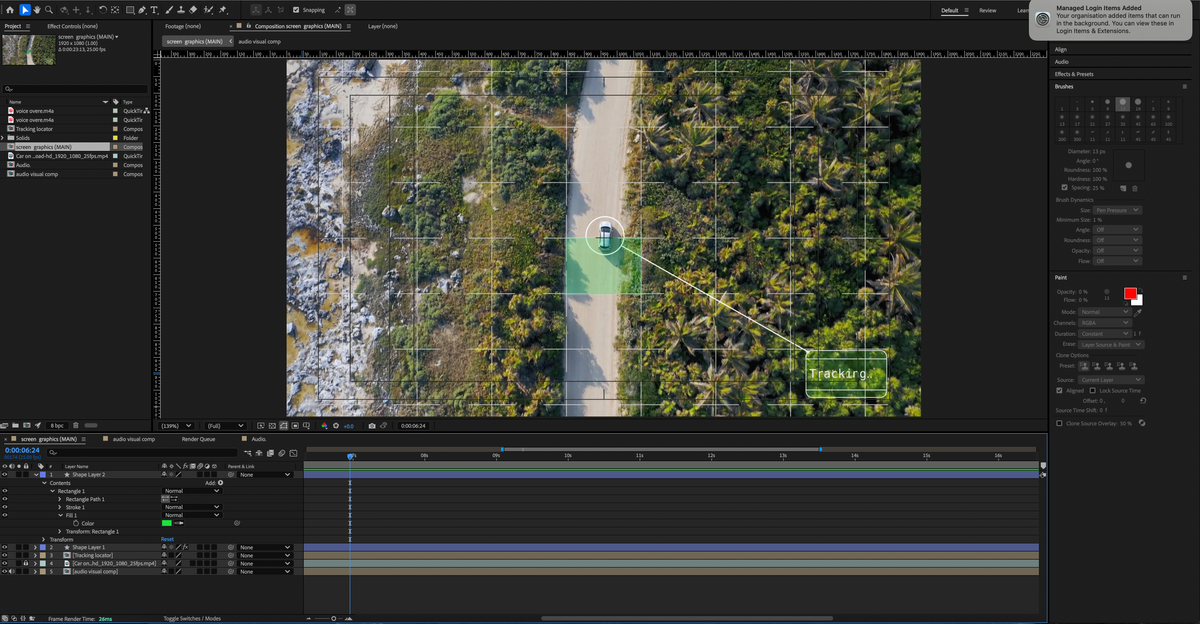
5.2.1 Frame-by-frame animation
5.2.2 RetroScoping
This project was challenging for me again because it was hard to figure out how to use the keyframes and make the text move at the right time. I think the fact that they are shown as circular and so small makes it hard to see them in the right place. I think if each layer I could see all at once, rather than scrolling, it would be easier for me to properly line everything up.
Jitter
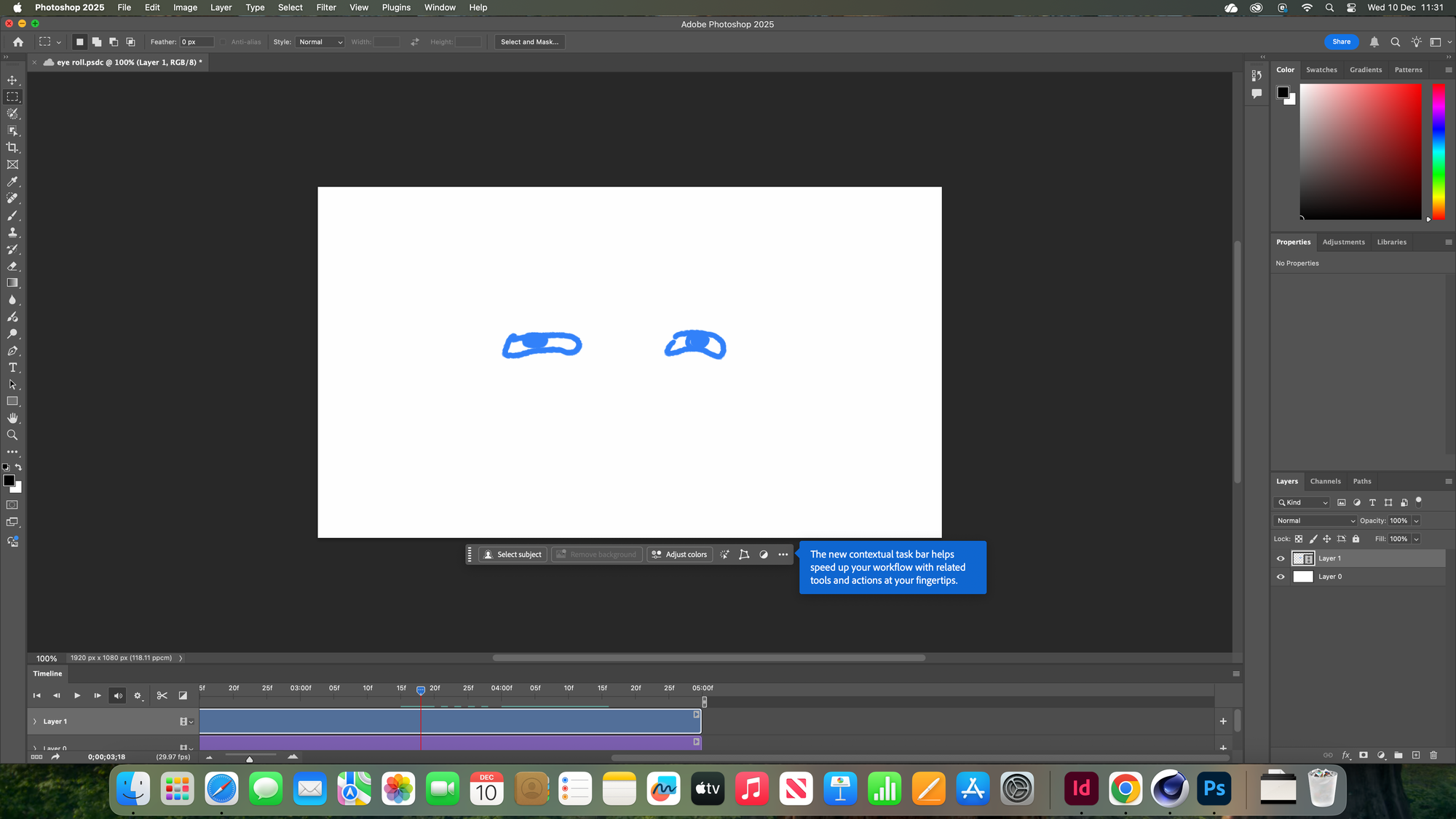
I preferred using jitter because it felt more validating seeing the progress quicker, rather than waiting for the final product. Also, it was easier to make changes. However, there are major limits when it comes to creativity. When brainstorming ideas and creating initial designs, I believe jitter would be a good way of seeing if the idea could be tangible or not. Also, it is really good for social media and boosting platforms, e.g., Instagram, TikTok
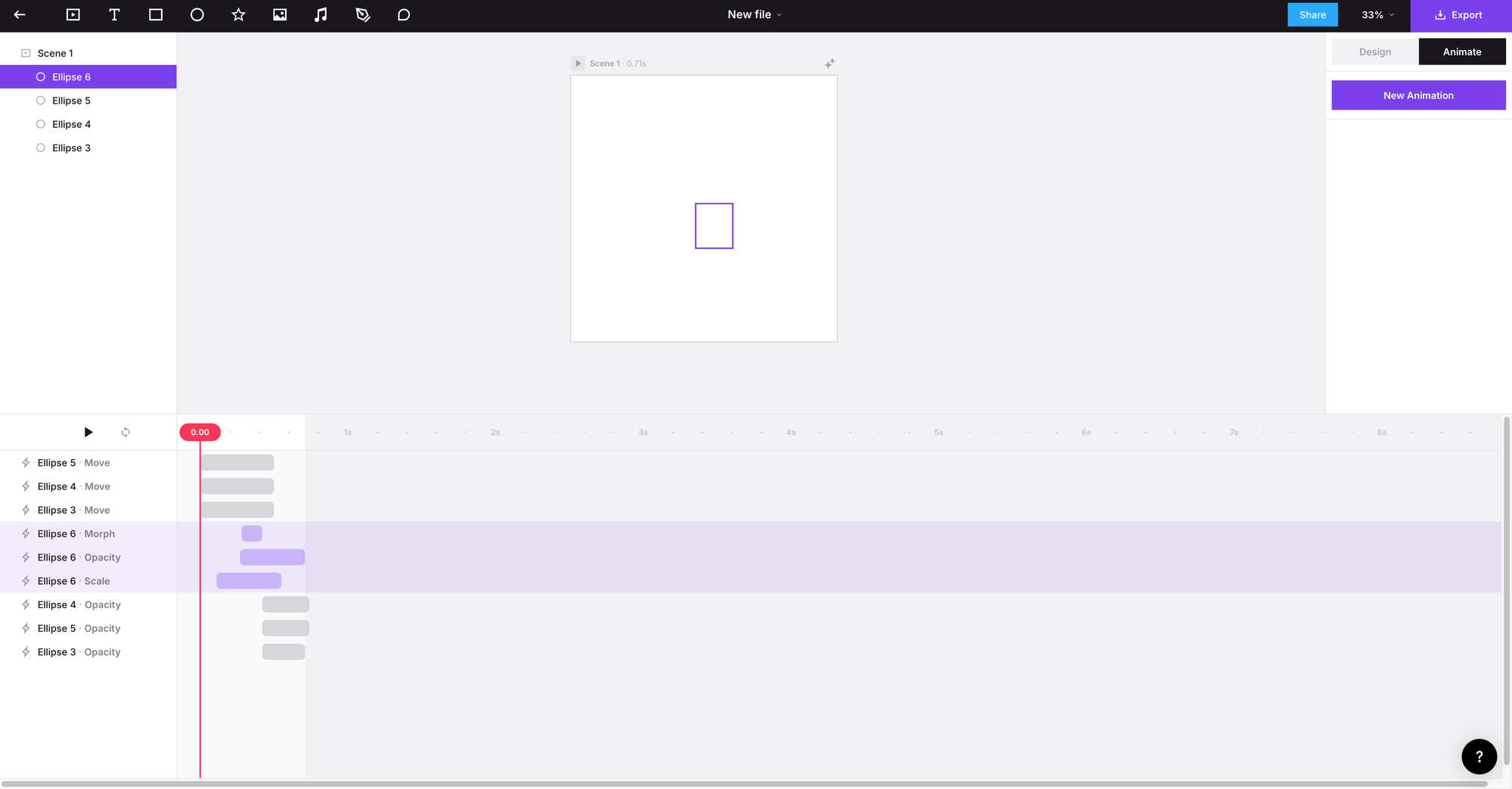
I got inspired by a video I saw on my explorer page on Instagram. It is important to test out experimental materials even if the original idea used a different approach. The process was simple, and yes, it is not perfect, but I did feel more comfortable using the interface. The system itself is quite intuitive, so it was simpler for me to use.
5.2.3/4/5 Screen Graphics
This was a very lengthy brief due to its technical nature. I definitely found this to be more challenging because it was hard to keep up with the instructions. I think the small details that had ripple effects on the next step were tedious because if you forgot one step, it would affect the entire project. For me, it is easier to see my mistakes if it is visually there, but if it is just to click on a vector or a tool, it is easier to forget.
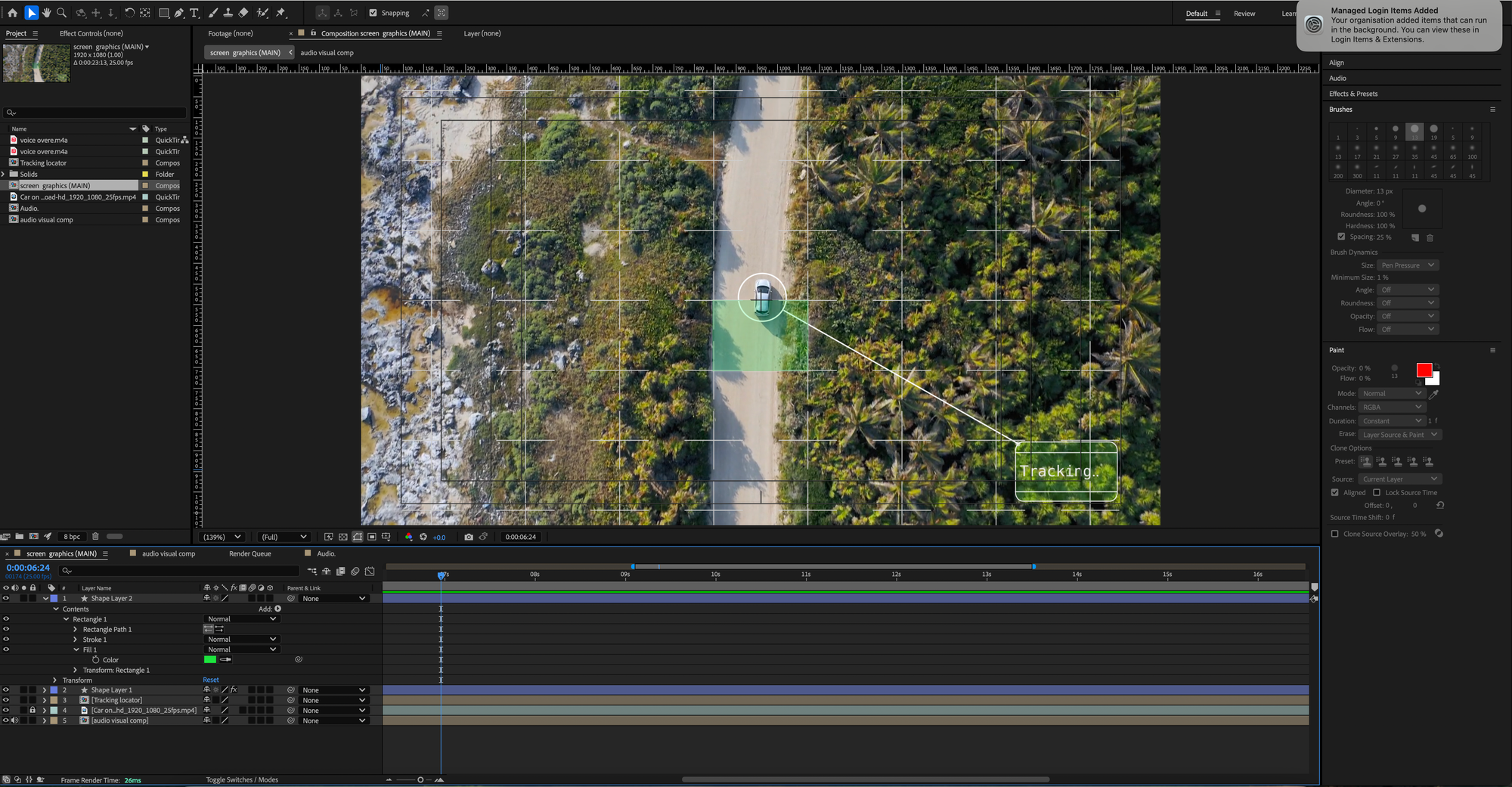
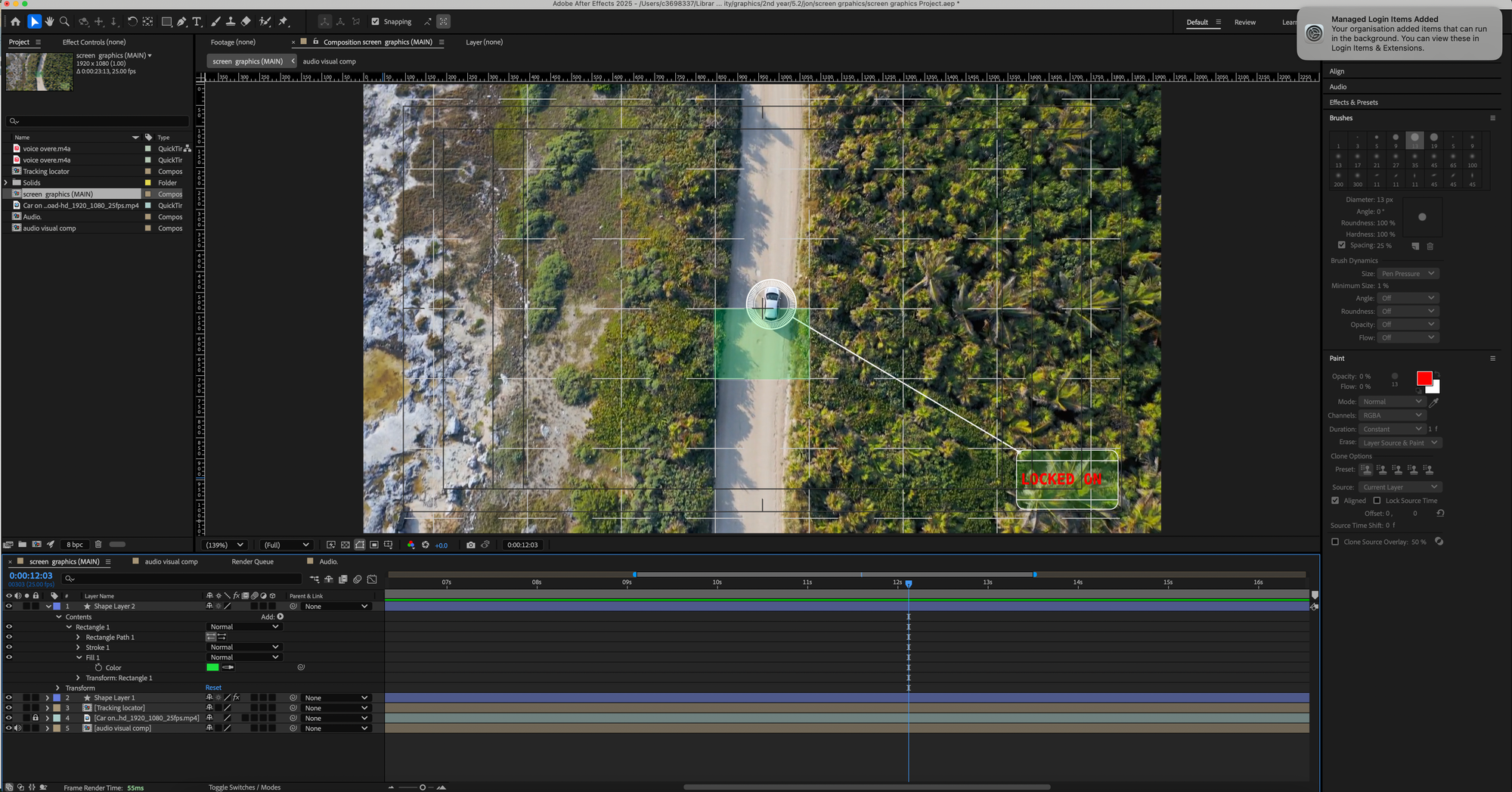
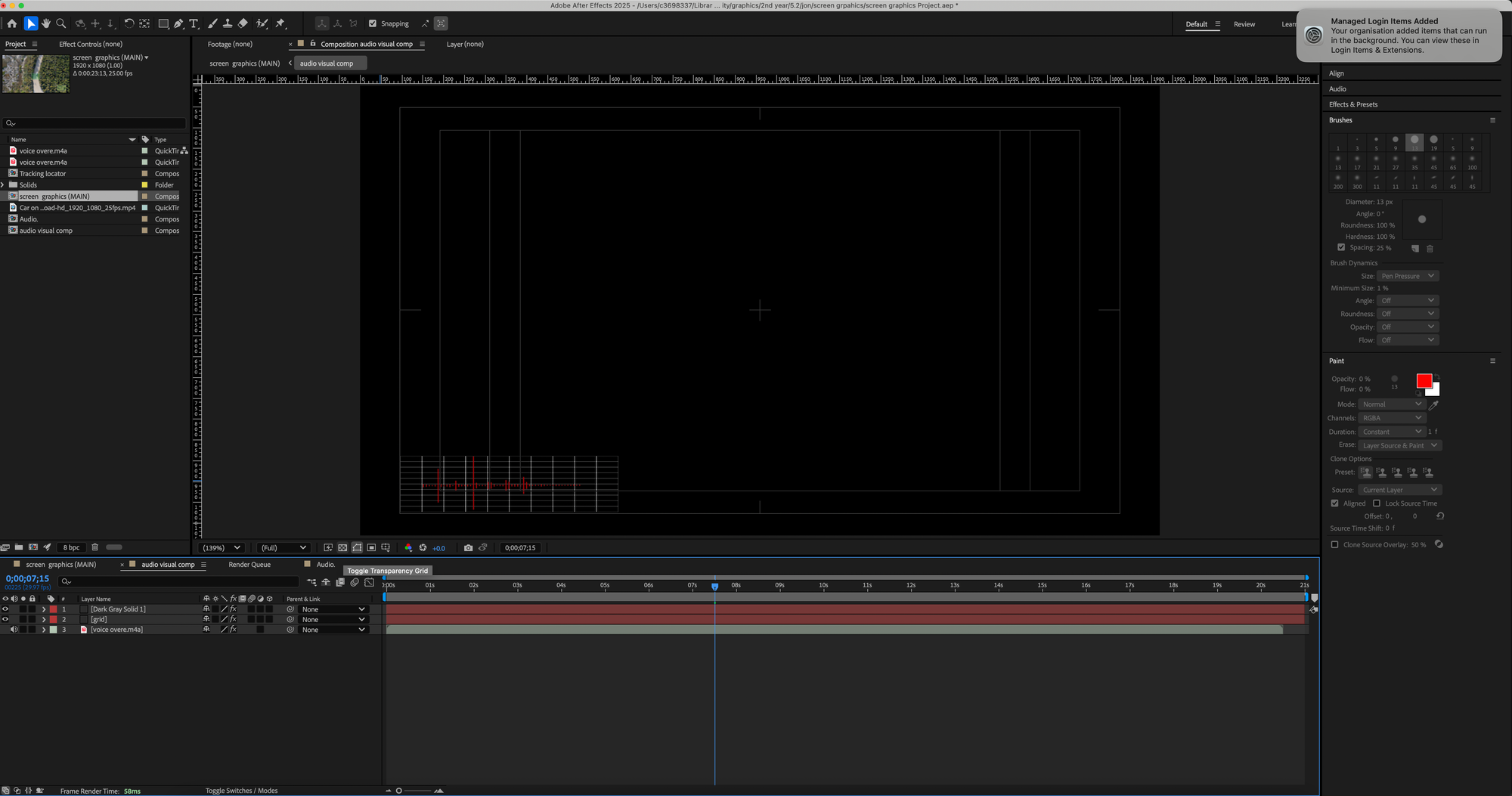
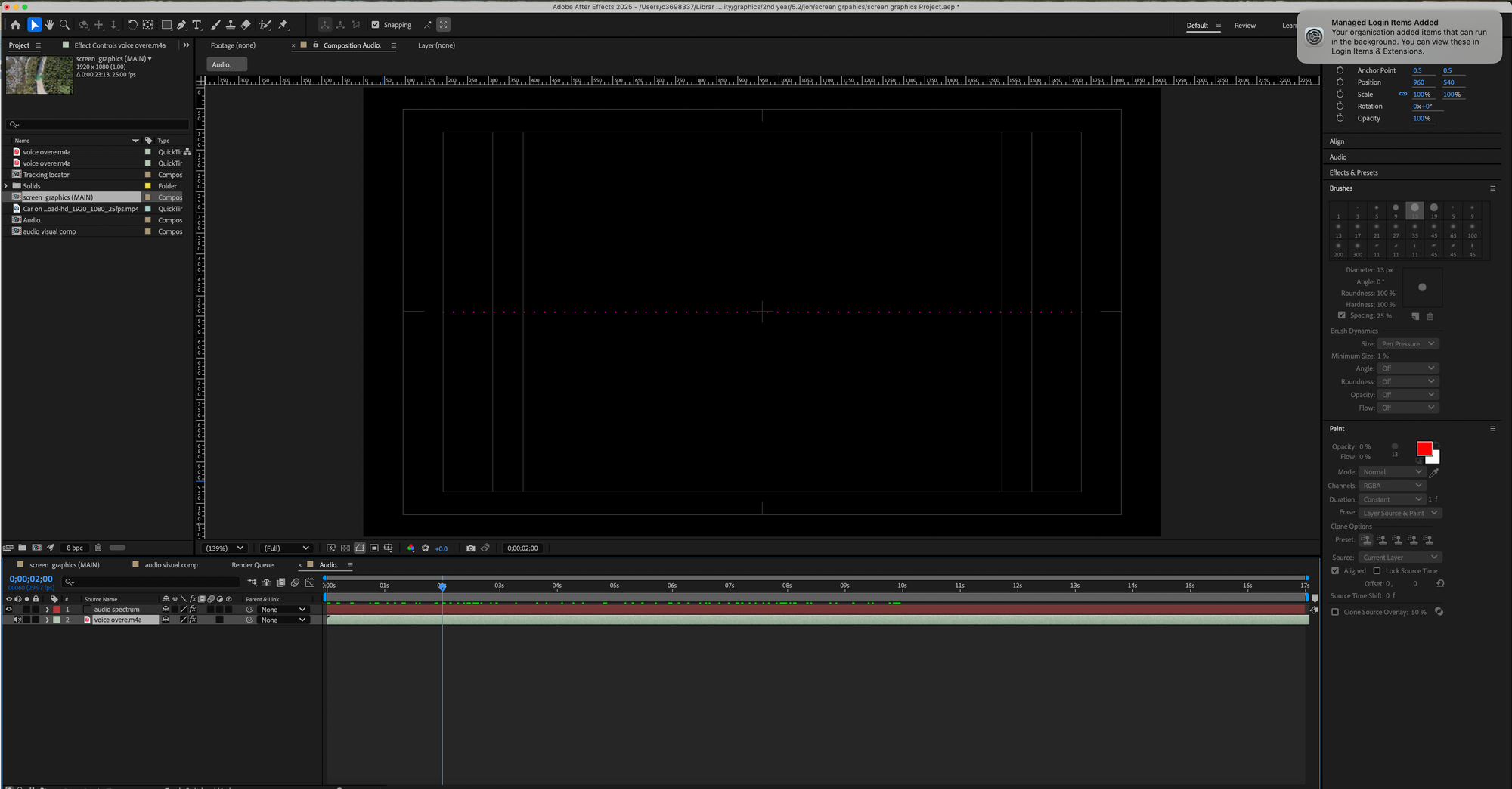
What do I like?
- It's new, so it intrigues me
- I like being able to zoom into each frame easily
- After setting the comp settings, it's helpful to be able to split the screen to display two different comps simultaneously.
What do I dislike?
- The complexity of fiddling with the stopwatch and the anchor point and making sure everything had a "parent". It was hard to make sure each component had the right features on.
5.2.6 Animating a gecko
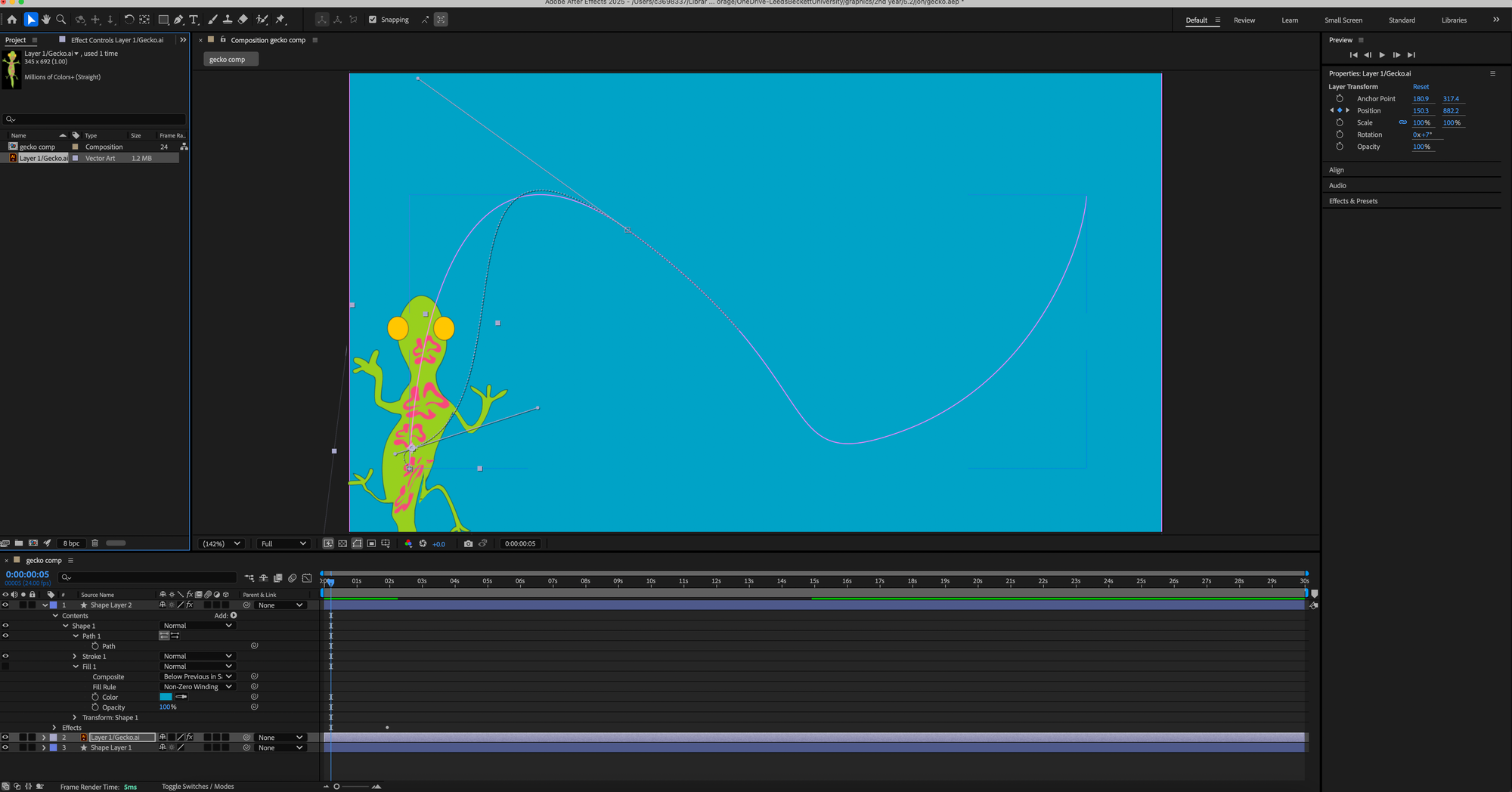
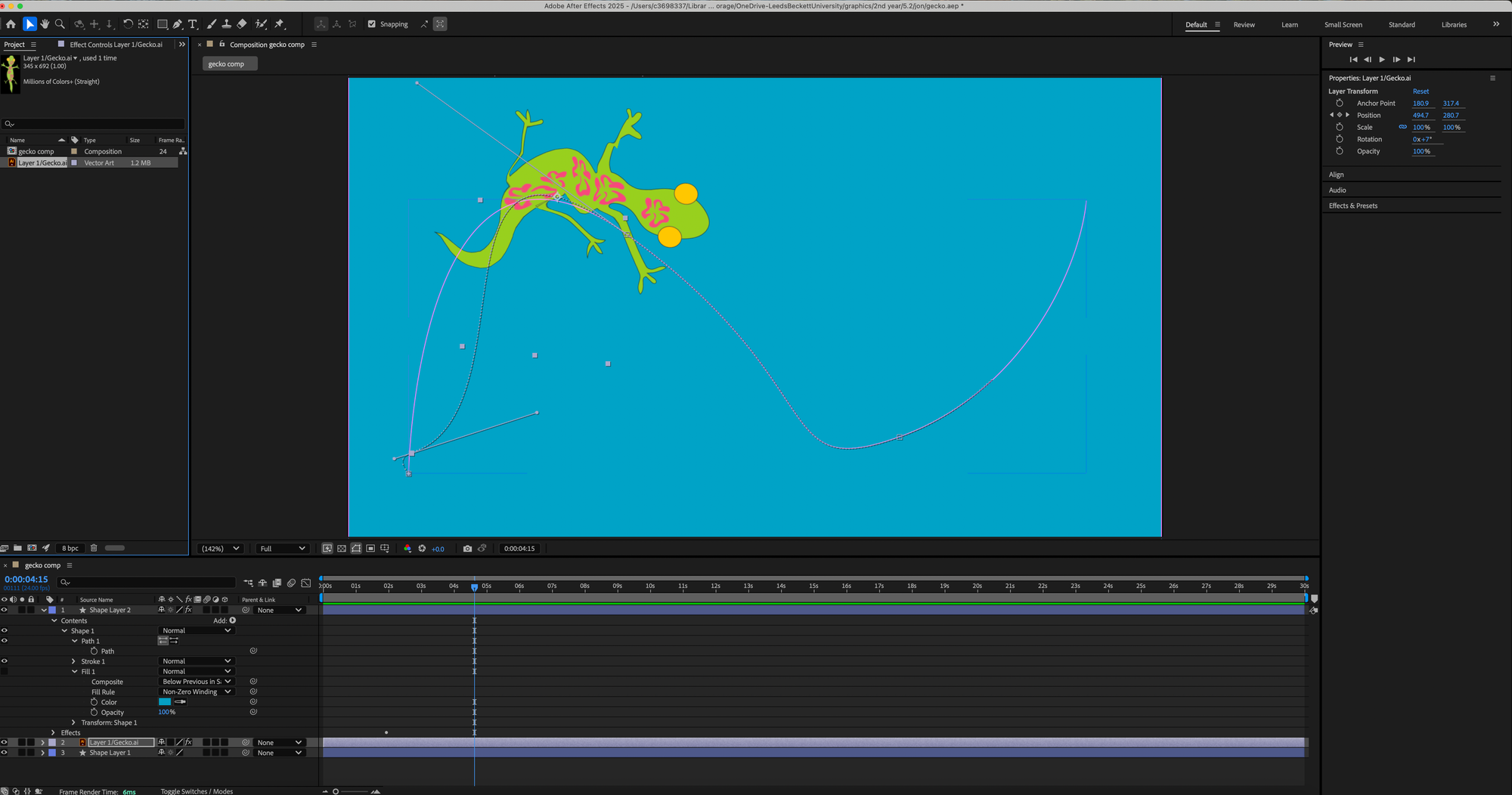
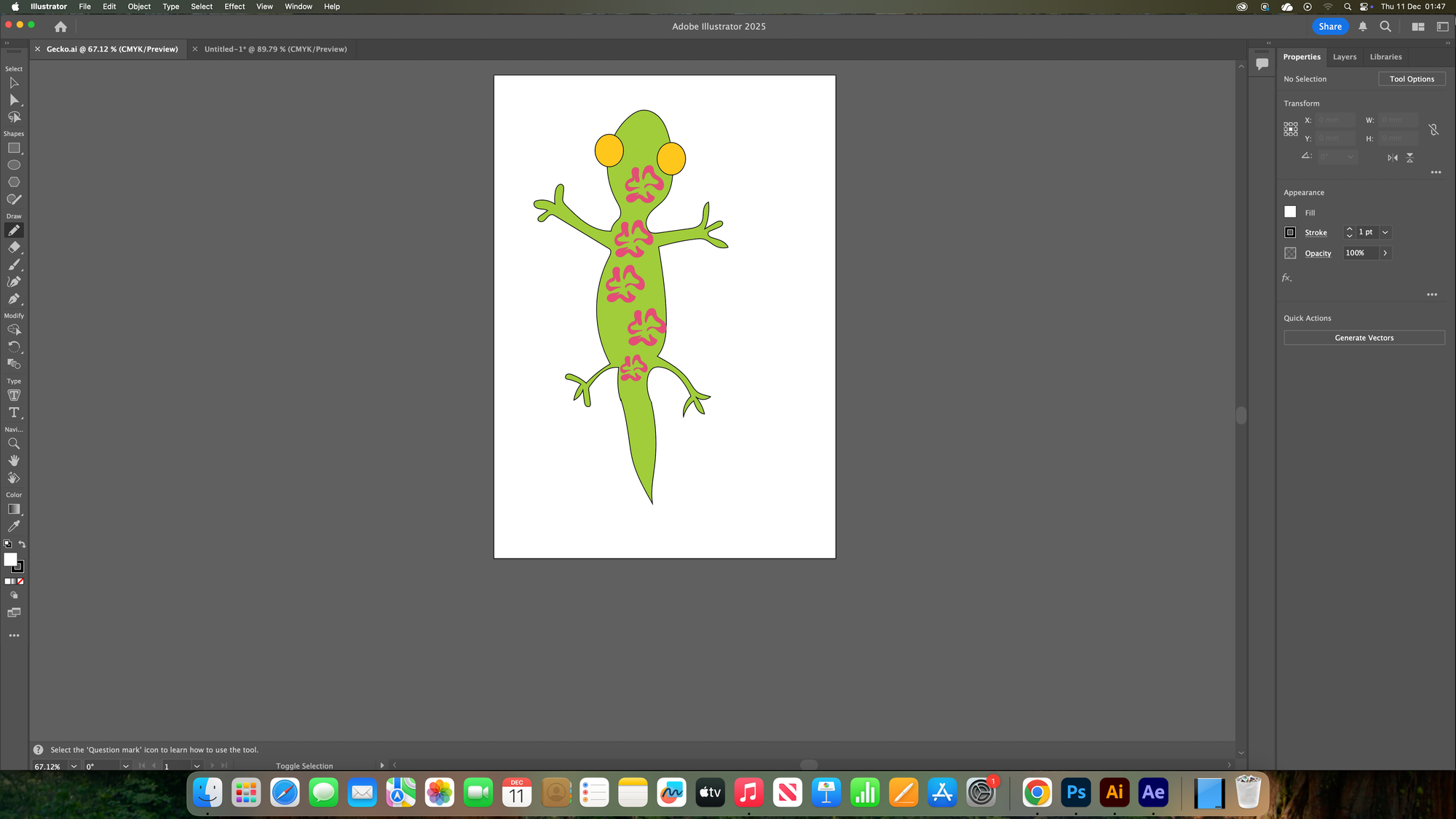
I didn't finish the project because it was only one session long, but this was really fun to make. I like being able to make the subject myself and full control over how it moves.
Wednesday sessions: Cinema 4D
Key notes
1- to move
2 scale
3- rotate camera pov
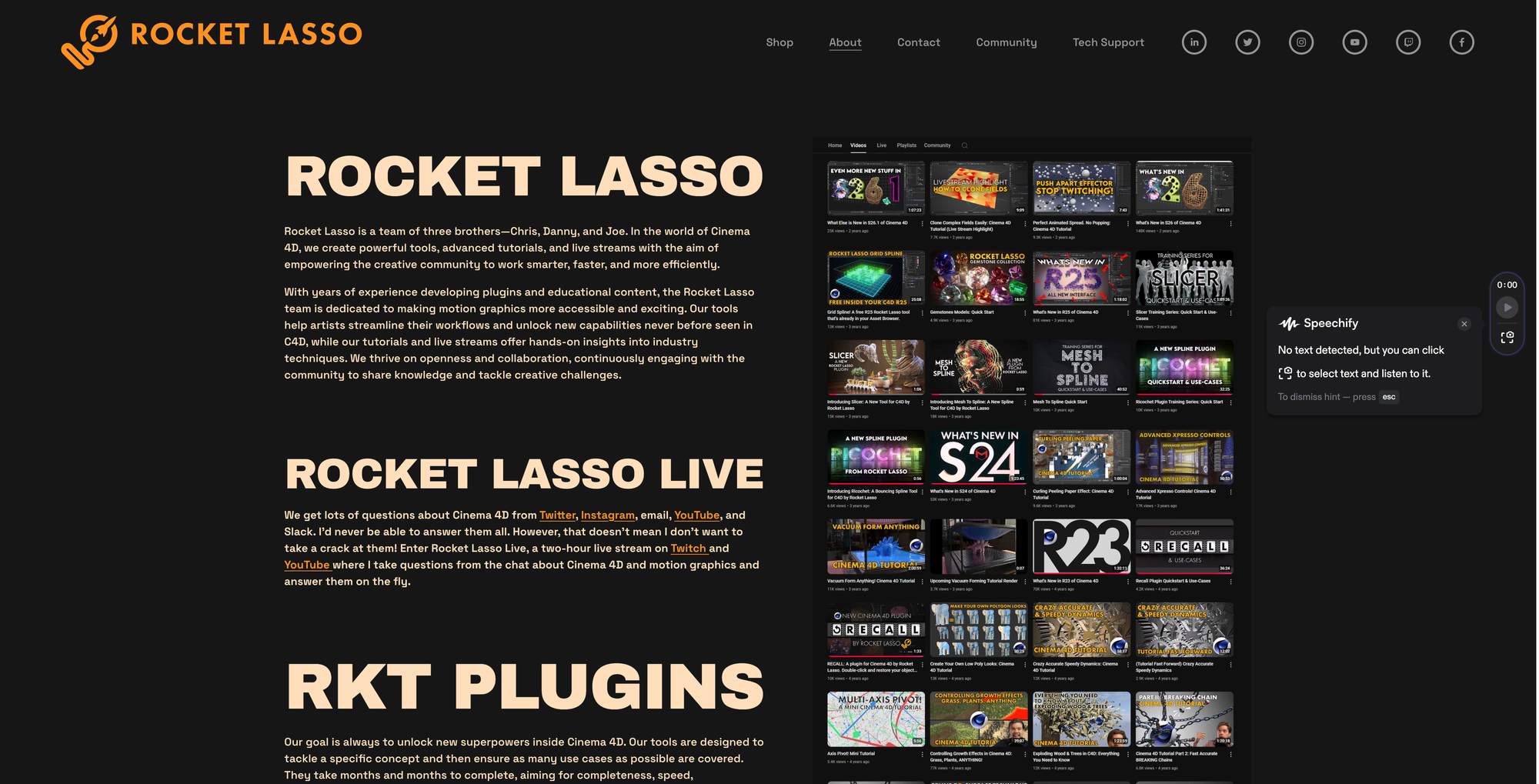
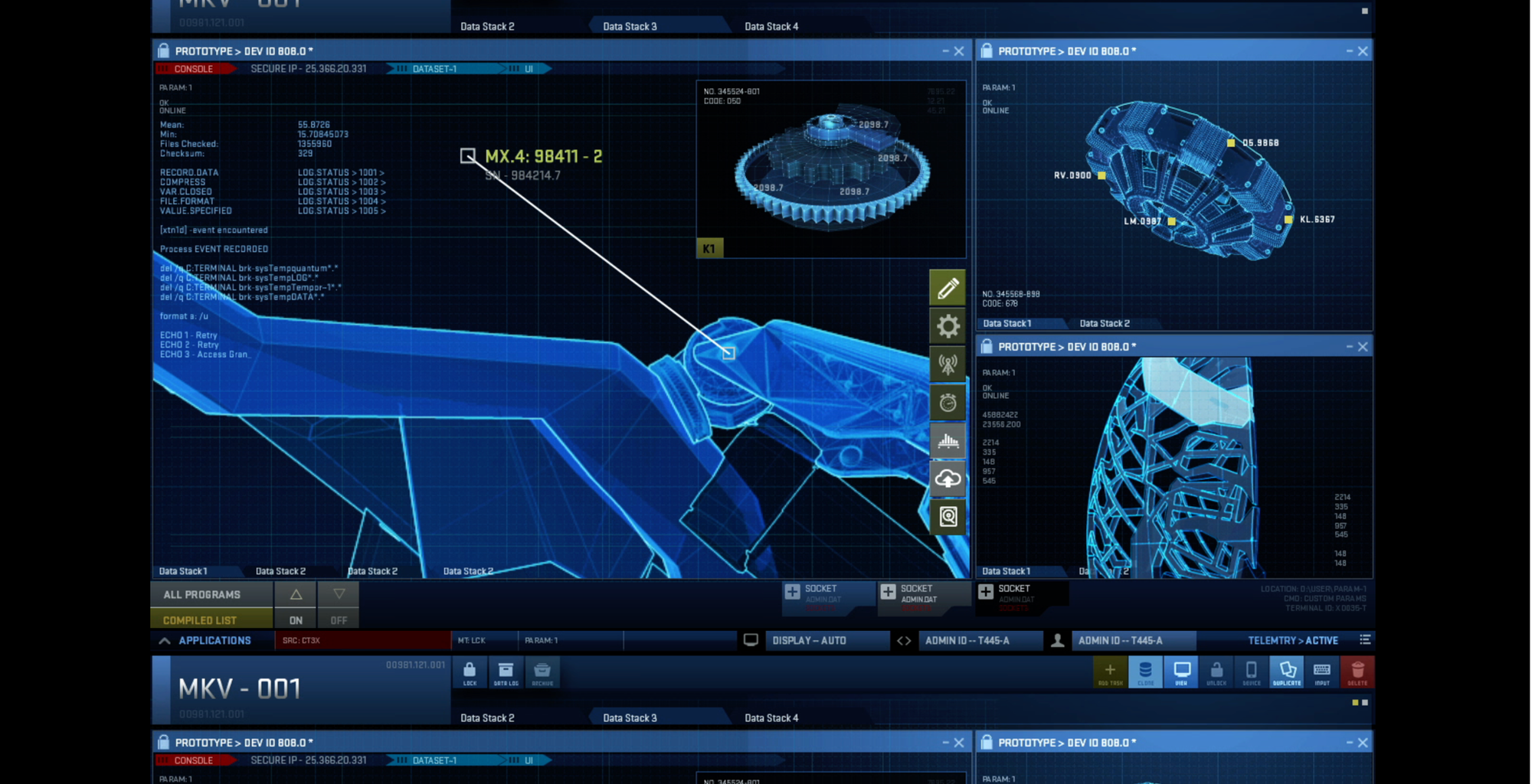
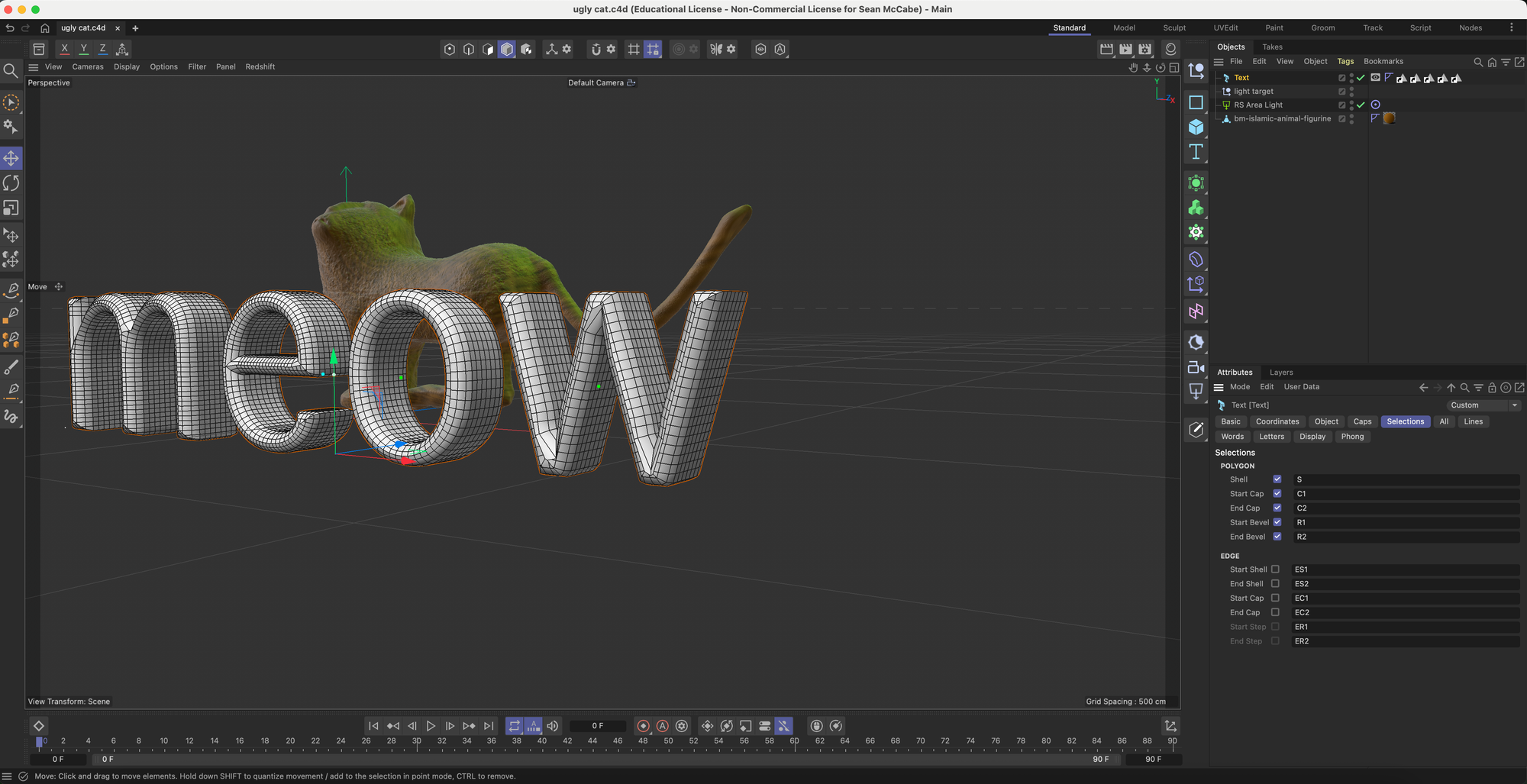
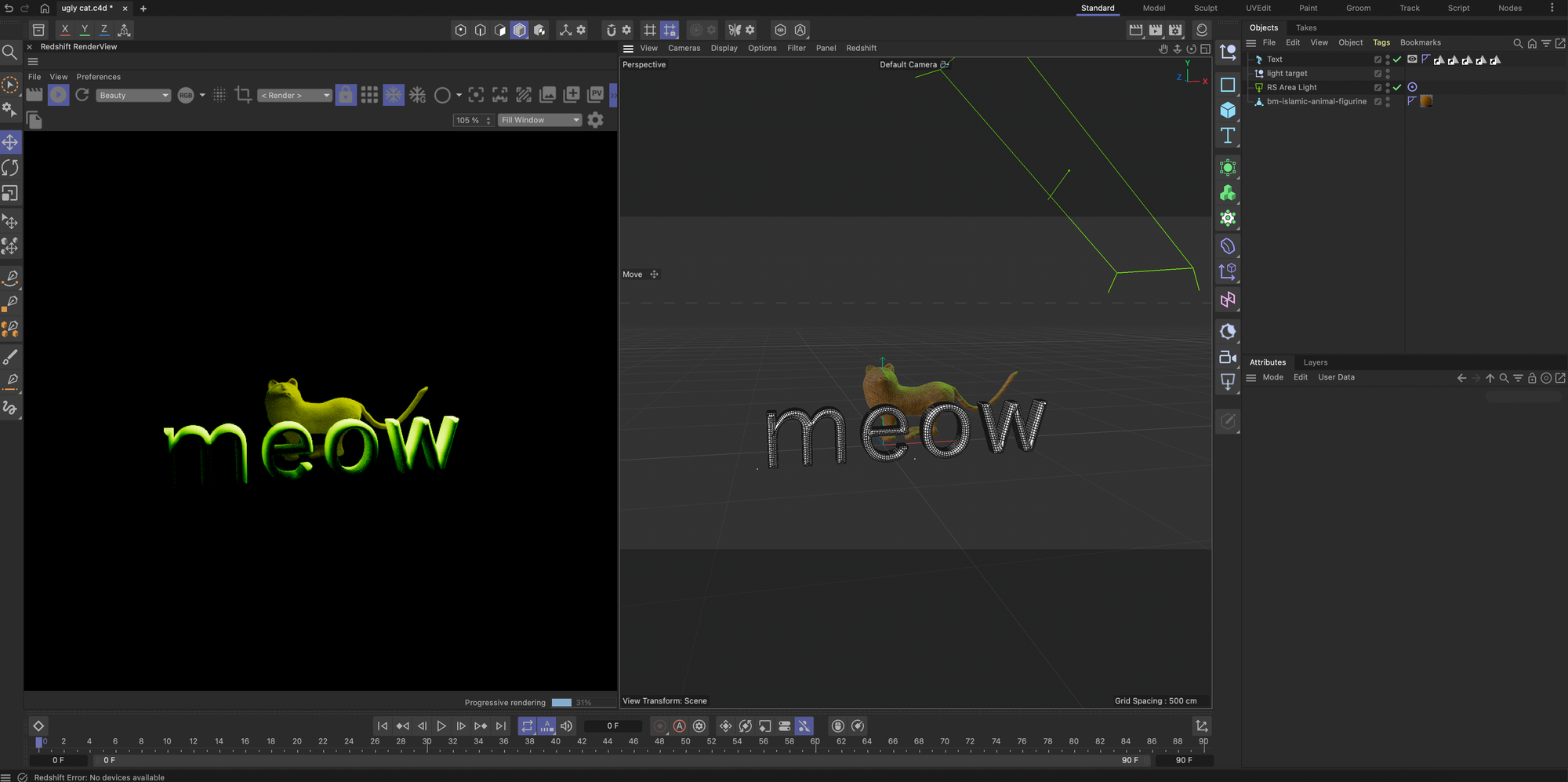
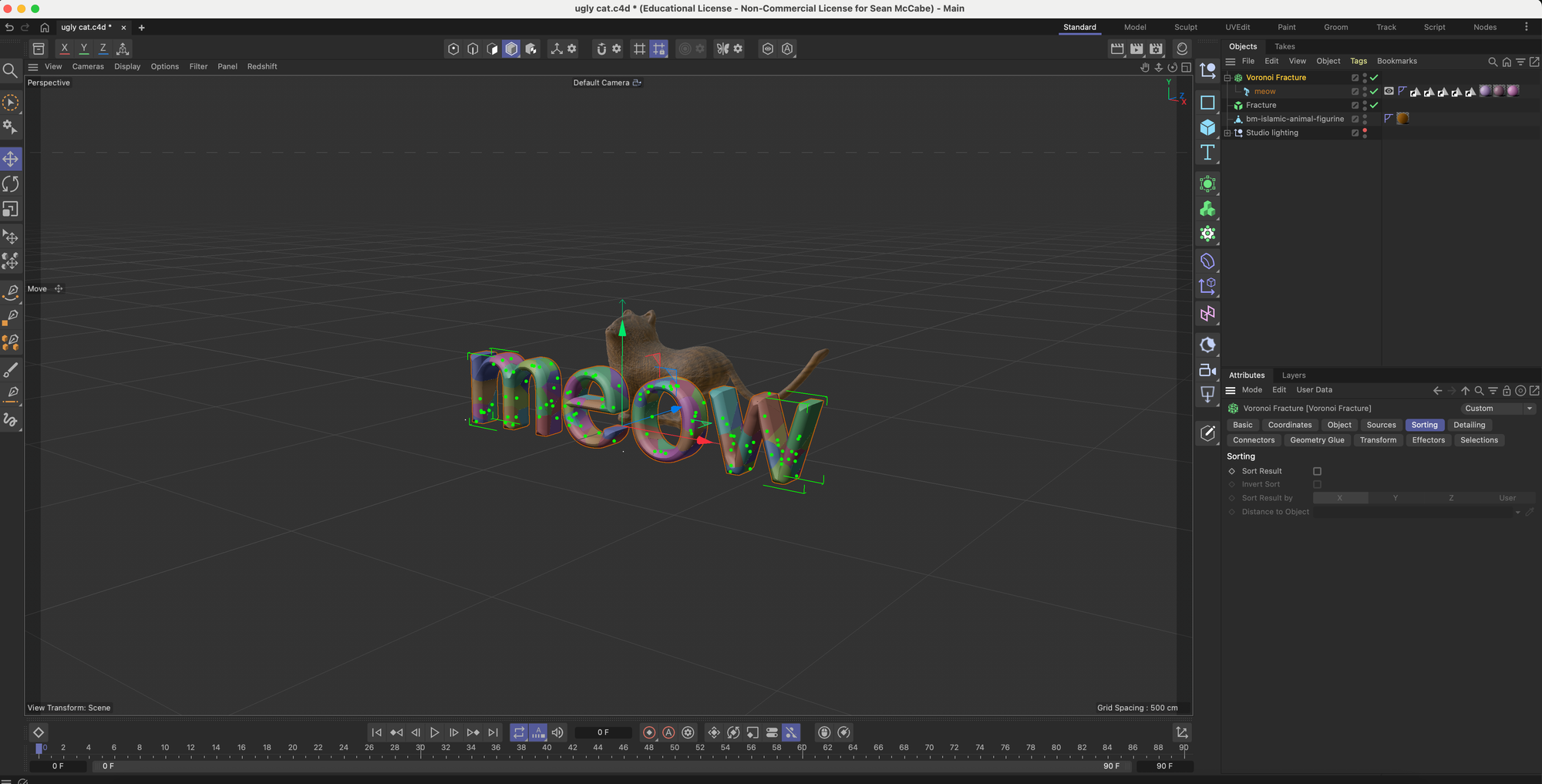
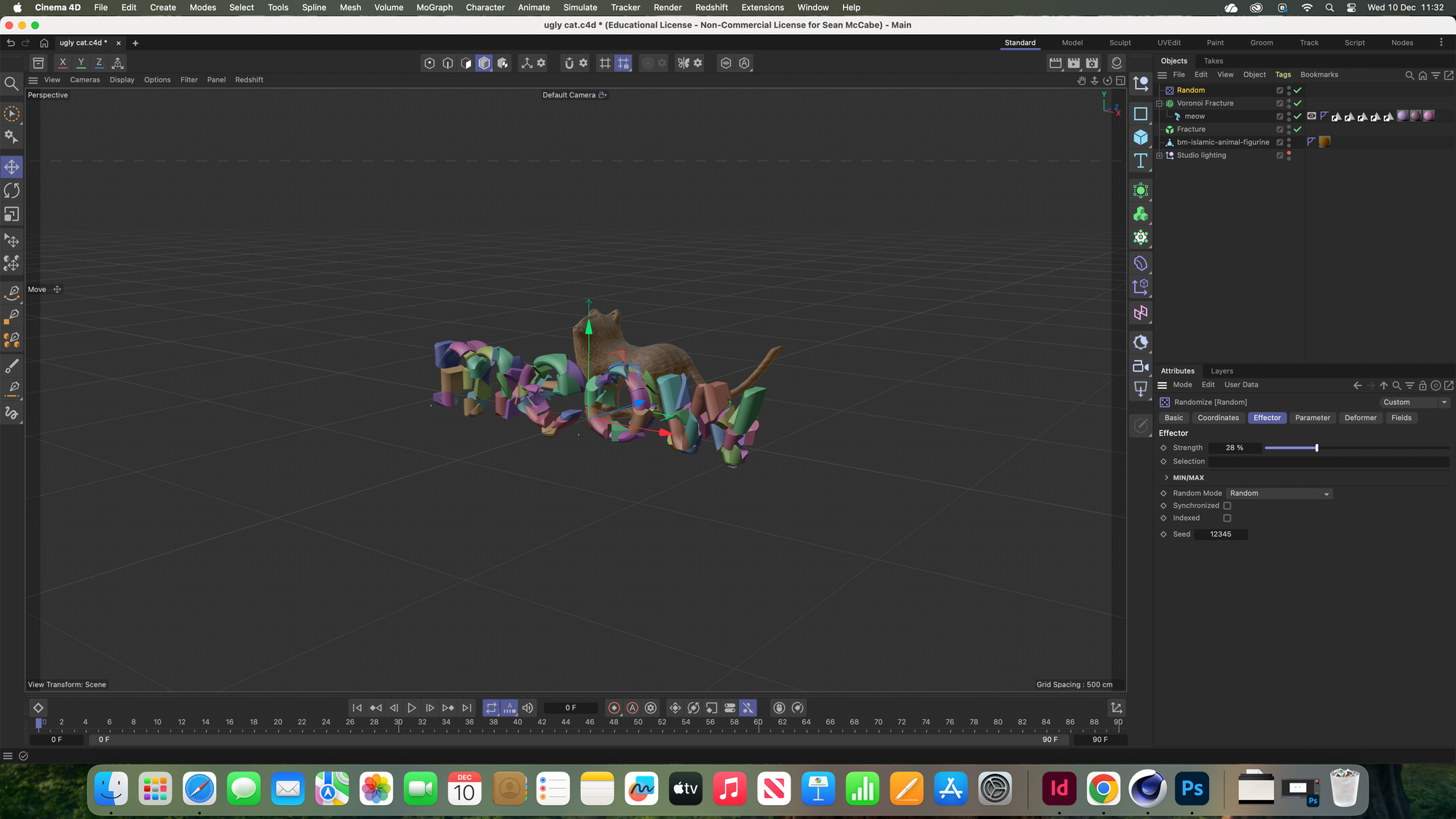
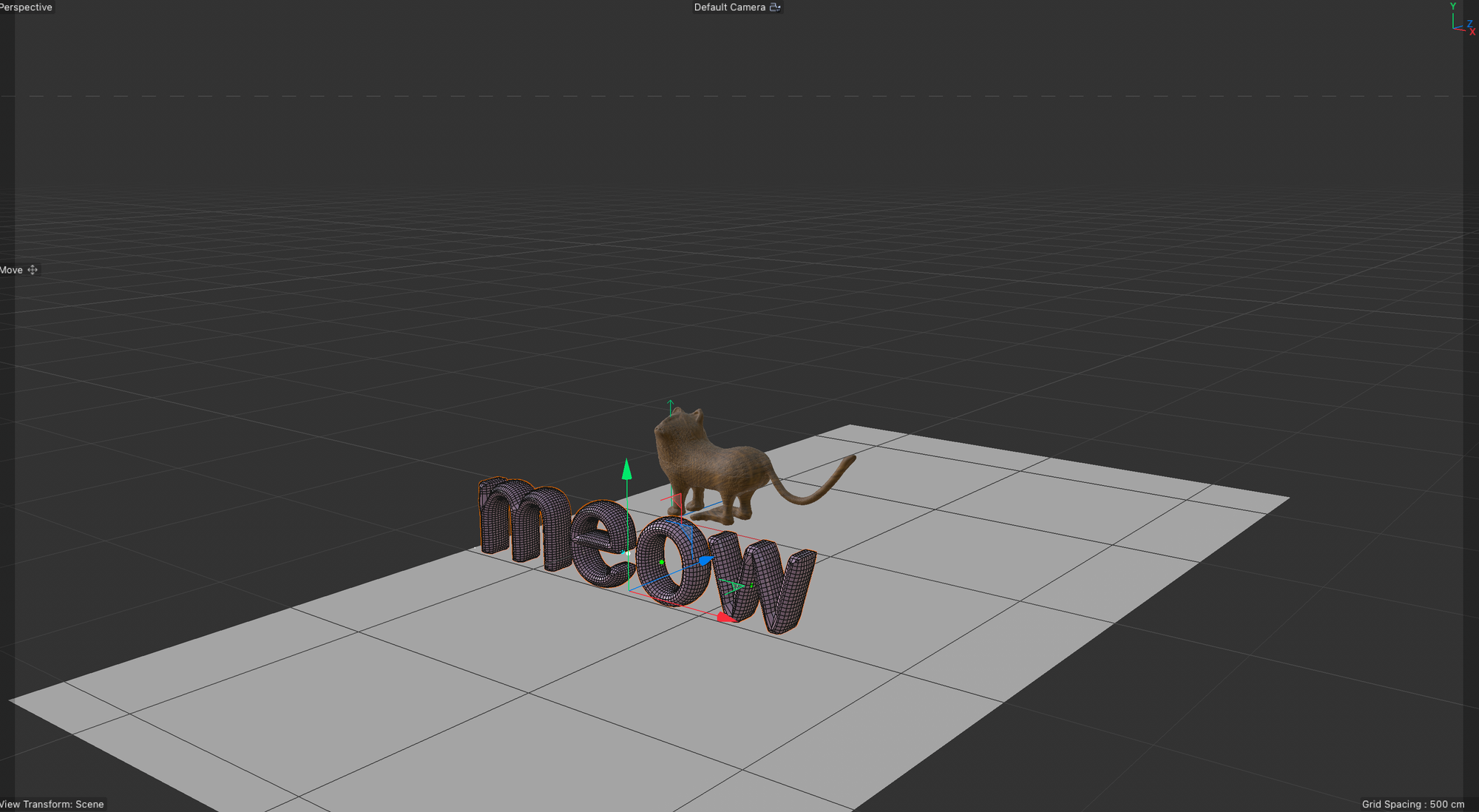
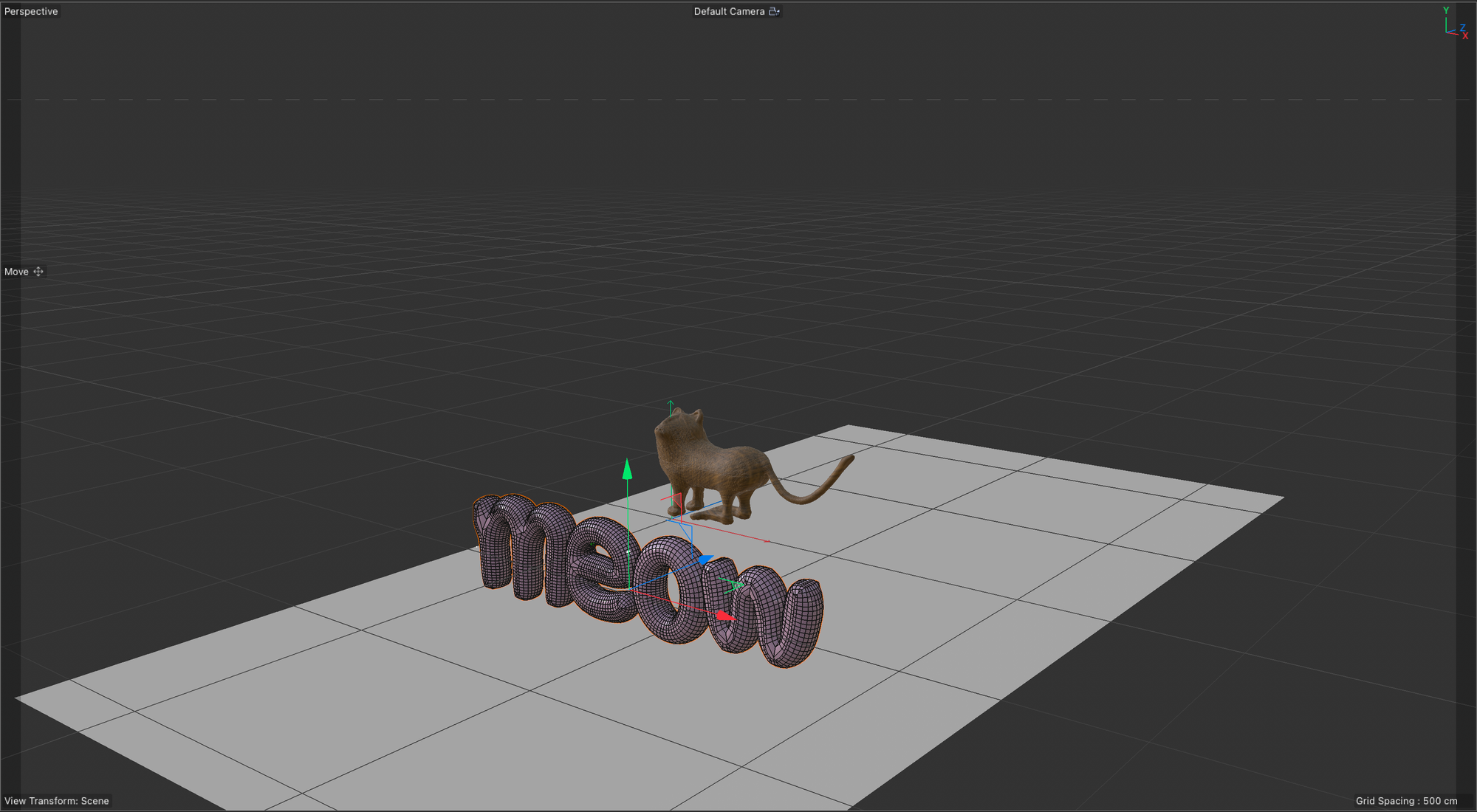
Reflection: (Halfway) It is really challenging, and it is hard to stay focused, especially in such long sessions, but the outcome is quite interesting. I like the interface; it is not as overwhelming as Adobe Premiere, and the icons do make it easier to use. I find that when it is colour coordinated, it is easier to navigate.
(End) I was struggling at the end to keep up with the instructions. I think I need written instructions, actually, to understand the procedure. I think the end piece is really cool looking, but the process is very tedious. By conducting a little research, Cinema 4D appears to require no extensions or plugins, indicating that all necessary components are already included. However, I do think extensions that can help with time management, so you don't burn yourself out, will be helpful.
