Workflow
When it comes to designing, that part where I'm immersed is during the process of ideating and curating (depending on the type of design I'm doing), just seeing where and how my work could go in terms of aesthetics and overall creativity, that is exciting to me. In addition to the visual research part, looking at other designers' work and what they do visually, their design language and the way they communicate that. Furthermore, developing is another part when I feel like I'm designing. This part can feel really tedious and difficult to manage, but at the same time, it feels like solving a puzzle, and that's what I think design is: generally seeing what works and what doesn't.
I often struggle with writing in general, and especially when it comes to researching. I tend to forget to incorporate chunks of it when documenting it. Overall, I'm not very good at articulating myself. I also tend to forget to document my off-screen work a lot.
I'm very inefficient when it comes to documenting and writing; I tend to get repetitive, and I get stuck for hours trying to write even the smallest paragraph.
When designing, I don't really have an obstacle generally, but a part when I get stuck is during the first bit of designing, getting down the tone and theme of my work, while also maintaining coherence. Usually, when this part goes well, everything else flows well at the same pace, but when it doesn't, everything falls apart. I think this part is mostly linked to how much time I have during a project and what I could do to maximise my work in a certain time frame.
I've looked into some tools that might help me when it comes to writing, but most of these tools don't really help that much unless it comes to grammar. I've tried multiple ways and looked into different tools.

Flow turns your voice into formatted text. This might help me with articulating myself and getting my writing done faster, rather than writing for hours on end.
I think this app was mentioned during the seminar. But I didn't know it could be used for improving my writing skills while also organising my notes and links, since im not really good with documenting either. It can also help with managing time, since I've been struggling with it lately. I tried using it, and it is easy to use. I think this would really help me in the long run.


This tool helps by creating colour scheme combinations. I usually spend quite a while trying to make my colours look coherent.

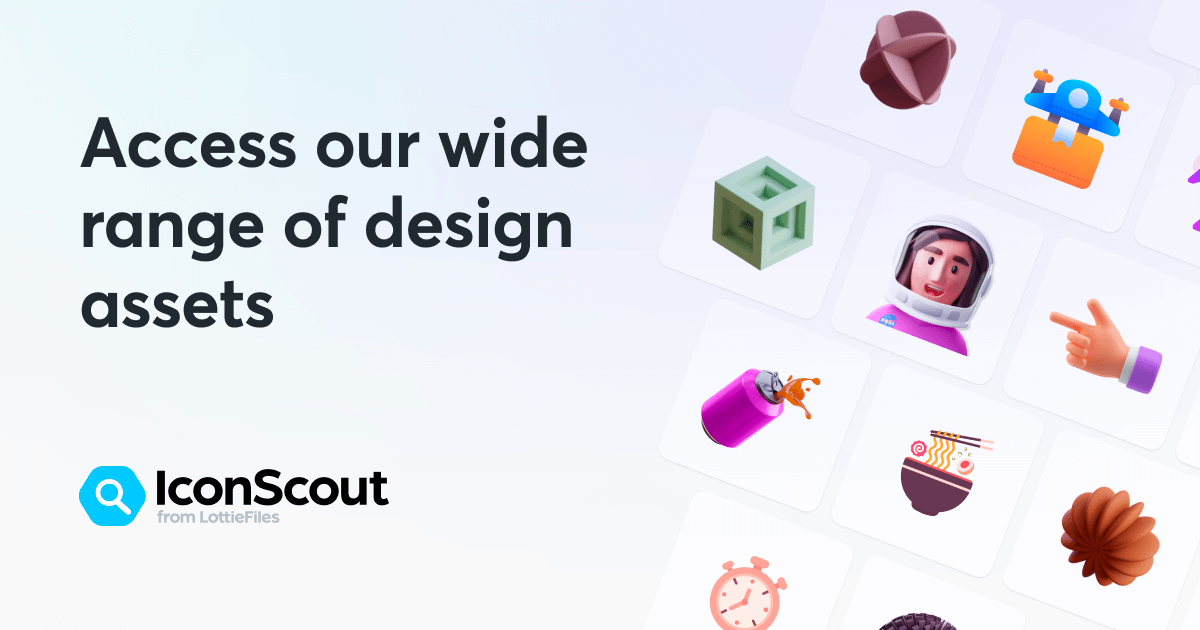
This is a bit random, but this app has a lot of icons, illustrations, and animations from designers around the world, and I think it's very cool.
Response to the article:
Ultimately, I think AI can't replace human creativity, since the very foundation it's built on is us, while AI could be used to enhance human work by generating and guiding a certain outcome or process, it doesn't make that much of a difference unless it comes to efficiency. I've witnessed AI produce the same-looking (popular designs) designs in my social media feed, and it just helps reinforce my previous opinion. “Then we pivot to taste, but taste alone isn’t resilient either. You can train a model on what’s tasteful.”
Personally, I think being overly reliant on AI is inherently good or bad, unless we're talking about its environmental impact and its impact on the creative industry. AI, at its very core, is made to serve humans with efficiency, not replace them.
This subject is a bit iffy for me. While I do think AI can help guide me creatively by generating ideas, coming up with quick solutions, and iterations of my work, I just don't think there is a big difference when I do or when AI does it (Unless it is efficient, obviously). Also, I might be a little biased since a big part of why I like designing is coming up with ideas myself and seeing where these ideas could go.
Generally, I think designers should keep hold of their unique design identity while giving the tedious tasks to AI. The role of a designer is shifting from a more creative-based skill to a more strategic curator by utilising AI-generated ideas. AI mostly strengthens the designer's role by removing repetitive tasks, in doing freeing up time for more high-level work such as problem-solving and strategic thinking.
