After Affects
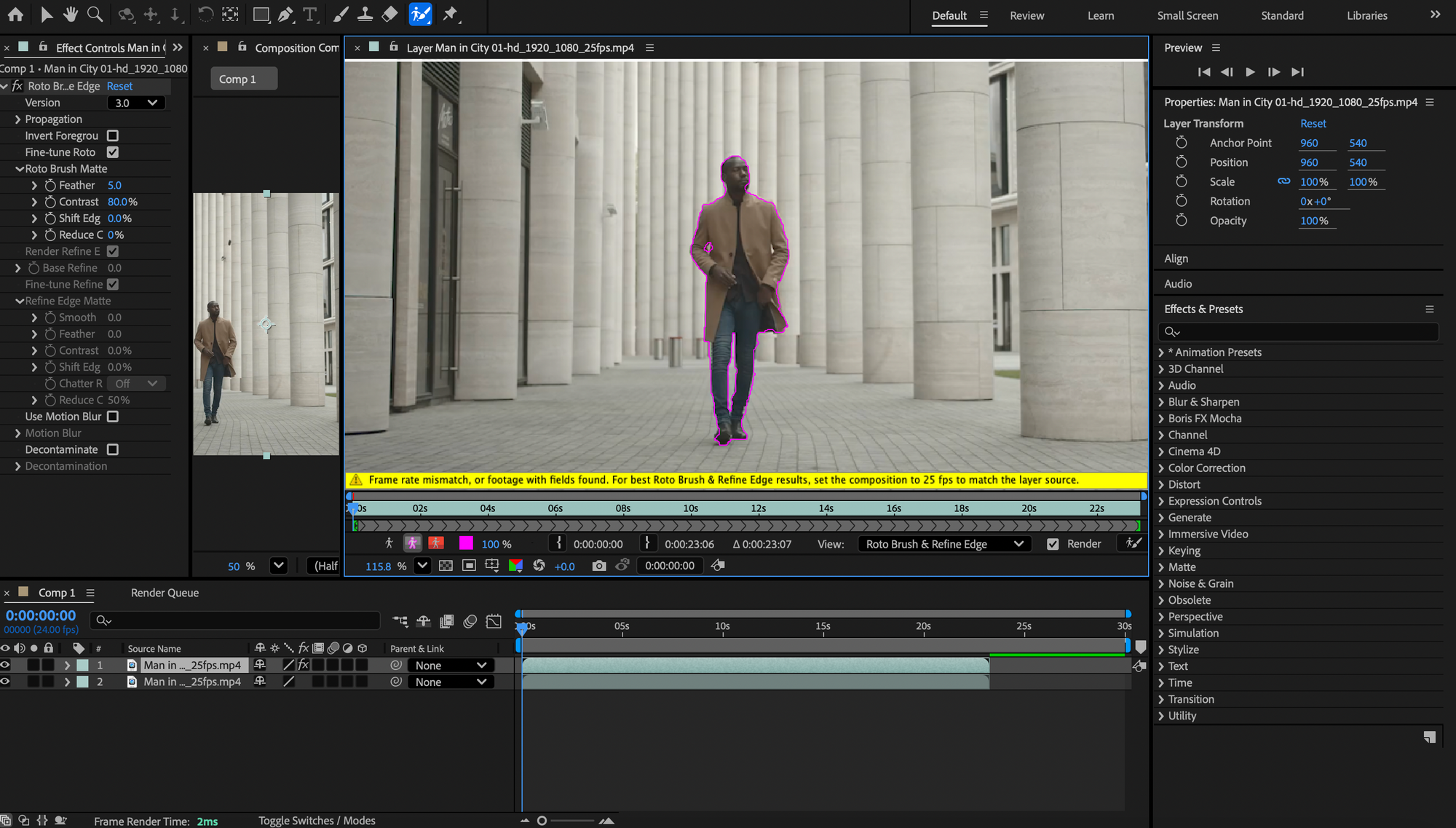
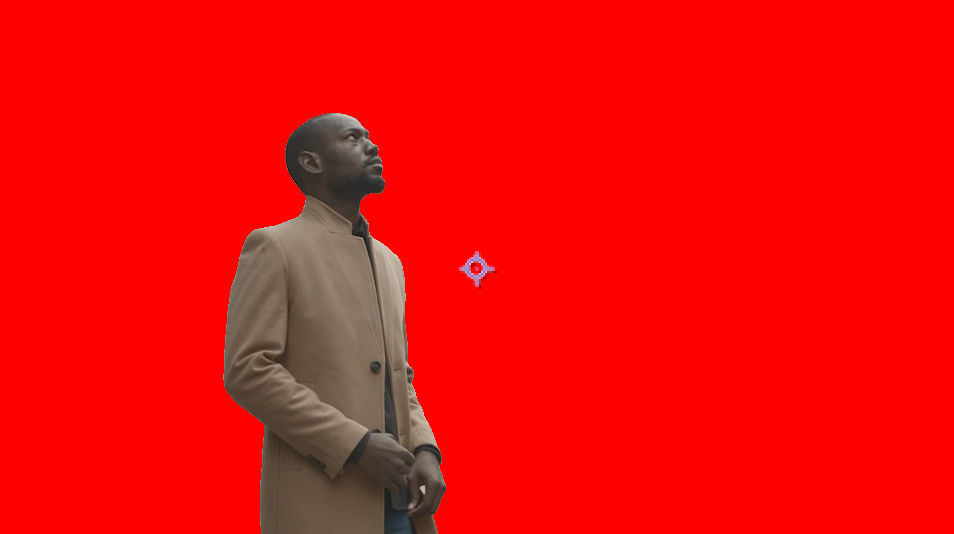
In our first session of After Affects we focused on rotoscoping, this technique looks very useful. The second session was more complex, adding more key frames and layers. Learning how to track an object was really fun and definitely shall be implemented further in my future work.
After Affects animation
Then in our last session with John we learnt how to animate an illustration in after affects, first we drew a simple gecko in illustrator and transferred it onto after affects. We then simply moved the gecko one limb at a time to create a crawling animation. My outcome looks a teeny bit insane but its definitely a useful skill to have and i can imagine using this another time.
The final outcome of my gecko crawling animation
Here, i used the rotoscoping tool to rotoscope my blender animation and also added the plastic effect to make the specimen look more like a magazine glossy print.
