5.2 Process Document
5.2.1 - Initiation
Neurodivergent Campaign
Monday task
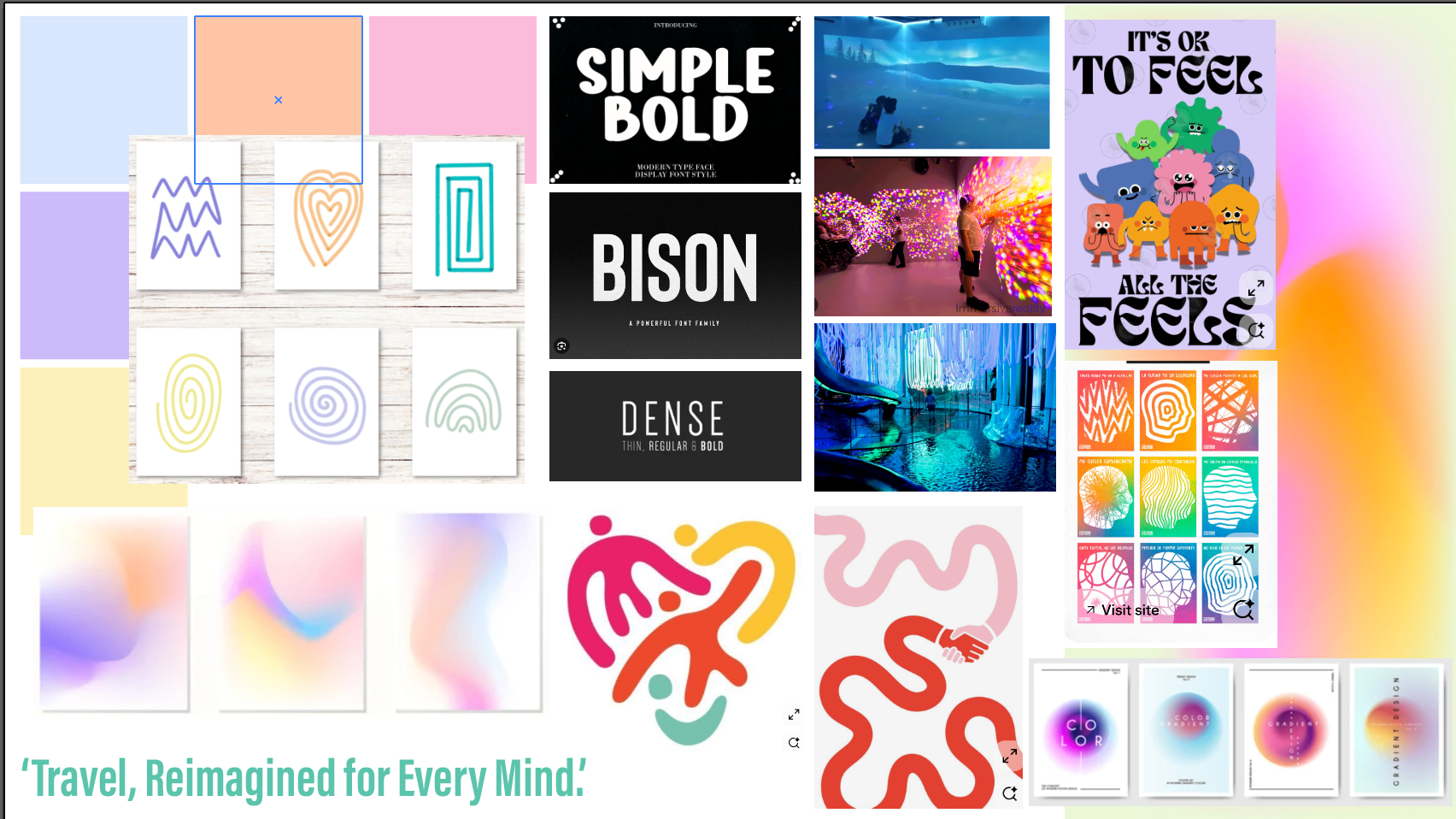
I didn't enjoy this task as much as the others. I don't think I understood the brief properly, I think I was trying to solve the problem instead of making people aware of the challenges neurodivergent people experience. Also the fact we didn't have much time to do this task I think stressed me out a bit so I feel like I couldn't think of any good ideas.
Animation in Photoshop
Jon's Tuesday session
In this session we used a Wacom tablet and practiced drawing with it on photoshop, it was hard to get the hang of at first but with practice I managed. Then we practiced moving the frame and changing the drawing to make it look like its moving. I enjoyed this task because I was incorporating drawing with animation so when I got home I ordered myself a Wacom tablet so I could make another animation. I didn't know that you could make animations like this in photoshop so I learnt a lot and will defiantly be using this photoshop feature in the future.
5.2.2 - Innovation
Media Diet
Monday task

I looked at some website designs I liked, I think my favorite is the Lando Norris website, I liked the interactive features when the helmet appears over his face. The other websites I found are also very interactive which I like. I liked seeing what fun things can be done with websites and how they can be engaging and interactive.
Figma Plugins
Tuesday task
In this task we used a plugin for Figma called Jitter, this is an easy was to animate Figma designs. There are some preset animation options that you can edit a little to your liking. I enjoyed making this and experimenting with Jitter and the different animation elements. I think this is a great website to be able to create easy and simple animations but still look professional. I will defiantly consider using this again in future projects.
Rotoscoping/ Title sequences
Jon's Tuesday session
In this session we used rotoscoping to get a mask of the man walking, this basically removed all the background and left only the man. Then when you place the video of the man on top of the full video you can add in the text so it appears to be behind the man walking. I found this session confusing as i'd never worked with any of these tools before and have very little experience with after effects. The session was going really fast and I had to pay very close attention to what buttons he was pressing, because if I was looking down at my laptop for too long i'd miss steps and it was hard to catch back up again because I wasn't sure what he'd pressed to do that step. Overall I think I did manage to keep up with what he was doing for the most part and I liked exploring new tools so I can use them in my future work.
5.2.3 - Implementation
Screen Graphics
Jon's Tuesday session
This project actually took 3 sessions to complete.
5.2.4 - Automation
Website Experimentation
Monday task
For this task we were asked to look at different websites, experiment and test out what they do.


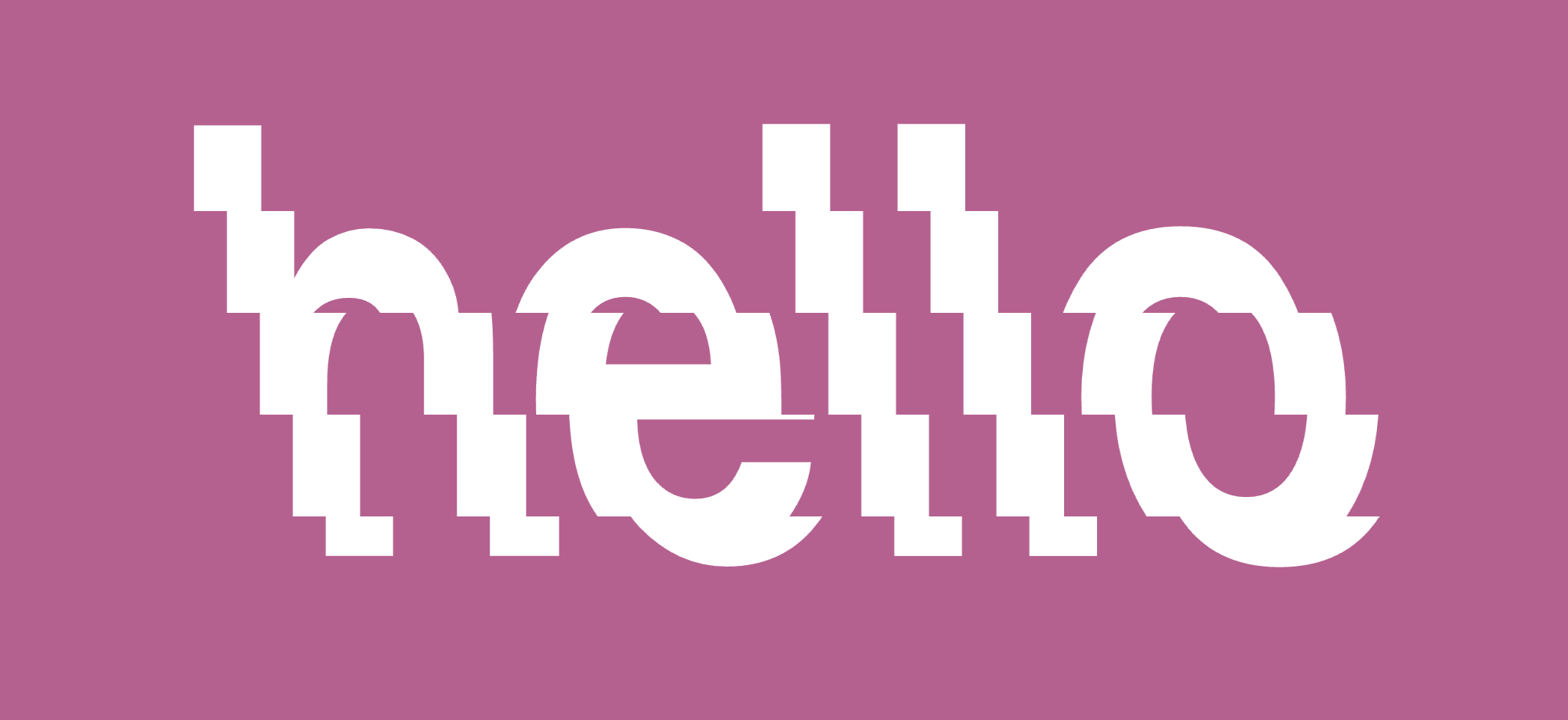





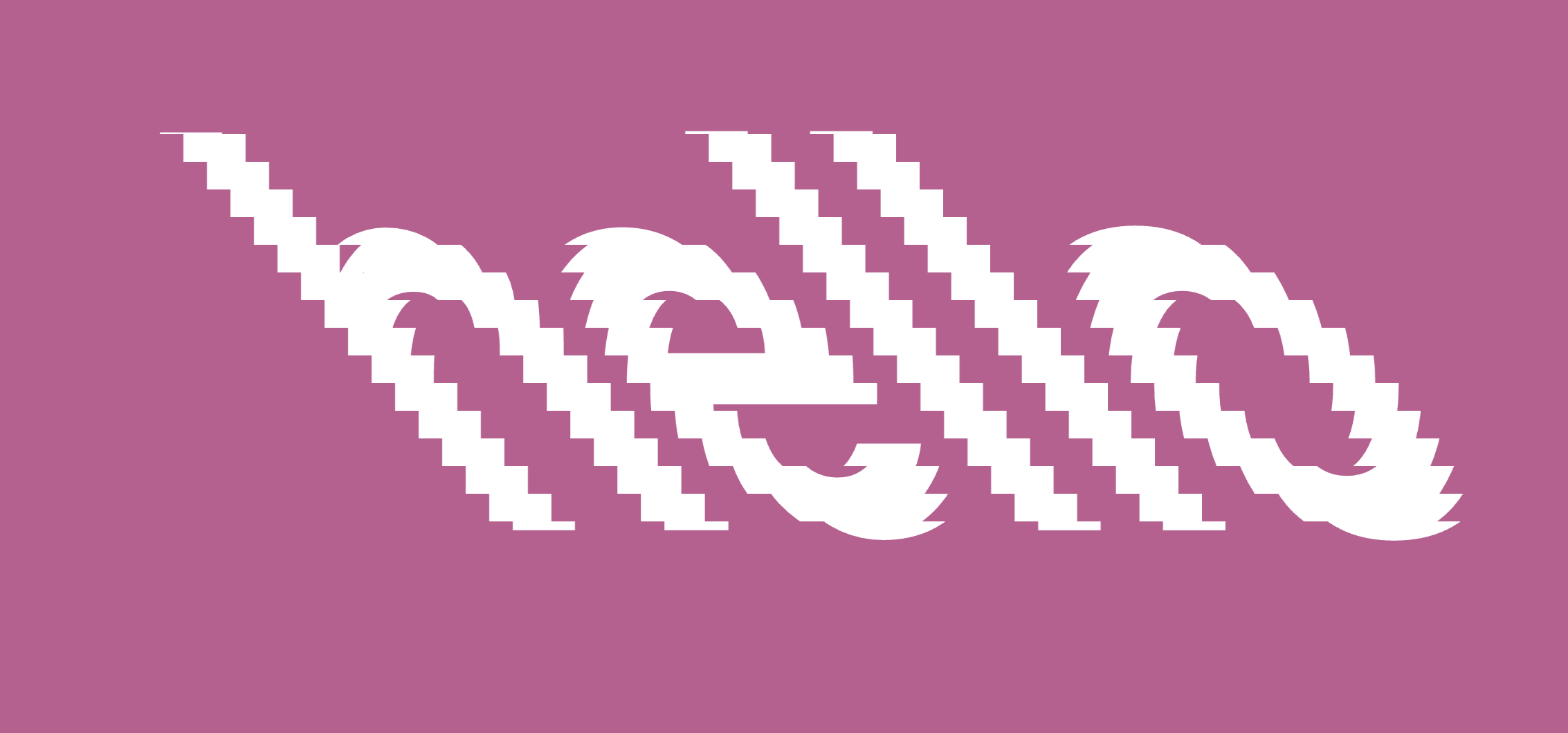
This website was called Type tools, you can type whatever you wanted then they had all these different effects you can apply. Then control how they look in the side panel, for example these orange ones are made up of lines. You can change the direction of the lines, how many lines there is and you can invert it making the lines inside or outside the text. Some are interactive like this blue one with pixels, you can decide if you want round or square pixels, then when you move your mouse over the pixels it looks like they disperse.
This is a website called Munken, it lets you type some text then it animates it. You can change different variables such as the angle of the text, how large it is, how it animates and the colours.
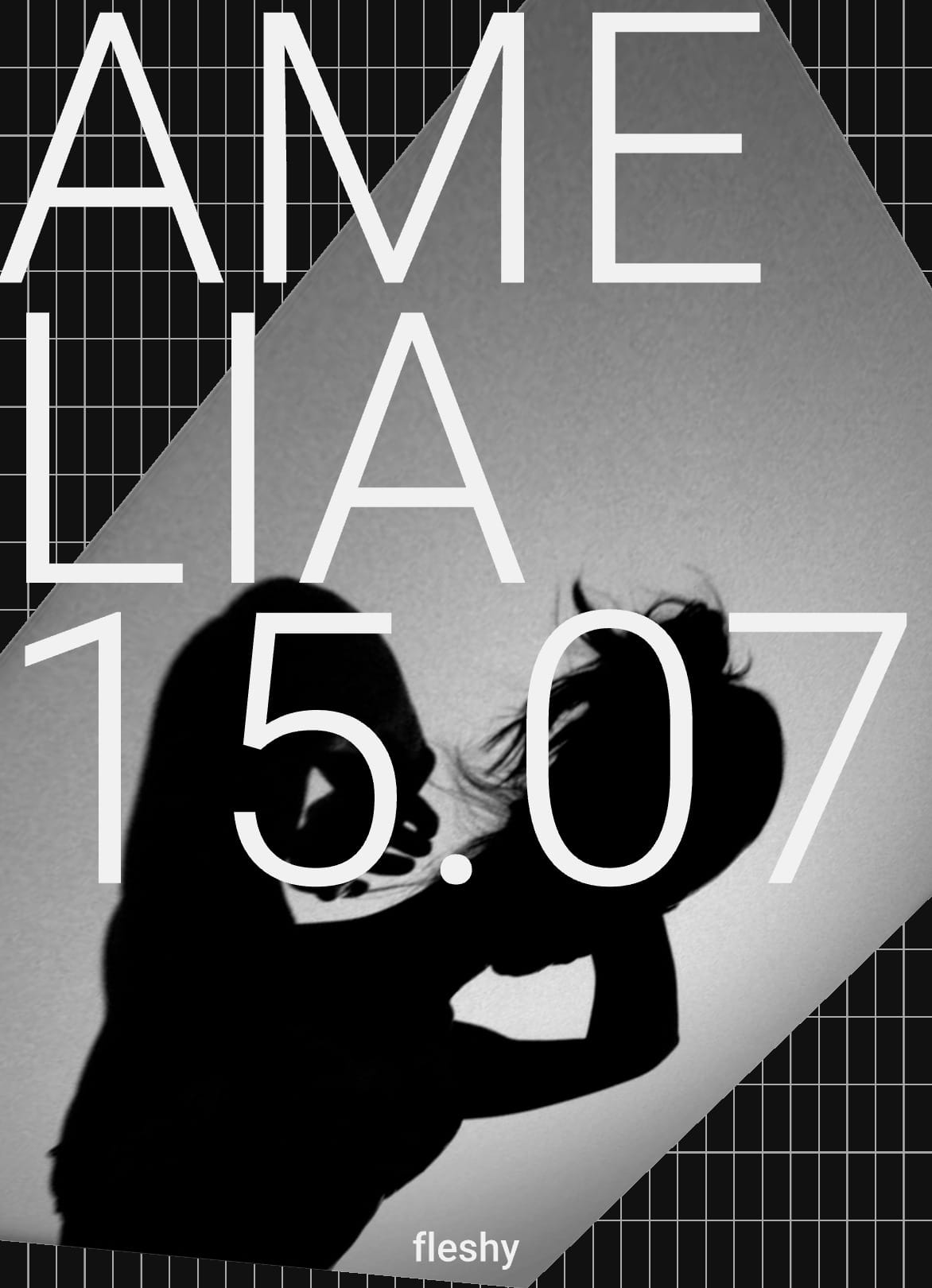
These are some more website experiments.
I think this was useful because I didn't know you could find websites that make these cool animations and text for you to play around with.
Processing workshop - One Hundred Covers
Tuesday session
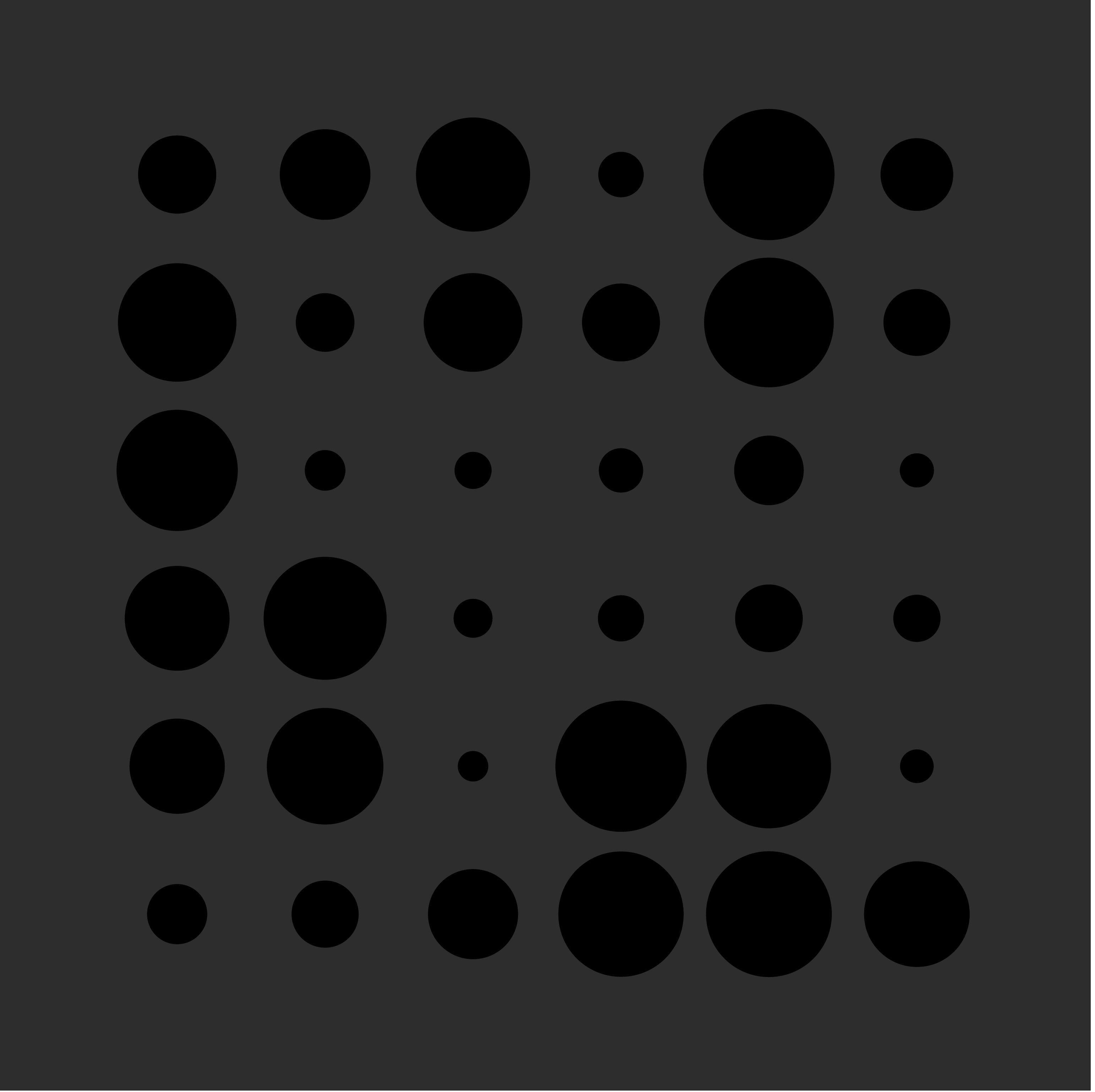
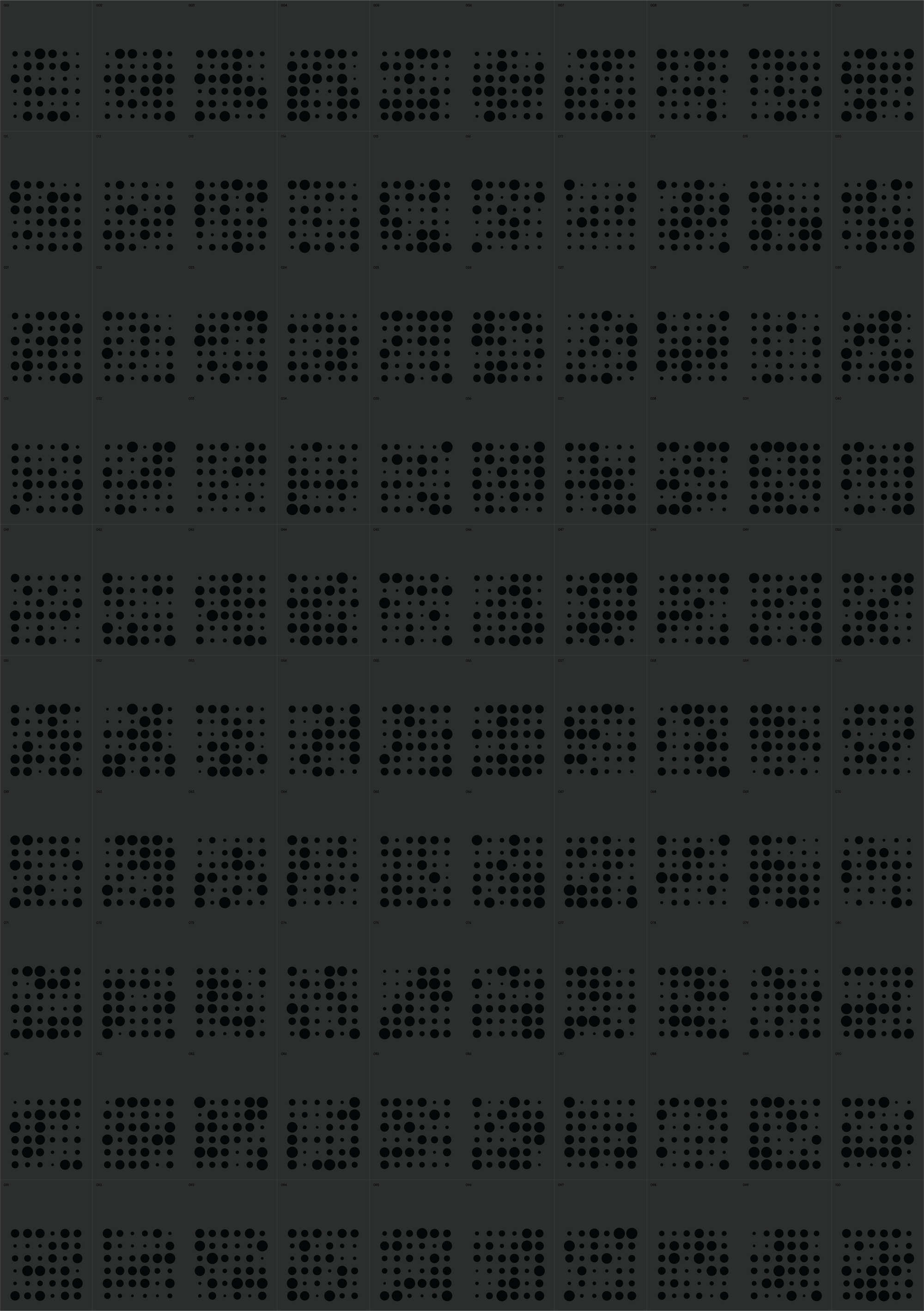
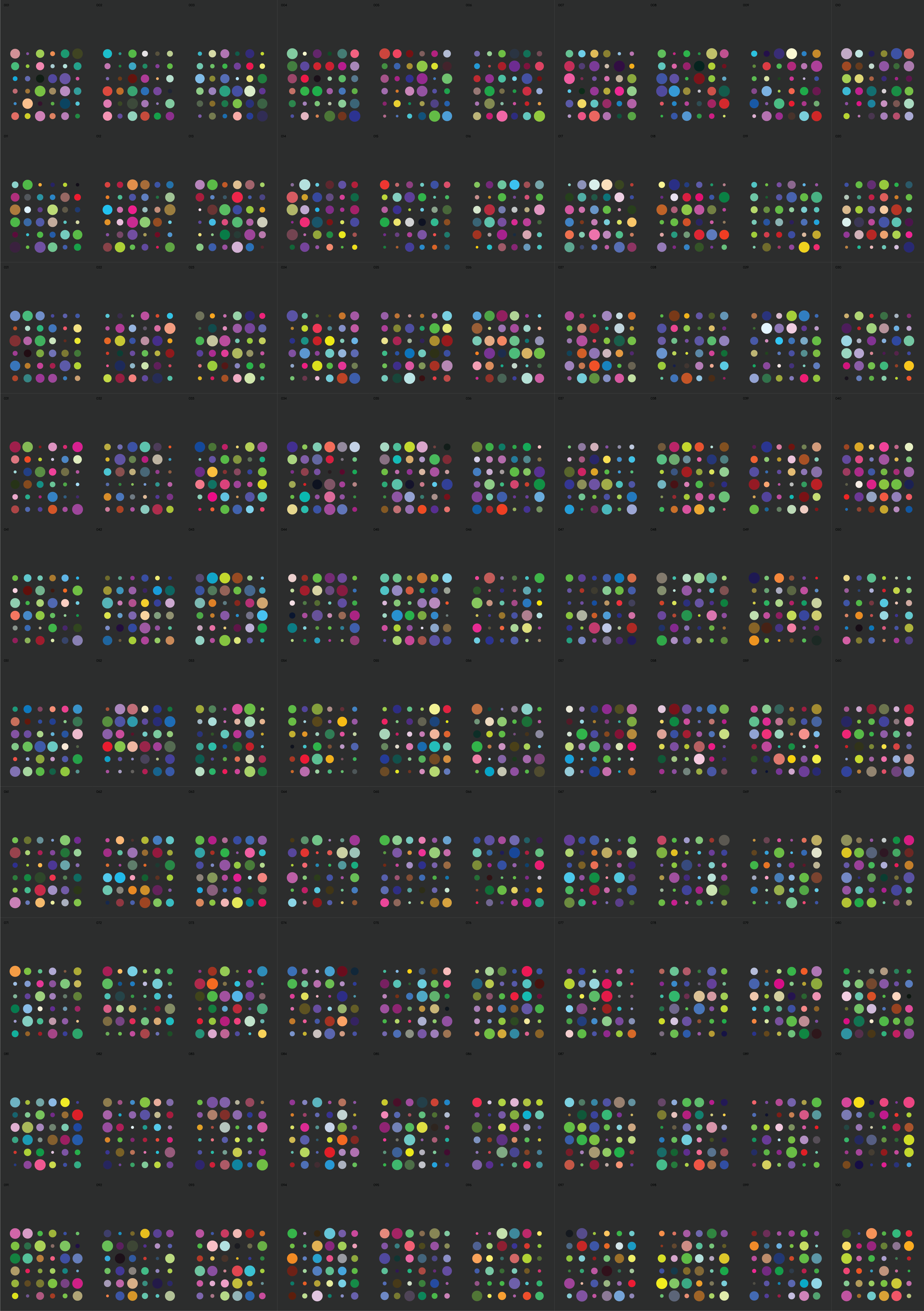
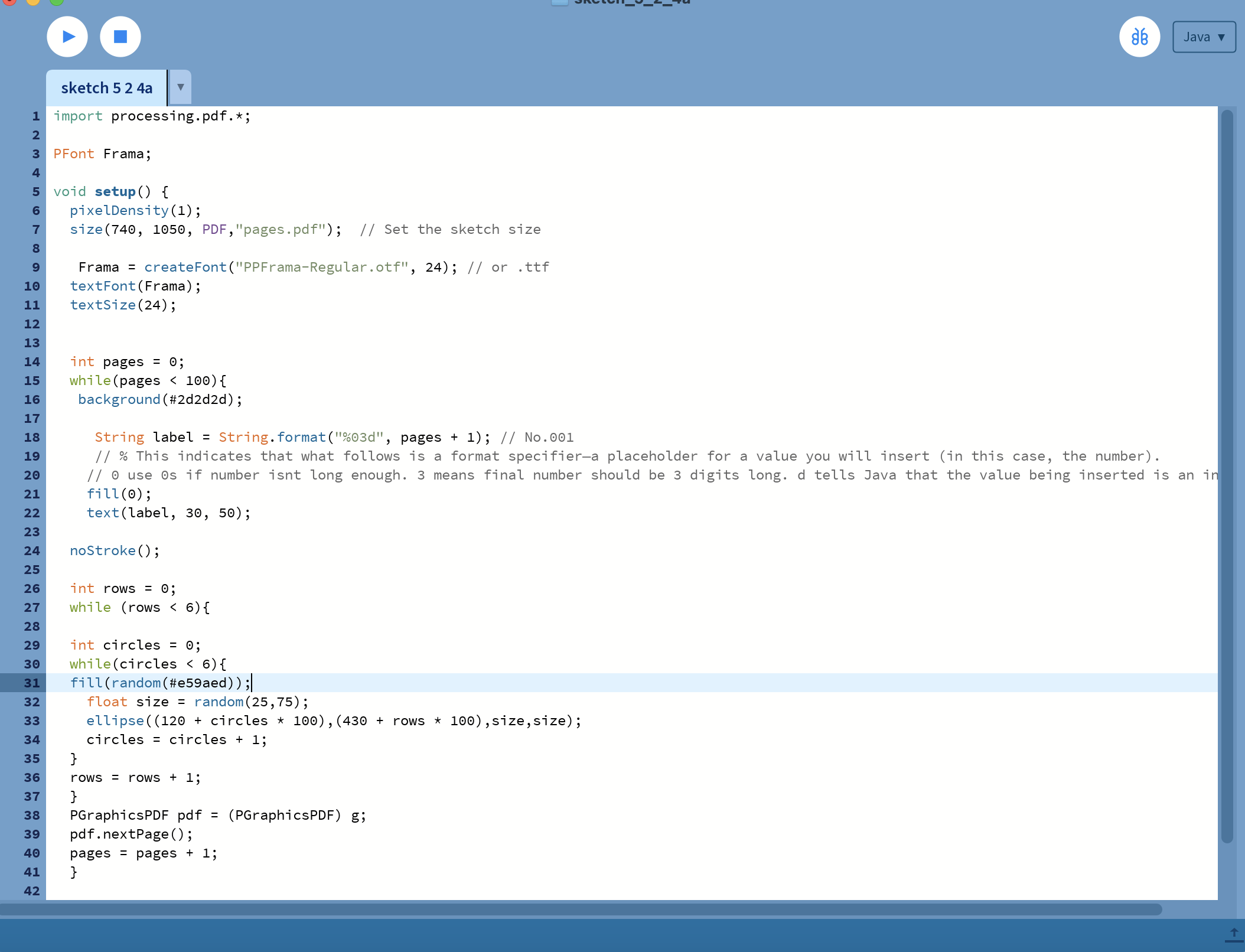
I enjoyed this session much more than I thought I would, even though I didn't really understand any of the code. When I got home I played around with it adding more onto the basics. I tried to research on the processing website what code I needed however I couldn't get it to work so I ended up asking chatGPT to help. I still learnt a lot from doing this and I think I could make some really interesting artwork with it in the future. I think I enjoyed the problem solving element to this even though I couldn't get it to work on my own in the end.
5.2.5 - Production
Four by Six
Monday task
In this task we had to pick a brief and an outcome. The brief I chose was Type Activation and the outcome Animation.
I used Figma and Jitter to make this animation and used a combination of two posters I made in 5.1. I think I could have tried other briefs and outcomes in this task as I managed to do this one fairly quickly. I want to try use processing to reach the outcome Generation, a system with rules that produces variations or evolves over time. The system itself is the outcome – the logic, parameters, and constraints that determine what gets generated. The process matters more than any single result. I like the idea that each result will be different, I just didn't have time to make it. I think over the Christmas break I will play around with this more.
5.2.6 - Distribution
Animating Illustrations in After Effects
Jon's Tuesday session
In this session we drew a gecko on illustrator then brought it into after effects.
I thought this session was fun and interesting, although I did have to pay close attention or else i'd be lost and wouldn't know what to do. I thought it was confusing and hard to remember which leg i'd moved in which direction so I did have to redo some of it but I found that if I focus on one leg and what direction that moved in I can figure out from there where the other legs move to. Again, i'd never used these tools before and I didn't know I could do anything like this so it was an exciting thing to learn about and try out new things.
Overall I learnt a lot from this module, mainly about new technologies are there for me to use but also technologies i'd used before just learning new features I didn't know were there. The parts I enjoyed the most were the animation task, in particular the Wacom tablet, I think there are so many possibilities to create hand drawn animations which I like. I also enjoyed using the puppet tool in after effects again because I can make hand drawn element move which was confusing but also fascinating when you saw the results. Another task I enjoyed was the processing task, using code to create 100 covers. I enjoyed seeing the results of the code i'd created and that one change in the code could change the whole look of the cover. I also liked the randomness of it and that it generates different designs each time. I will take the skills i've learnt throughout this module and use them in my future work now that I know what technologies are there.
One thing I would like to try and wish I would have explored further is seeing how I can incorporate hand made, physical work into this module about technologies. At first I thought because its a module about technologies then physical work is not something I could use. However, I realised I could have, for example, used the laser cutter to cut a piece of lino then printed the lino onto some paper, scanned it into the computer then maybe using the puppet tool made whatever i'd created move. This then would have mixed physical work with work online, I will defiantly try using this idea in the next modules.
