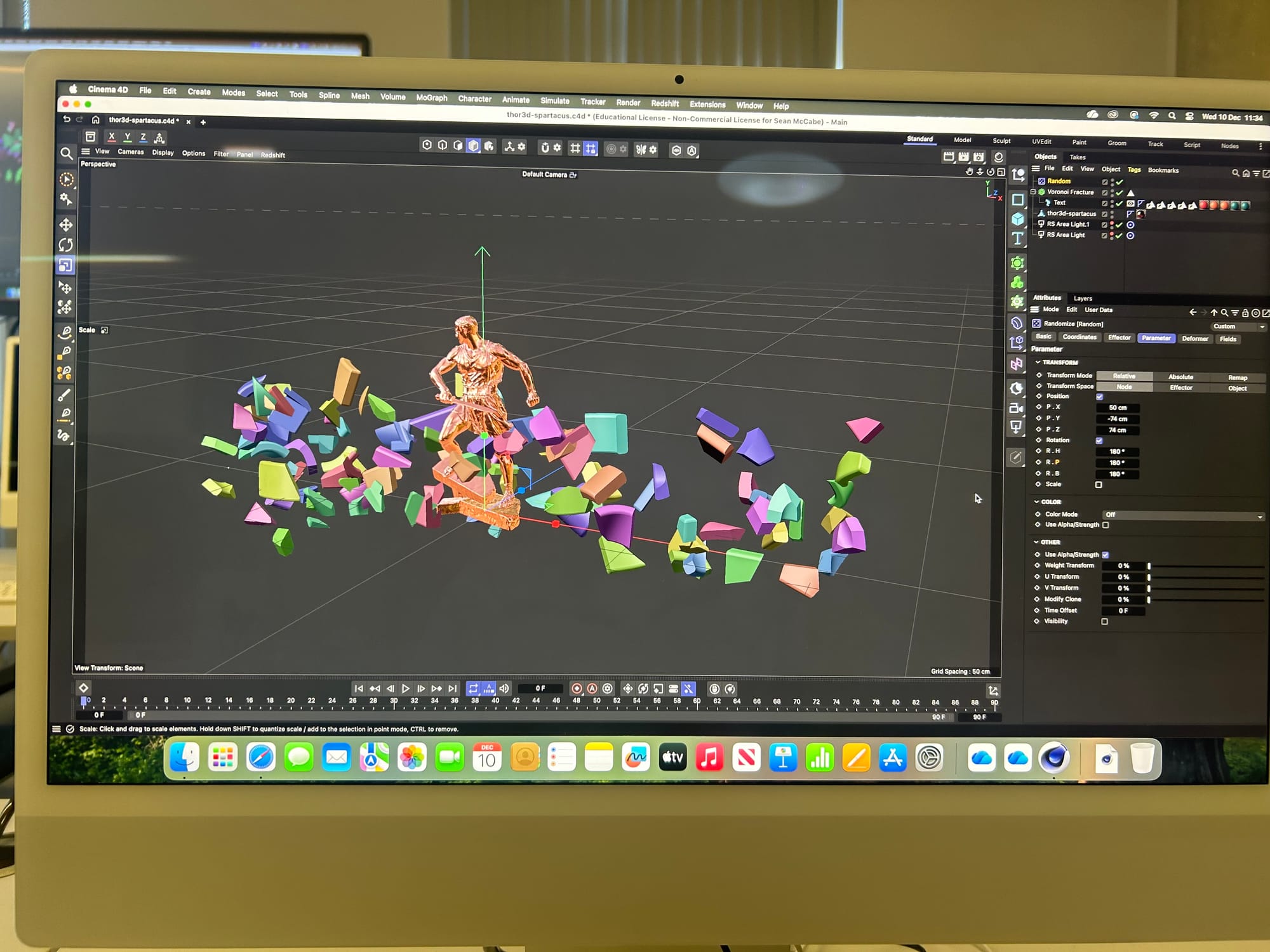
5.2 Process Document
reflection and summary
When starting 5.2, I wasn't sure what the project would actually be. However, as the project has gone along, I have found it useful in many ways, like expanding my knowledge and thinking. the module has also helped me with reflection on my own practice. my perspective on new and old tools has changed throughout the project. This reflective process has helped me learn both my strengths and weaknesses; learning this has given me more confidence to learn new tools and expand on creative risks. I have also recognised patterns through my process and tools that I can use to improve my way of working. I have discovered and learned how to implement tools that will largely benefit my creative process.
Understanding the technological landscape.
I’ve never really considered how much technology and different tools play in my design process. But they play quite a big role in my process. I use tools through everything I use to always go through my creative process to my end product. I think there are a lot more emerging tools than tools that are already established, at least from my understanding. Most of the tools that I know that are already established are Platforms like Adobe. I guess from this I do tend to over-reliance on the tools that they give us rather than going out and looking for something that can replace this job or do it job in a better way.
Using widely available tools like the Adobe suite can create some tensions because they are kind of old-fashioned and haven’t really changed since they were made. This kind of puts all design in a constricted box, where newer technologies allow more free flow.
Experimentation and process
Recently, I have explored Figma through the plug-ins available on it and explored more into After Effects. I have also explored a little bit of generative art technology. Using the plug-ins for Figma like the jitter, has helped in the animating process to make it way easier than trying to use something a lot more complicated like After Effects.
Week 1 - initiation
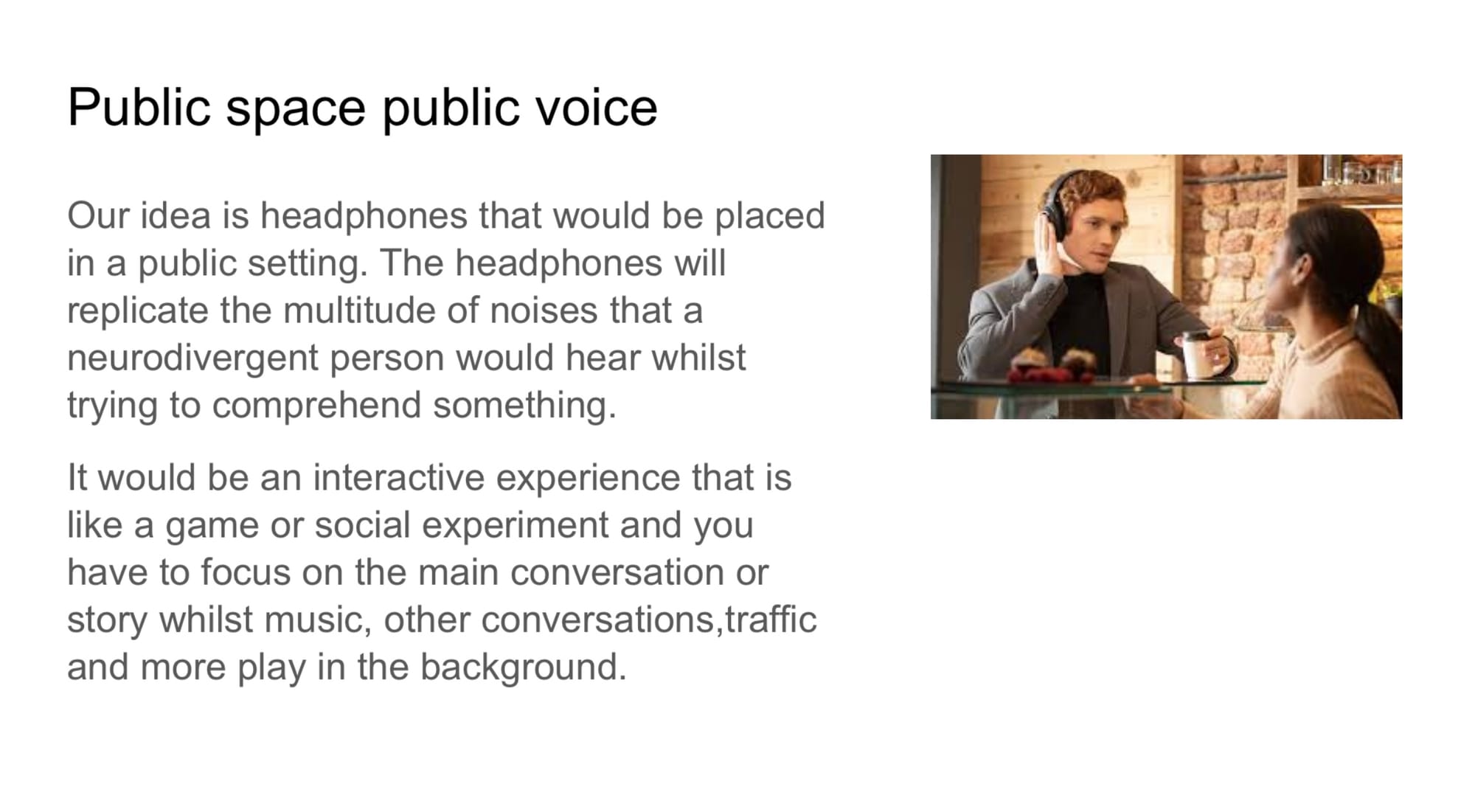
Week 2 - innovation
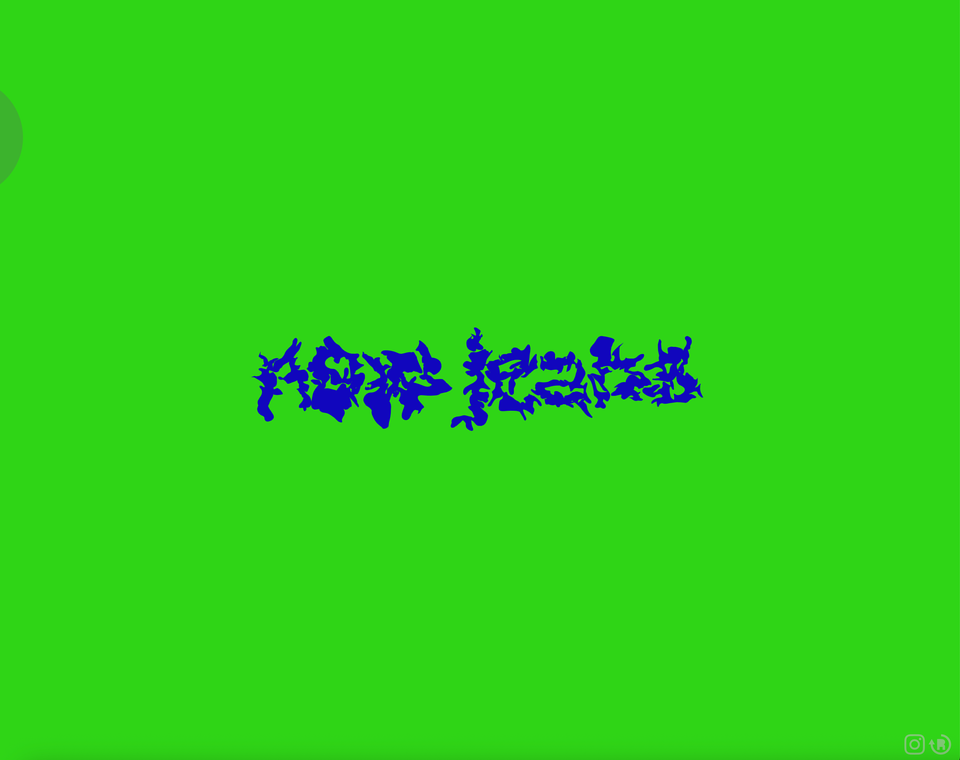
in this task, I used the Figma plug-in called Jitter to animate pre-made types and shapes. I found the project really interesting as it's something we have lightly covered in After Effects, but the Jitter plug-in made it much simpler and easy to learn. there were a few limitations i found that I couldn't do everything I wanted to with the plug-in.
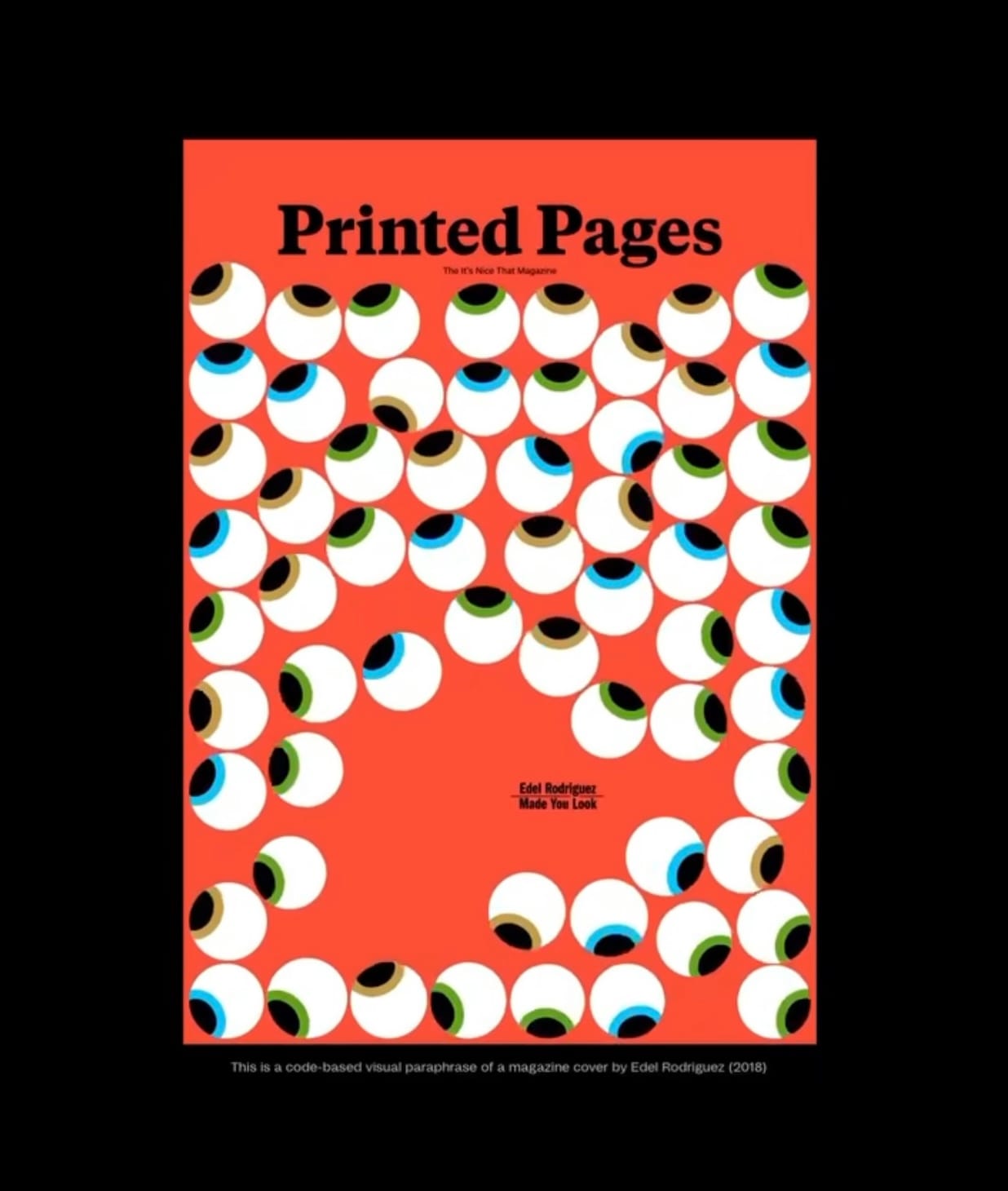
Week 3 - implementation
Week 4 - Automation
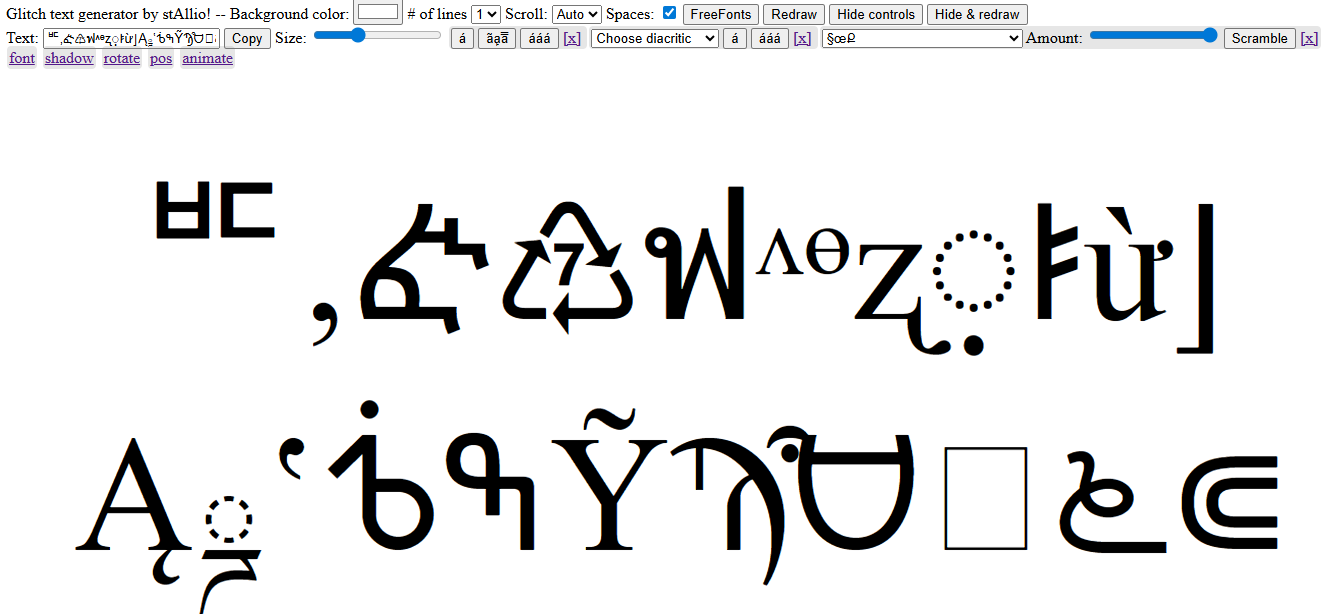

I didn't enjoy this task as much because I found the script hard to understand, I came to a few points where I couldn't get it to work. I think without following Graham through his typing it up at the same time, I would've struggled a lot. I think code is something I need to explore more. However, I have a better understanding of how to read code now.
Week 5 - production
Motion session