5.2 Process Document
Week 1: Initiation
5.2.1 - Public Space, Public Voice:
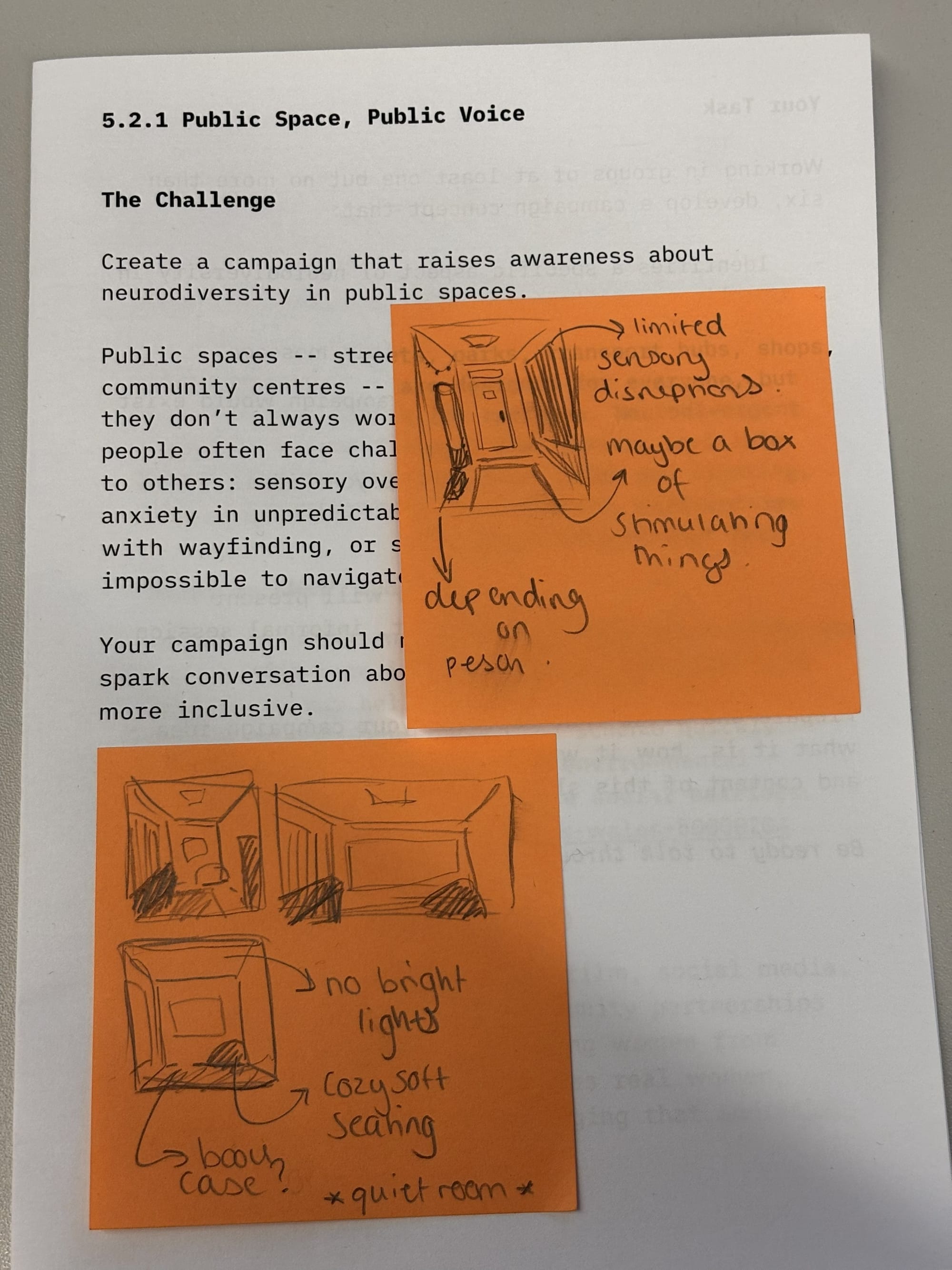
This project started the module off, and in my opinion, I think it was a good way to start and get us thinking. The project was to create a campaign that raises awareness about neurodiversity in public spaces. This got me to think differently when it came to a project, as it was about something that needed a specific requirement. Working as a group helped build our idea and understand what was needed of us to be able to create the right type of campaign. I believe this project went well, and the outcome could lead to something bigger if it were worked on to be a 'real' campaign.
Workshop - Animation in Photoshop:
Bunny animation.
This is an animation that I did for a task that Jon set us, and I have had a little experience working with a Wacom tablet, as I have my own; however, this was my first time using it with Photoshop to make an animation. This workshop helped me learn a lot, as I have little experience with animating. Jon's workshops are very helpful, and I'm glad that he records the sessions, as they helped me when I went back to fix my work and make sure I had done things right. I've learned a lot from this, and it has made me want to experiment with animating in Photoshop more and see where it could lead me. I have looked at multiple tutorials since this session to see what types of things people animate and how they do it, and I am looking forward to attempting this in my spare time.
Week 2: Innovation
5.2.2 - Media Diet:
For this project, I started by looking online for things that interested me, and I found it slightly difficult as I couldn't find much information about some pieces. This led me to look at Instagram as the algorithm is fit to my preferences and interests, and that is how I found each of my artefacts. I went down a rabbit hole looking at all sorts of artists' work, but these three caught my eye the most, and I chose them to research more about. I wanted to keep on the theme of design and find things that I could possibly also learn from, which is what ended up happening. I like how the project flowed, and I believe that I was successful when completing this project.
Jitter Workshop:
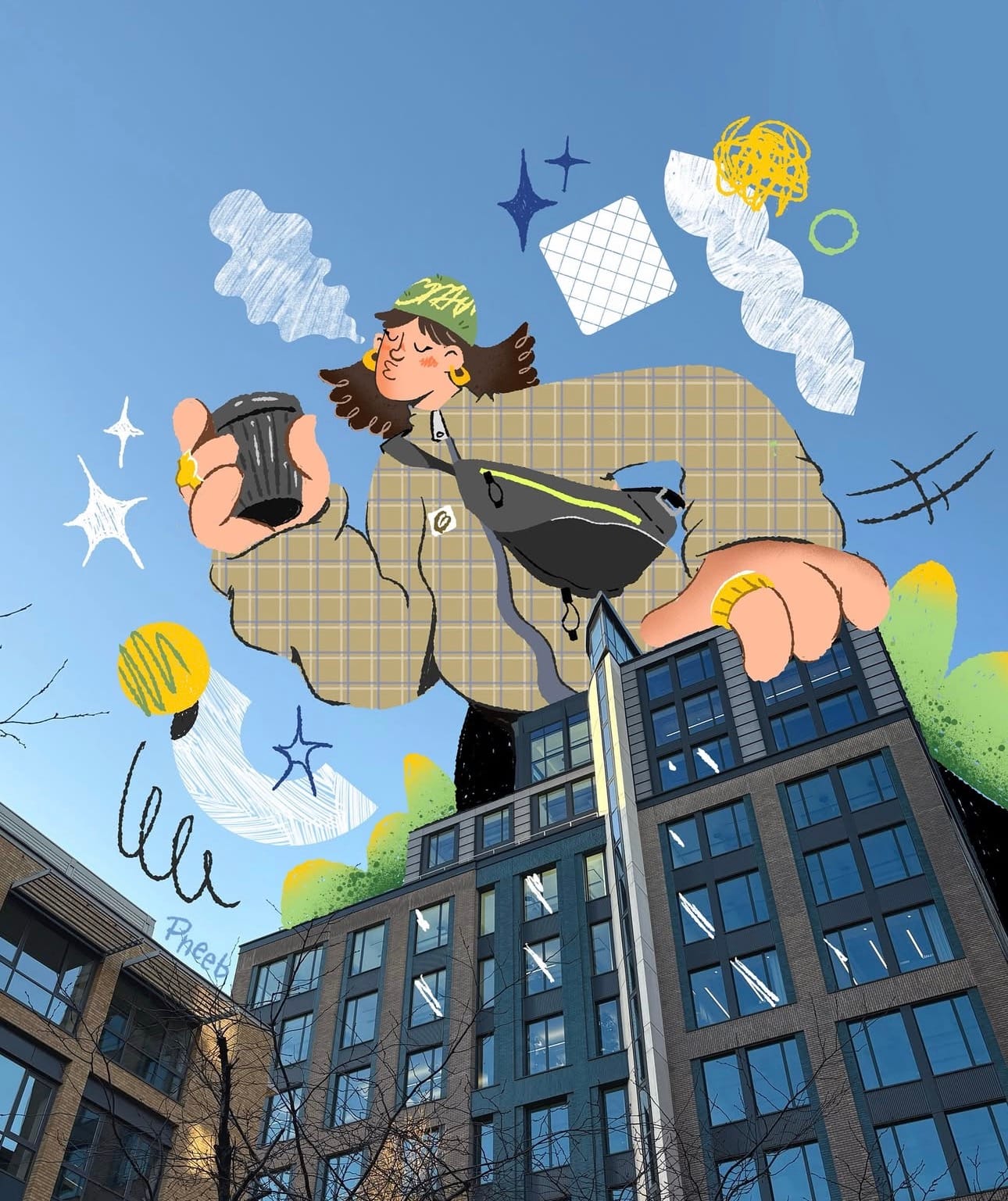
Leeds Graphics Jitter animation.
5.2 Jitter animation
I learnt a lot of new things with this workshop, and it has shown me a new software that I could possibly use in future projects. In this workshop, we took a still image and turned it into an animation, and it is a fun way of animating, as it is quick and easy. Jitter is very fun to use, and before this I didn't know anything bout it, but now I am getting used to it. There are many tutorials on their website that helped me explore new things, and I will definitely explore them more in my own time.
Rotoscoping:
In this workshop with Jon, we did a rotoscoping task that was very cool and interesting, and I learnt more about After Effects and how to use it. There were many features that went into making this, and I would have never learned how to do it on my own. This has made me want to use it in a project in the future. This has strengthened my skills in After Effects, and I will be looking into it more on my own. I am looking forward to incorporating this in the future, and I definitely want to learn more skills.

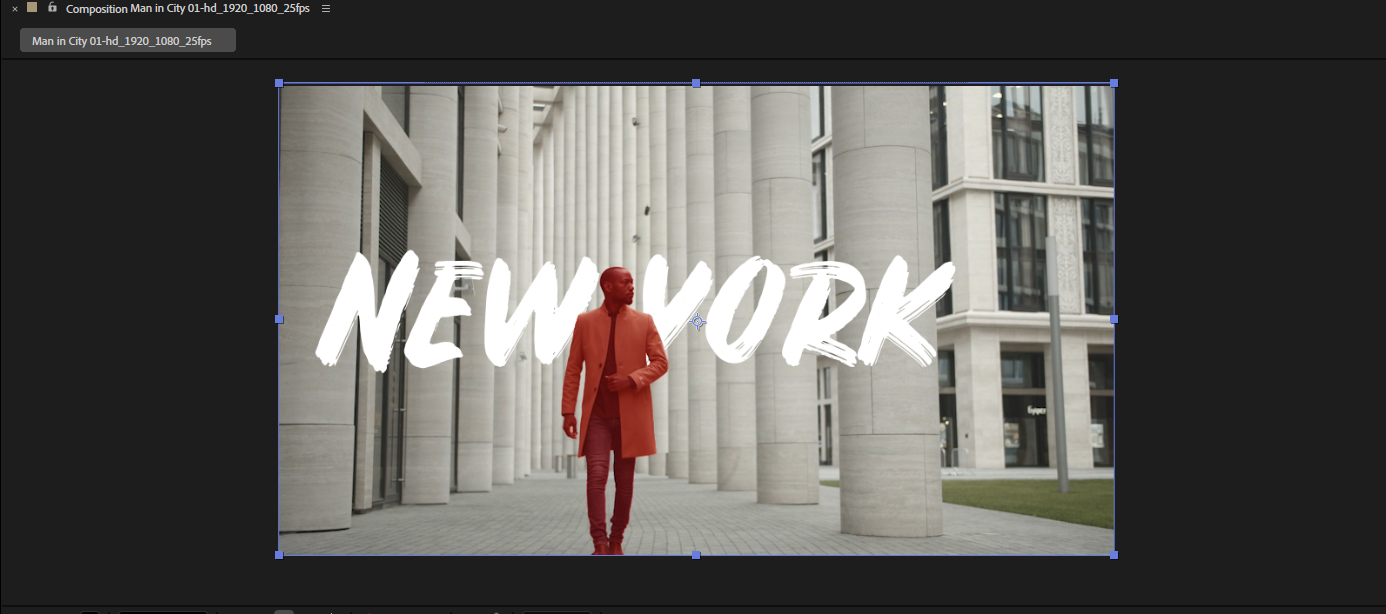
Rotoscoping video.
Week 3: Implementation
5.2.3 - Workflow:
This project was about focusing on how a workflow works and how we need to understand it too. This was very helpful as I took a step back to really evaluate my work and understand what parts of my process need to change or be slightly different. I understand the different stages of my work better now, and I believe I will start to incorporate this into my process more, as I do believe it is a vital stage of a designer's process. Without this, you begin to lack key parts that go into creating a piece of work. I plan to change how I work and become a better designer with the help of this project. I have started to see progress within my work as I understand the importance of having structure a lot more.
2D Motion Graphics: Screen Graphics part 1:
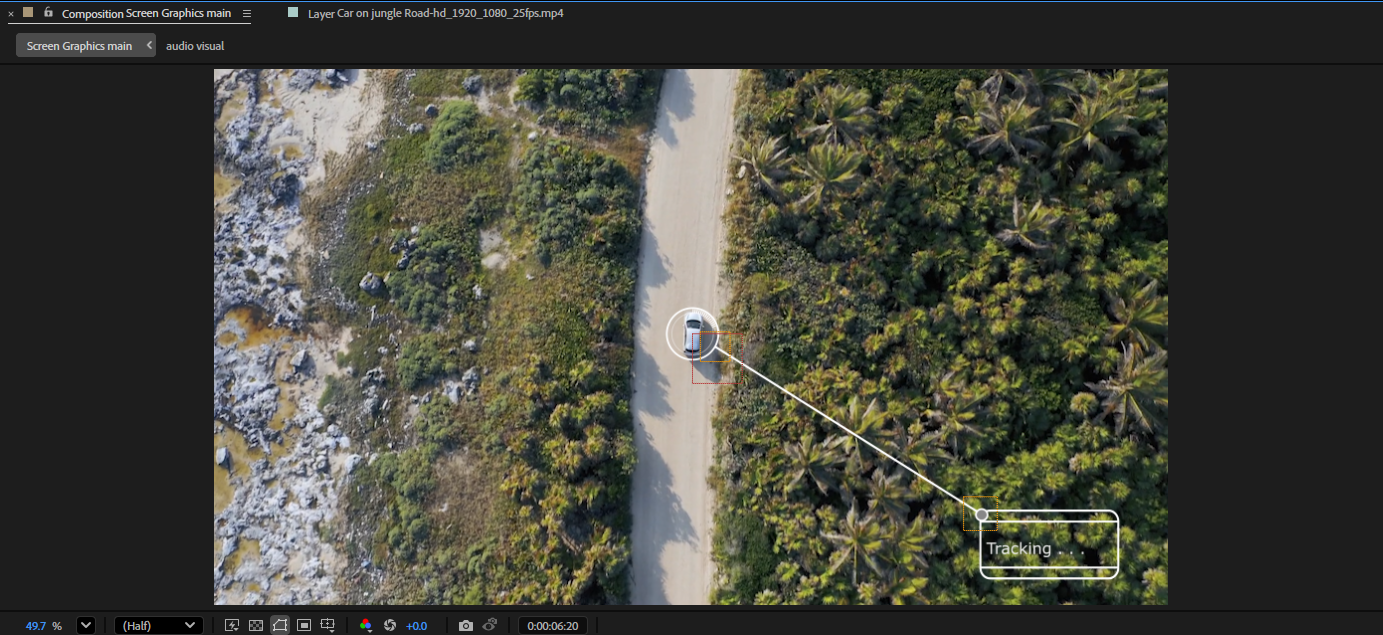
This is the first part out of three of the Screen Graphics sessions, and this is where we were introduced to the process of Screen Graphics and started to look at various videos that show key features in Screen Graphics. We then started the first part and started putting things into After Effects and animating things with the help of Jon. The tutorials were spaced out over three weeks, and this left me time to think about what I could add to the video and what we could learn about in the next session.
Week 4: Automation
5.2.4 - Generator Safari:
This project was all about learning about tools that generate art, and this project was fun to mess around with different tools, as they all have different features and create different things. This showed me that these tools could be helpful in the future to generate ideas for a final outcome. This highlights how there are many different ways to go about designing and creating different things. Having access to these tools is very helpful and can help find other tools that can lead to producing work with these tools. Each tool had different features that opened up doors that other software may not be able to provide, and this highlights the importance of technology in a designer's work. It is good to experiment with new things.

Processing Workshop:
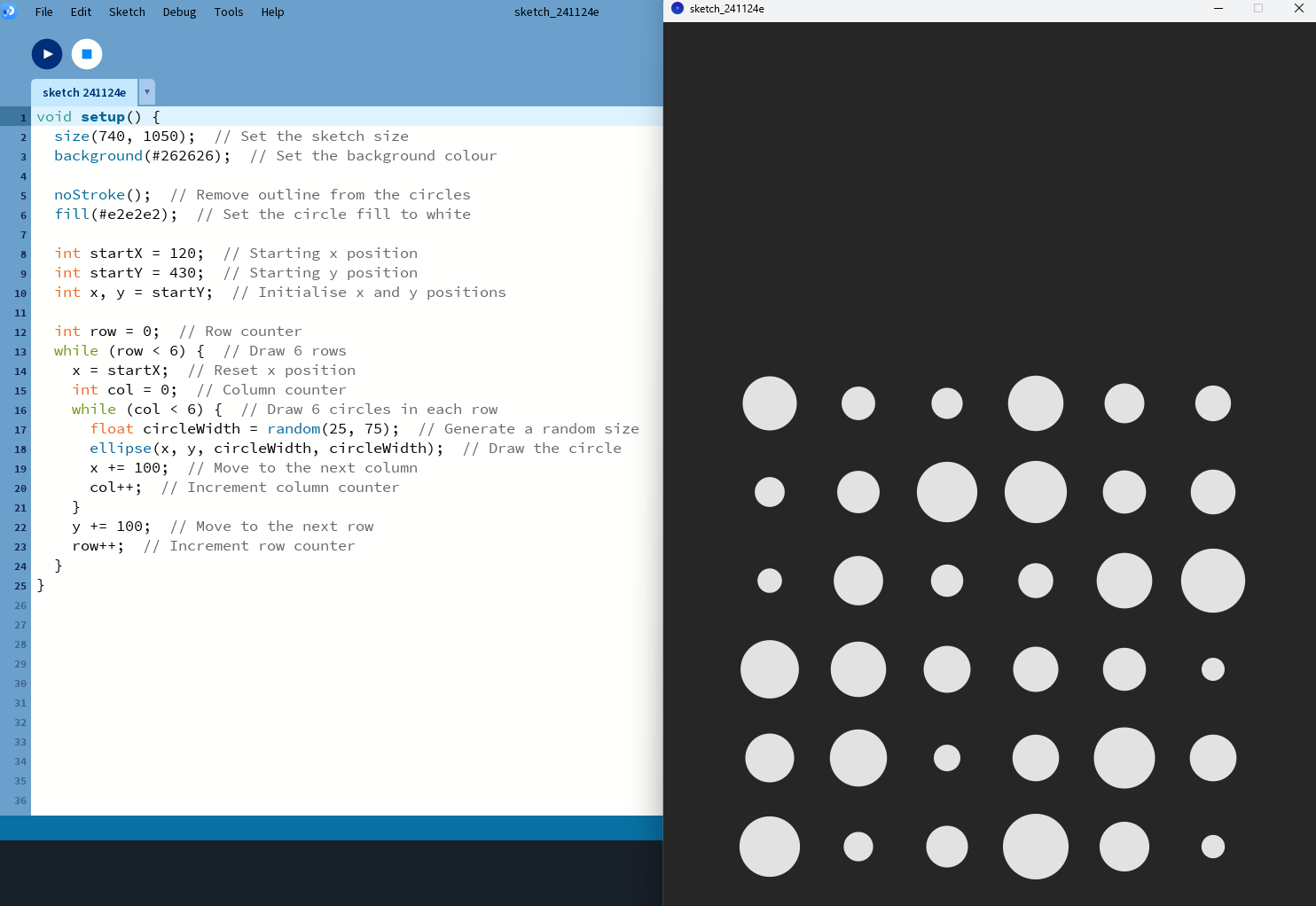
In this workshop, we were shown a coding software called Processing, and we were shown the basics to create a simple program that created a piece of work based on the code. This was very different to what we normally do, as we haven't looked at coding a lot; however, I believe that it's a good thing for every designer to understand the basics of it. I have had some experience with coding in the past, and it was nice to get back into it again and relearn some things. This has made me want to get back into it and start to learn other aspects of coding and possibly use it in future projects. I feel that it is a very cool idea to be able to use code to design something for you, and it is definitely something I would look into more.
2D Motion Graphics: Screen Graphics part 2:
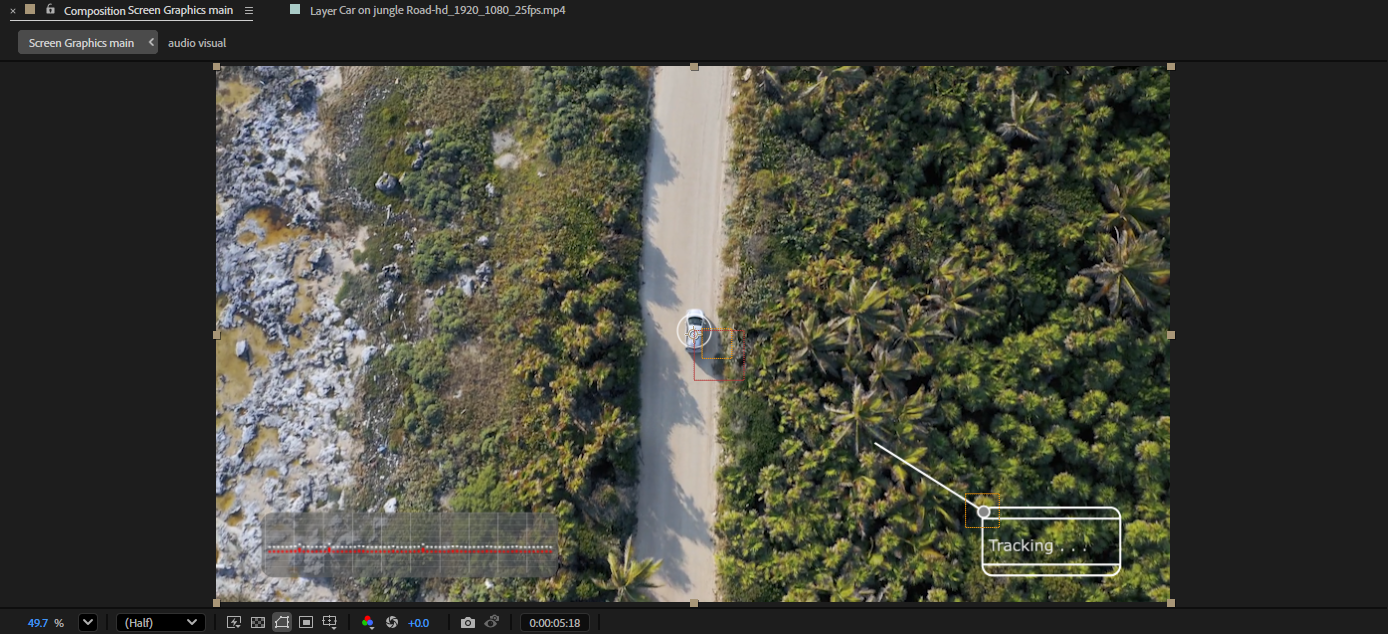
This is the second part of the Screen Graphics tutorials and in this workshop we started to add more elements to the video and this involved recording our own voices for the audio section and adding it to the video. This was a fun process as we got to change the sound of our voices, change other aspects and add the lines to show our voices in the video. This was fun, and Jon explained the steps to achieving this very well, and I'm starting to grasp video editing more, and I'm liking it a lot more.
Week 5: Production
5.2.5 - 4 x 6:
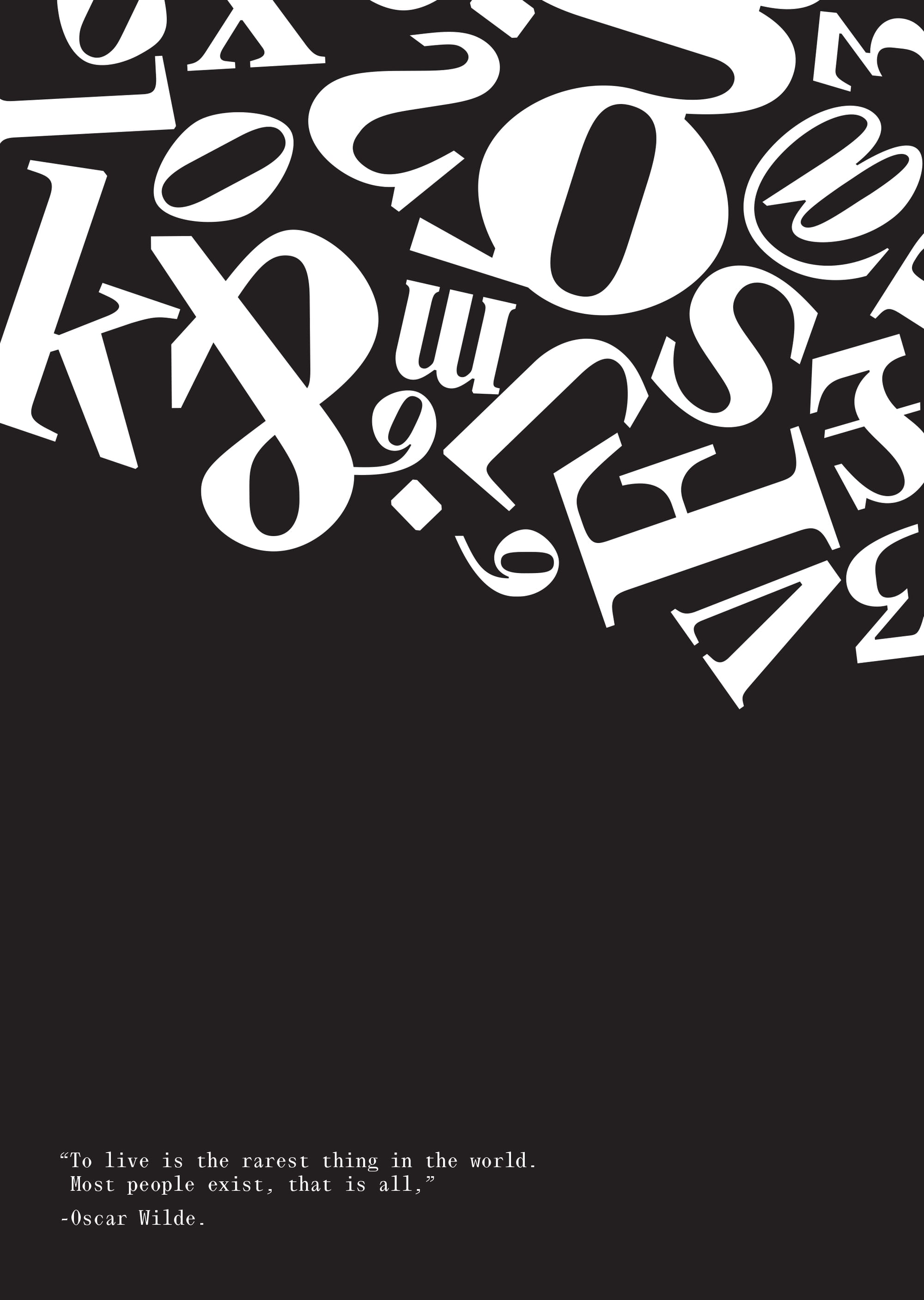
This project was different, and I liked it a lot because it got me thinking about all my work and work steps I could take to further improve my work and what I could make it become. We were given a list of briefs and outcomes to choose from and build our proposal if we were to create the outcomes. This helped me think more about each stage of my work and the steps I needed to take to get to the final outcome. This also made me think about how I would propose a project to a client in the future. Going back and looking into old projects helped me see how I could have changed things or even added more to them.
2D Motion Graphics: Screen Graphics part 3:

Screen Graphic Final Video.
This is the Screen Graphic final video, and I found this workshop to be very helpful. I feel that it shows me a lot of features that I didn't know about. I definitely feel more comfortable using After Effects than I did before we started this module. I am happy with the way this video turned out, as it is the first time I have made anything like this, and I believe it will hopefully not be the last.
Week 6: Distribution
Motion Graphics: Animating Illustrations in After Effects:
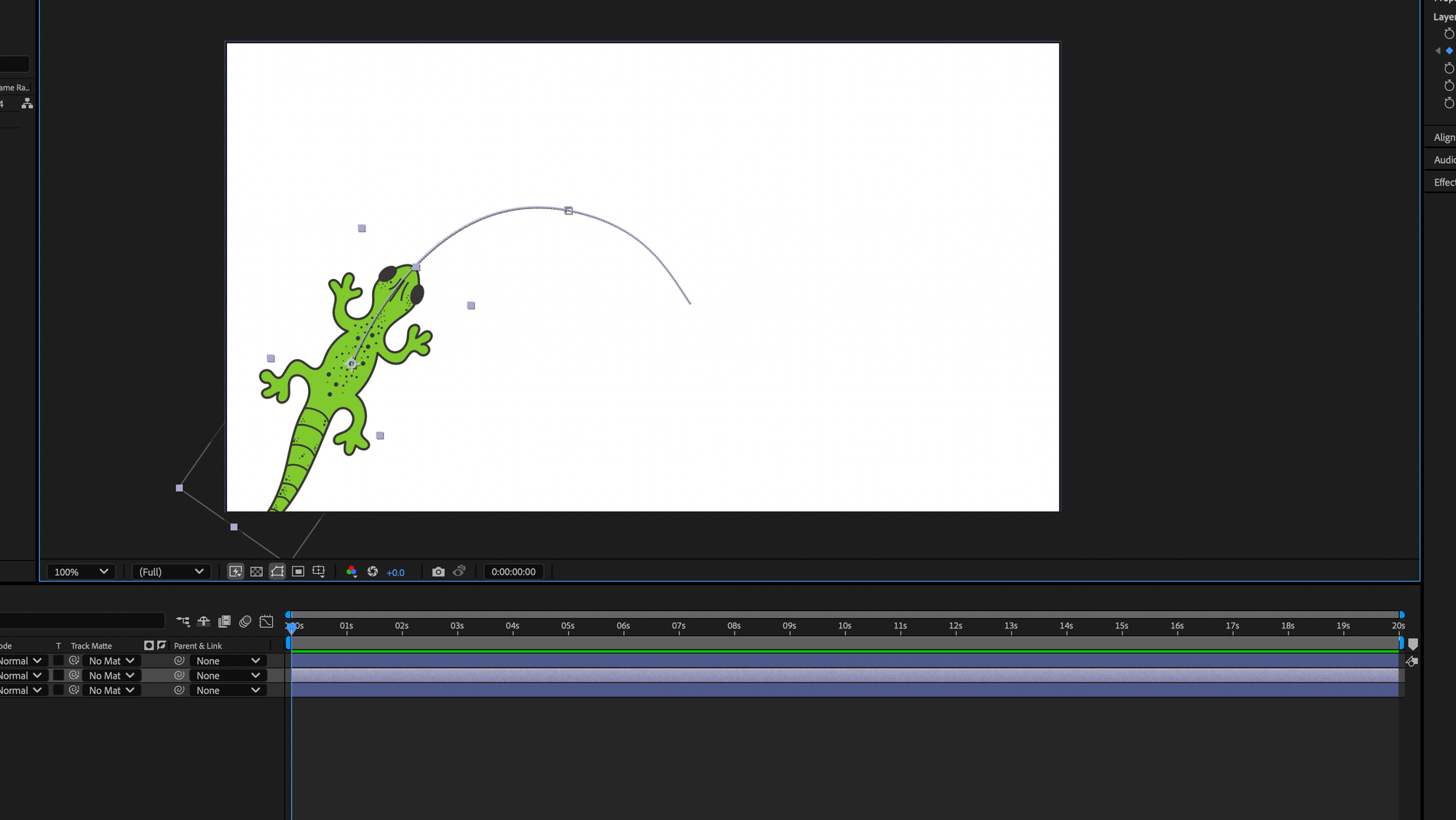
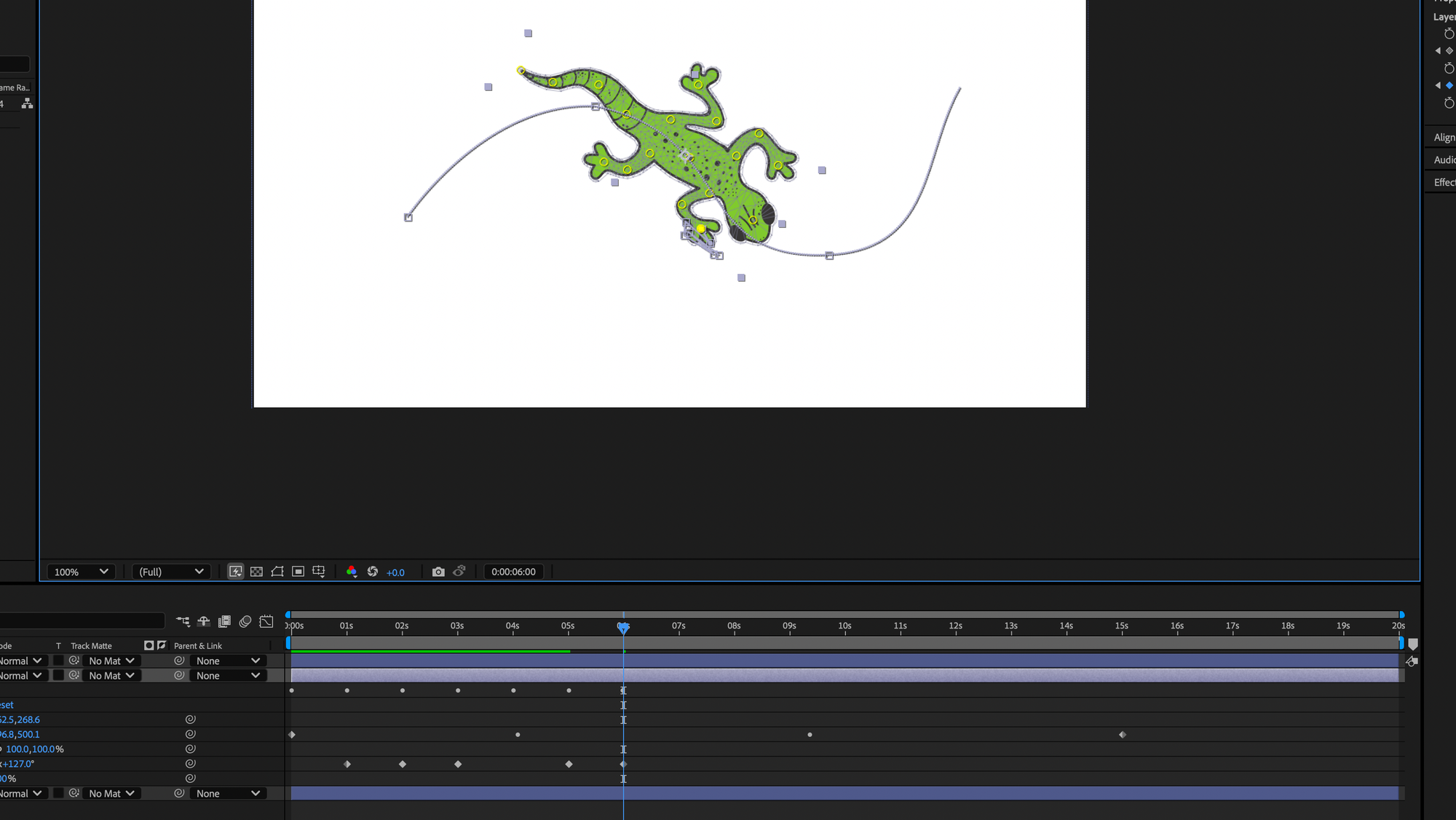
Gecko Animation.
This is the final workshop that we did with Jon, and I found it to be a good way to finish the module, as it was cool to see how to animate an illustration in After Effects, as I didn't know you could even do that. We started by creating an illustration of a gecko in Illustrator and then bringing it into After Effects and animating it in different stages. I am really happy with how this came out, and I want to learn more and see what else I could make.
Reflection of 5.2:
This whole module has been extremely helpful and has opened my eyes to all the software and tools out there for people to find and use. This has helped me gain many new skills, and it has shown me that technology is very important in a designer's creative side and when producing work. I feel grateful to have some experience with technology, as it made this module more fun, as I knew how to do a few things while still learning more. As a designer, I feel that it is key to understand technology to a certain level, and I feel that without it, it can limit you a little. This has made me way more open to using technology, and I really want to find out more about it. Moving forward, I will be using all the skills I have learned to improve my work, as well as creative things I never thought I could. Each task showed me something new and different that highlighted different ways of designing.
