5.2 Process Document
Initially, I was quite hesitant to begin this module as it is mainly focussed on designing through the use of technology, using applications I've never used before. This module has challenged me to work with new software which I wasn't familiar or very comfortable with using yet. It pushed me out of my comfort zone whilst also helping expanding my skills.
Week 1- Monday
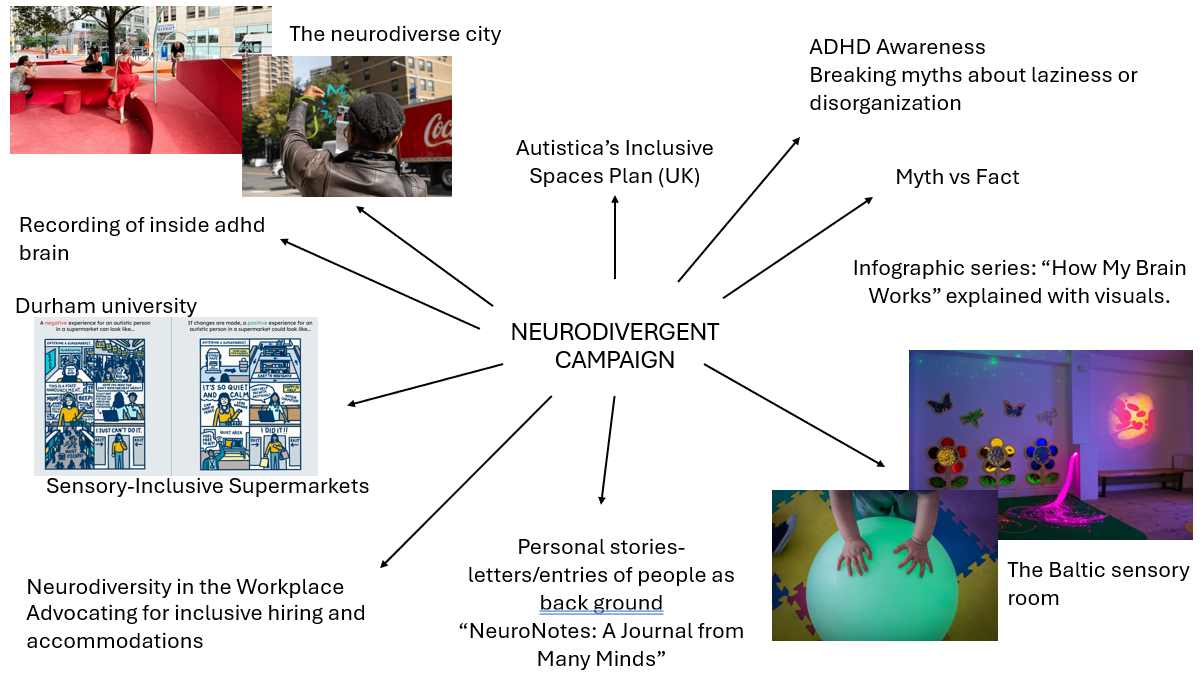
Neurodiversity in public spaces
We were first asked during week 1 to create campaign to spread awareness for neurodiversity in public spaces. Since I wasn't in for this session, I still did it at home and put all my thoughts onto a mind map which I then researched further into and started to jot down ideas that I thought could work.
Week 2- Monday
'Choose three things that caught your attention and research each one.'
For this task I looked into the website https://www.itsnicethat.com, finding many inspiring creators. These three I found really stood out to me the most.
Media Diet 1
HIYA SINGH

Looking into Hiya Singh helped me gain new ideas on how to create pieces which suit the theme/ aesthetic I want to look into. Especially since its more of a moving image which I haven't fully immersed myself into yet.
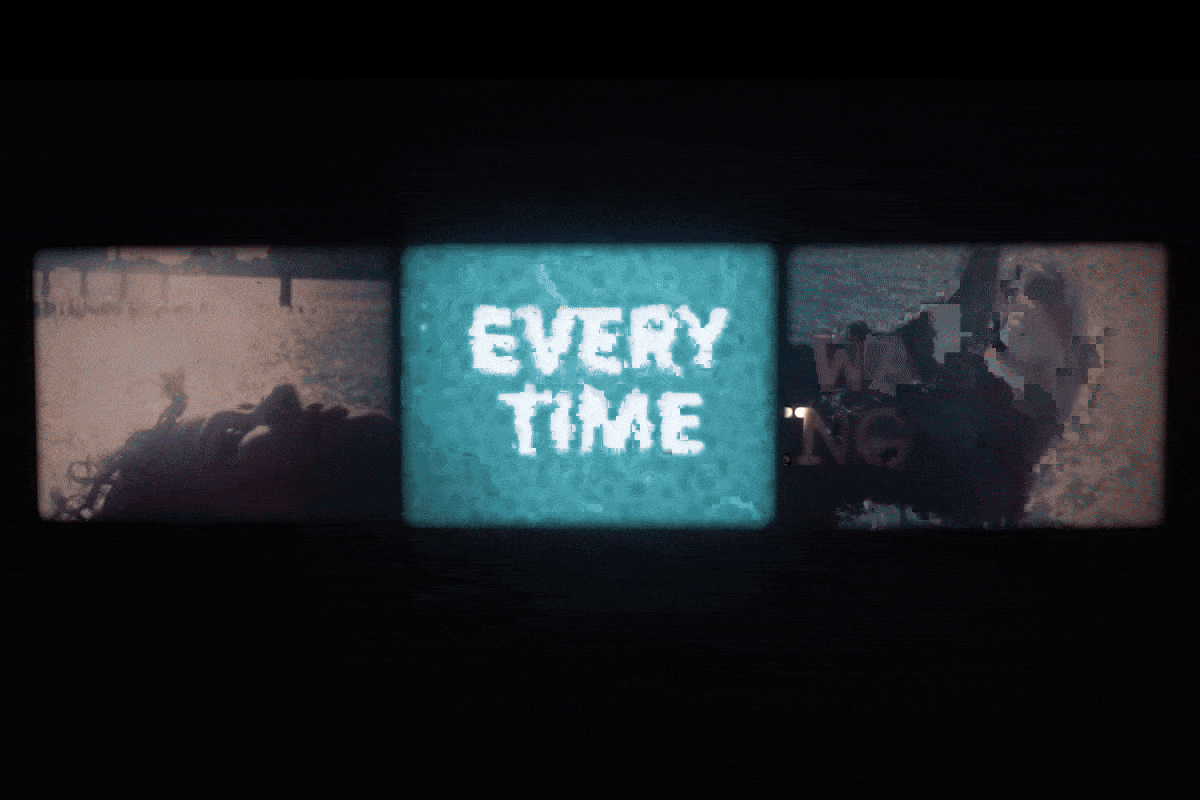
I like the look of her work and how its retro-like and an old film aesthetic. I would definitely like to try recreate something like this.
Media Diet 2
MARIA FIGAS
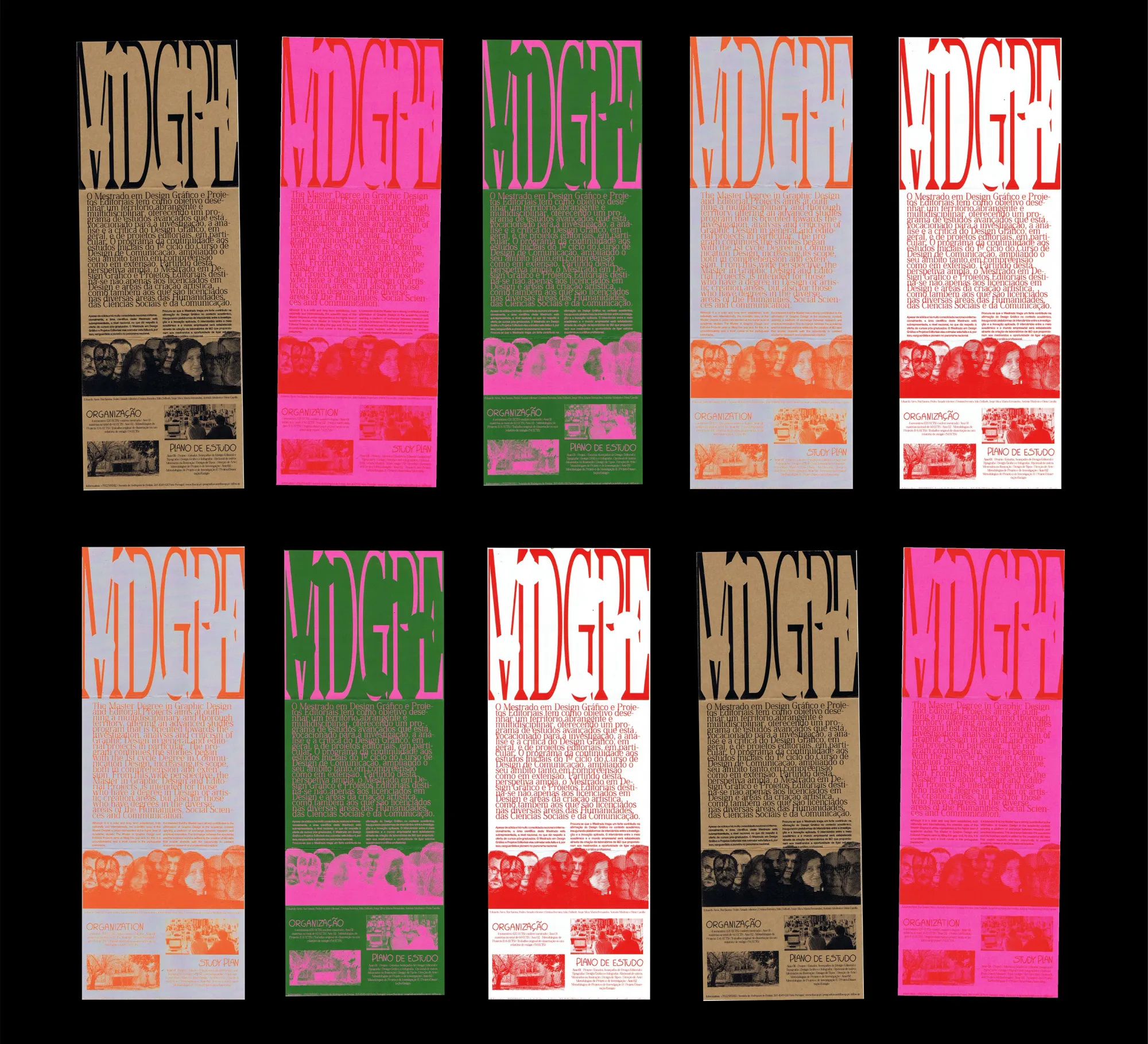
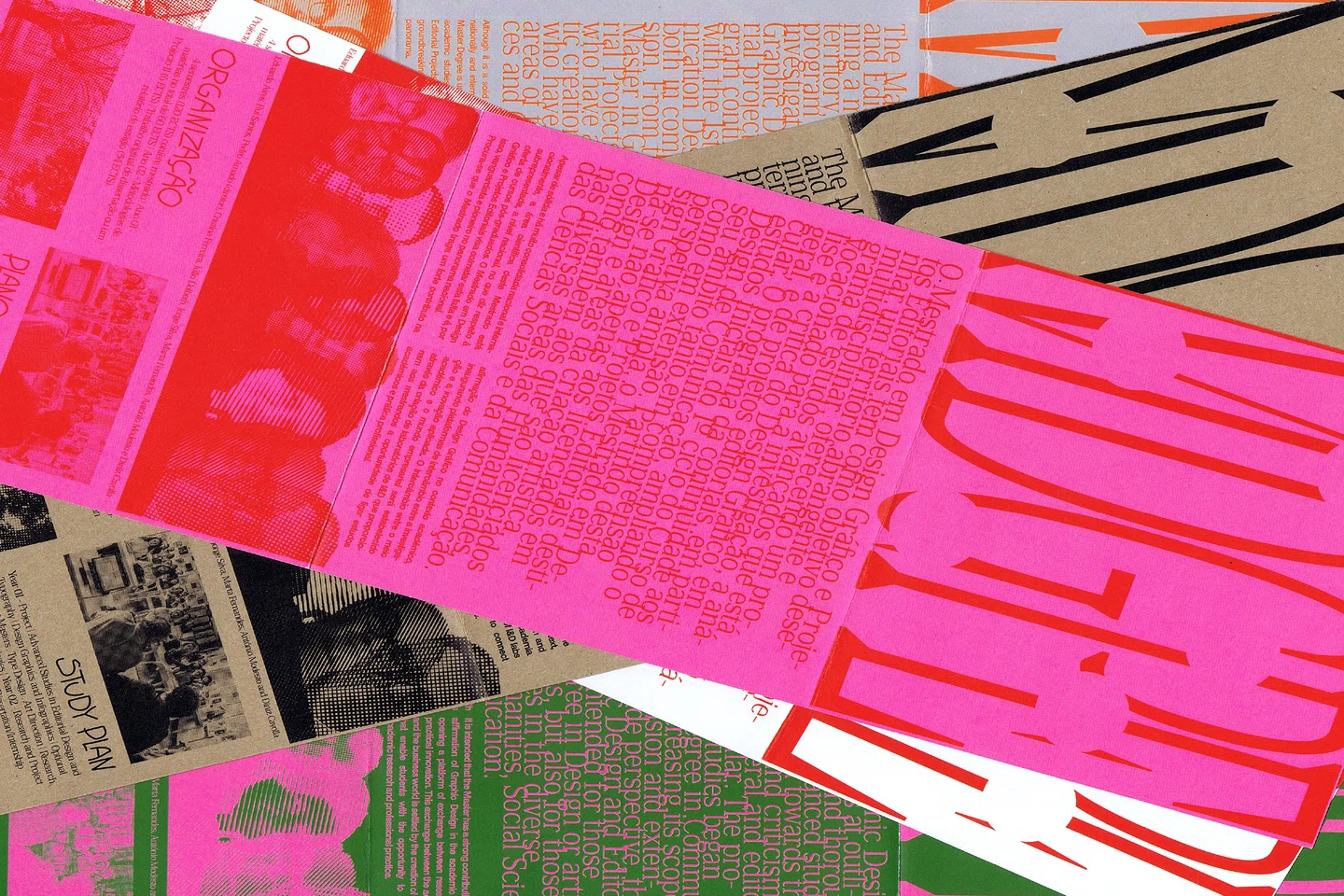
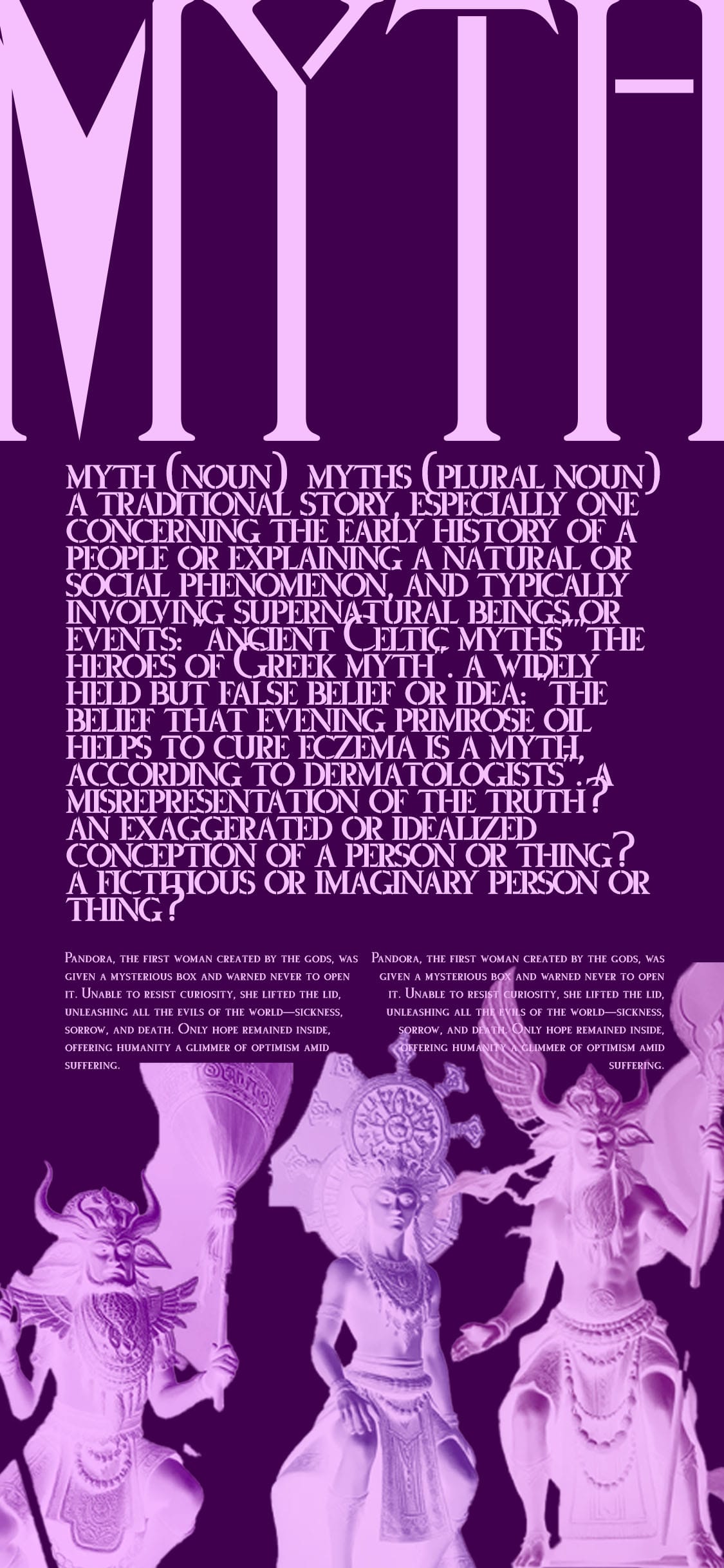
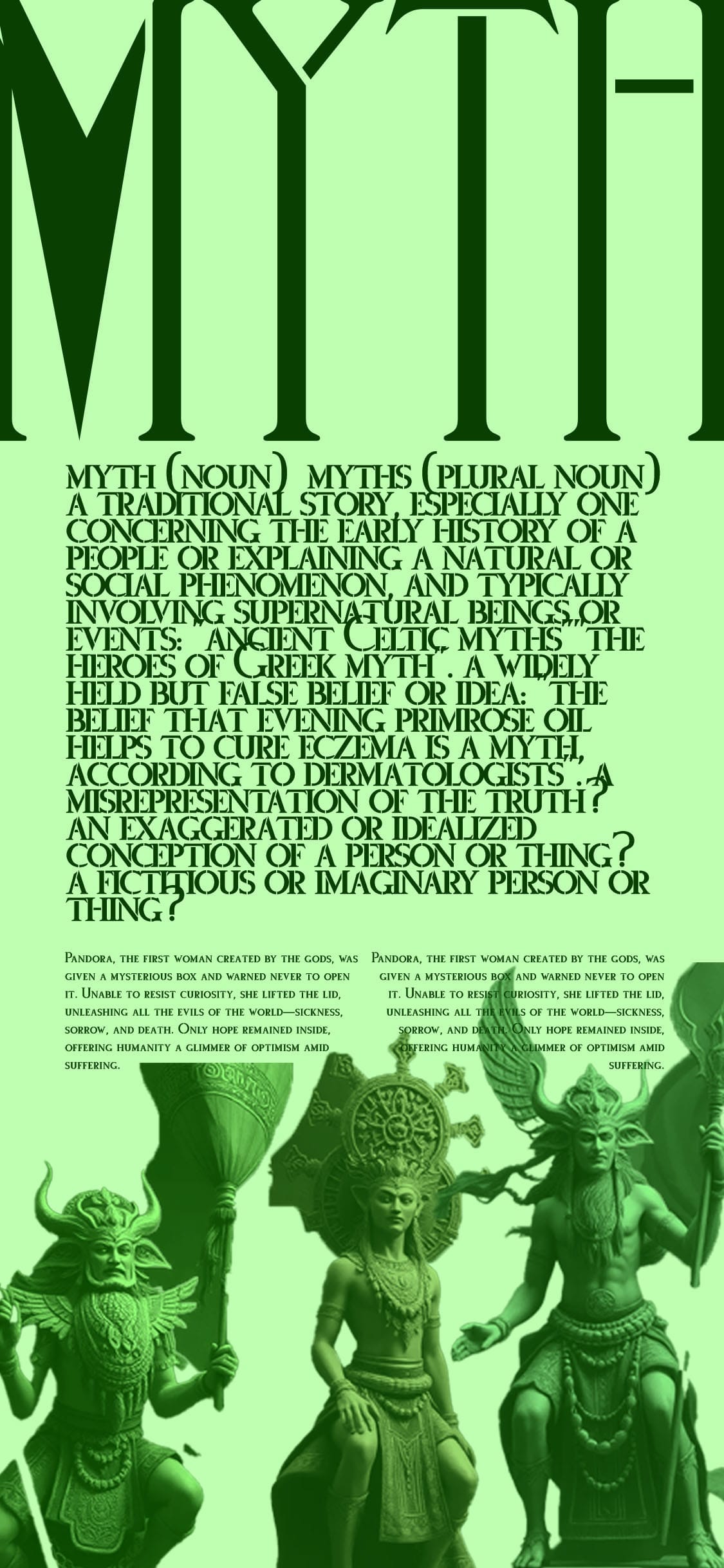
Maria inspires me to use vibrant colours a lot more as well as different sizes and layouts. The image on the left is Maria’s work which drew my attention. The design on the right is my own experiment inspired by Marias; it was really fun to follow how she created these brochures. To further experiment, I would maybe use Riso printing with certain layers to bring out more unique layouts and colouring.
Media Diet 3
Kayla Dantz
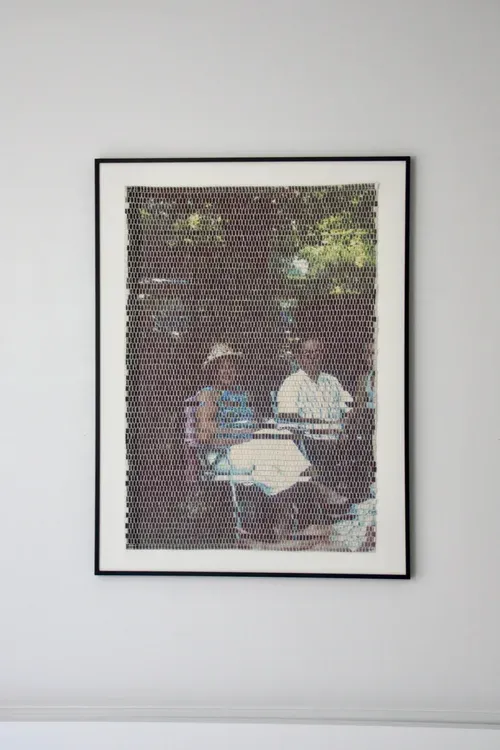
Kayla's work opens my eyes to new ways to create, especially in the way she does using images. Almost as if she's bringing these images to life in a way. I don't think weaving would work for me as it seems like it would be hard to focus, however, I would love to give it a try in the future. This would be cool to do for a festival to advertise in vibrant colours, it's just a very unique way of designing and I think it could definitely draw attention from the public.
Tuesday
Figma and Jitter
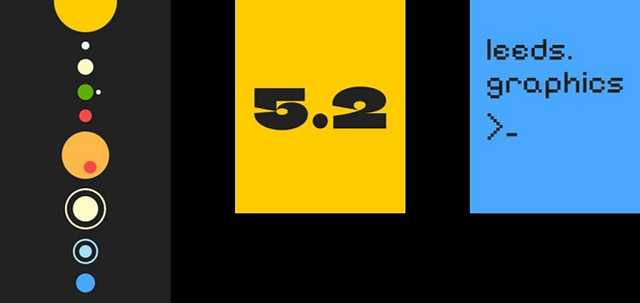
Although we have already used Figma in the past, it was good to experiment with it again to refresh our memory. Plus, this time he taught us how to link Jitter to Figma so we are able to animate our work. Although it is more limited than other apps we have used, it is useful to make quick adverts or posts for social media.
Week 3- Monday
Light and Shade exploring creativity’s AI conundrum


This article reassured me that Ai doesn't need to be as bad as people make it out to be, and that it won’t take our jobs away. Instead, Ai can help, only if you use it in the right way.
Week 4- Monday
Generator Safari
We were introduced to several websites to experiment with, all of which can help expand different aspects of our work. It offers many ways of designing to incorporate in already existing work on different software’s.
Tuesday
Processing Workshop- coding
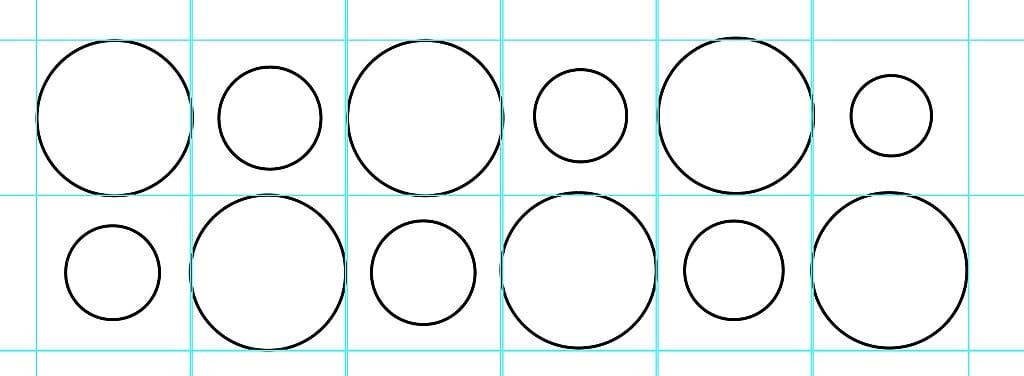
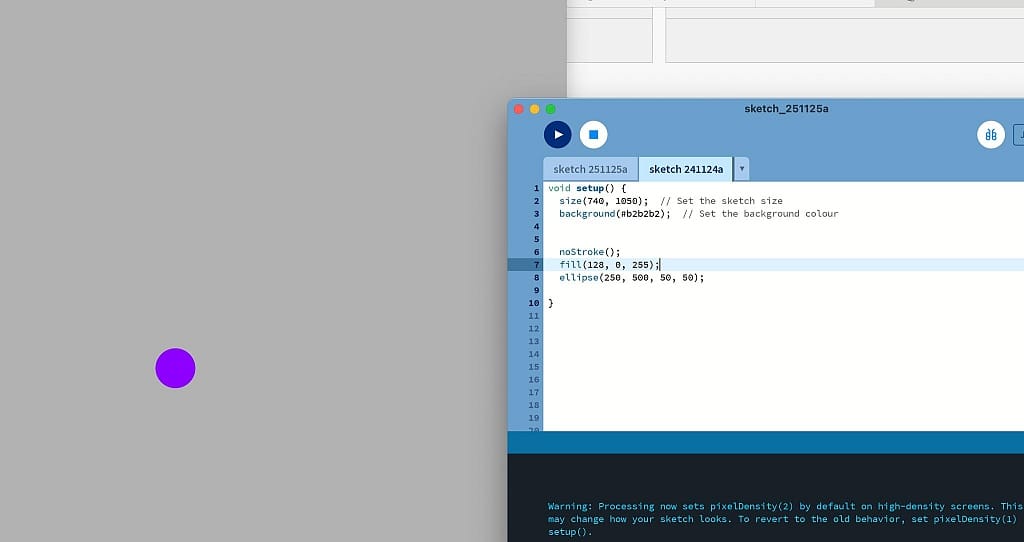
I think out of all the ways to design that Graham showed us, I struggled with this one the most. For some reason I couldn't wrap my head around it, I don't know if it was because it didn't motivate me due to it not being what I'm interested in or it was just difficult to understand. it was fun to test it out and to see a different way of designing. The more I was doing it with graham, the more I was understanding it but I was still making mistakes. I do believe that I need to practice a lot more on this if I was to use it again in the future.
Week 5- Monday
4x6

Doing this task helped me realise whether I feel more comfortable coming up with ideas on my own or whether I work better when I’m given a starting point or some boundaries to work with. To be honest, it's a difficult question to answer. I believe at first, it helps having a starting point, but perhaps no boundaries. Having a starting point helps me start going and thinking of ideas, however, having boundaries holds back what I feel like I should do. Coming up with ideas on my own can be difficult sometimes. This doesn't mean necessarily having a whole brief given to me, having even just a theme can help me start to come up with ideas.
Jon's Workshops
Over the 6 weeks- Tuesday and Wednesday
All of Jon's sessions were really helpful and new to me. I never used Cinema 4D before his sessions, and at first it was difficult. But as I kept experimenting and figuring things out, it started to feel much more enjoyable. Overall, the skills he showed and taught us was all new to me, not just Cinema 4D. It showed me different ways you can use technology and these software’s, like after effects, photoshop, cinema 4D to create motion work. Learning rotoscoping was cool and I'd definitely like to use this in the future along with motion tracking. These sessions made me realise that creating motion videos using these software’s isn't as scary as I thought, but it takes practice. Normally I aim to have a perfect outcome. However, these sessions made me realise it’s okay to make mistakes, especially when creating motion videos as it’s a lot more complex so it’s a lot harder not to make mistakes. By making these mistakes, it was easier to learn from them and then remember how to do it next time to get it right. Doing Jon's sessions made me realise I can pick skills up quickly, but its just making sure I remember them after and how to do it is what i struggle with.
Overall, I would like to dive more deeper into animation, especially by using the Wacom tablets. Also, I would like to design more publications or advertising materials using posters or short animations potentially through using some of these skills I've learnt. Creating infographics intrigues me as I like to create a voice for those who might not be able to speak for themselves.
My own research
I researched into a few designers to help expand my knowledge on different ways to design. The one I've picked are one which really interest me and id like to create my own work inspired from them in the future. I also want to look into more illustrator designers so I can get some inspiration and ideas on what to create.
We did look at Katie Scot in Jon's session, however her work is more based on the environment and plants.
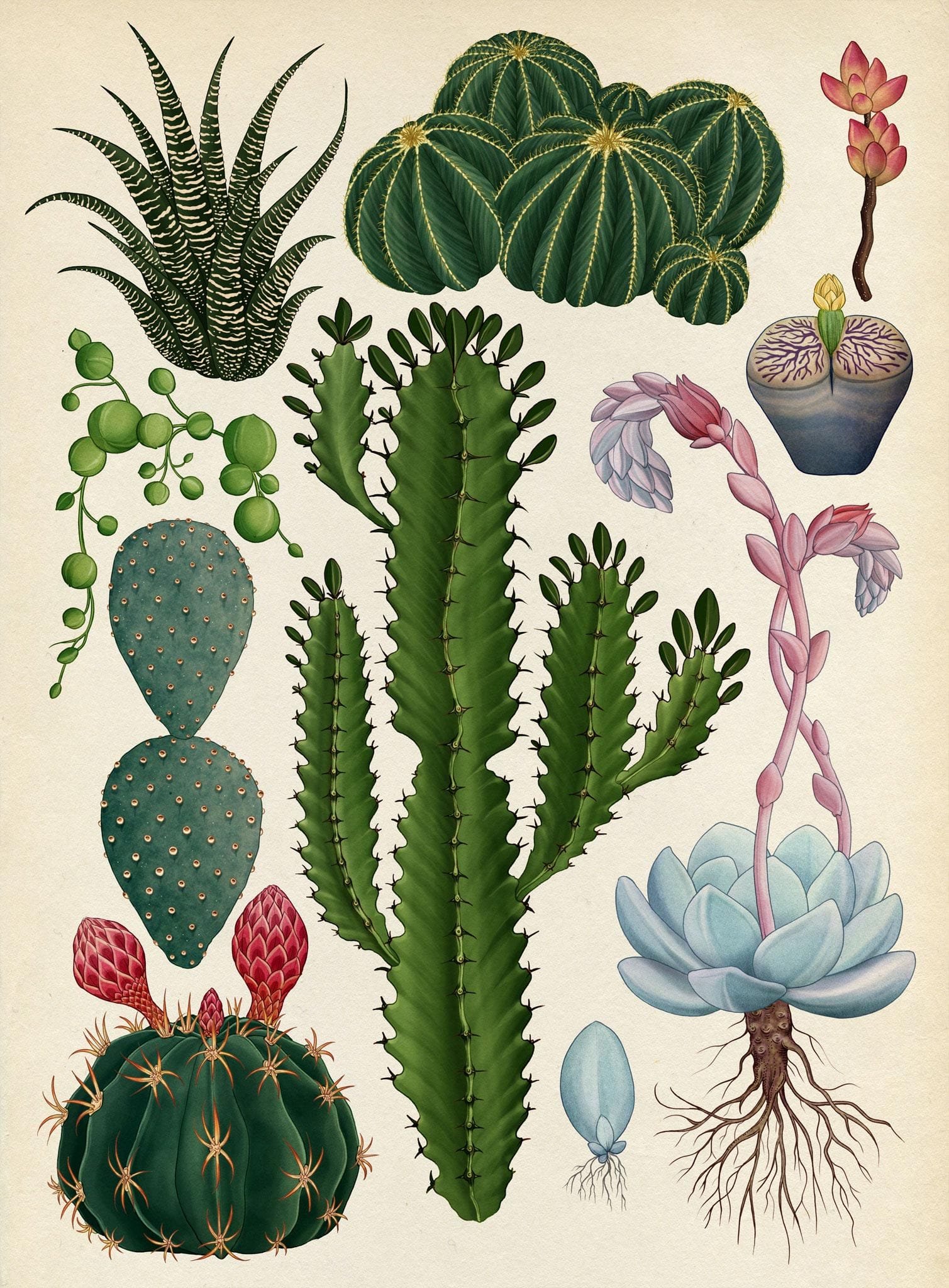
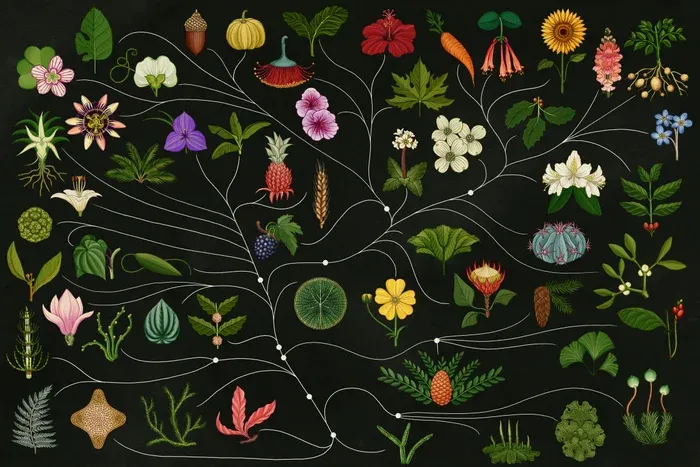
Whereas, I would create a more grunge-inspired style, relating to music, perhaps video-game aesthetics like the Teletech's app. Or advertising these festivals but through hand-drawn sketches on the Wacom tablets as well as motion graphics potentially from what I've learnt in Jon's sessions.
