5.2.6 Process document
5.2.1 Public Space, Public Voice
Focus:
Difficulty navigating public spaces (wayfinding).
Concept:
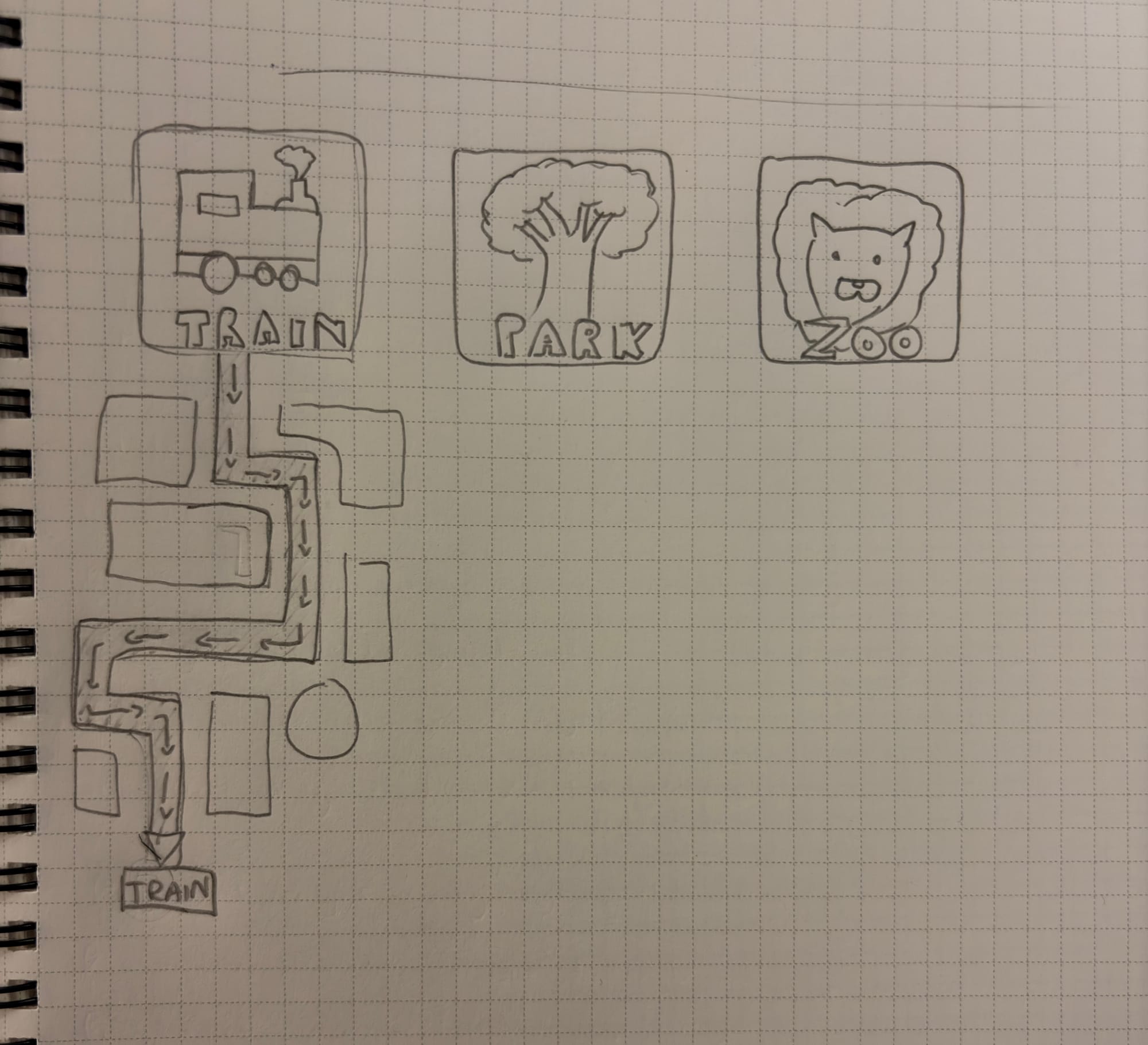
- A map catered to neurodiverse people, create a reimagined map of a park, shop, or station. In a simplified, colour-coded, and sensory-friendly way.
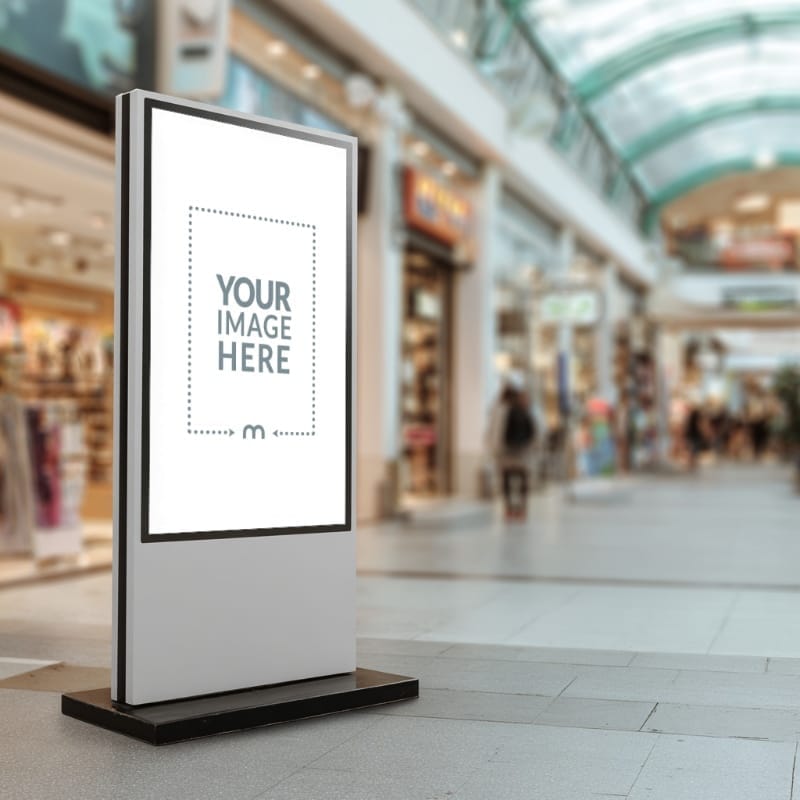
-Also have a interactive map stands that have Side tabs that show easy and direct routes to places of interest, e.g. train station, parks, quiet spaces (library), activities.
This simple drawing hints what the logos could be like. Another thing that might help is to have coloured way finders that link to and from different points of interest, as to make it easier for navigation
5.2.2 Media Diet
From looking at my media consumption, I mostly noticed that it was to do with cars and doing them up, with people like Mat Armstrong for example. I also watch outdoor videos/survival videos and general stuff like sidemen and similar.
few examples
https://www.youtube.com/@MatArmstrongbmx https://www.youtube.com/outdoorboys, https://www.youtube.com/@AntonioOff-Grid https://www.youtube.com/@Sidemen
How they made some of the content for instance what tools, techniques, or technologies were involved ?
In some of these they use technology such as drones, gopros, wildlife cameras, and lighting. For techniques they use smart cuts- for instance if someone else is talking or doing something the camera goes to them. They might also do times lapses of the work or area around(for example working on car or maybe a lapse of the stars or surrounding area ). Some plant cameras ahead so that it captures them walking through the nice scenery.
If I was to start making work like this I would first make a rough plan as to what I want to cover, I would then do whatever it was that I planned whilst recording it. After I would use some editing software like Adobe premiere pro to edit the video, adding cuts music and maybe also commentation depending on what I'm doing.
What I found along the way include how to use prem pro (the basics),I found various social media accounts linked to the different creators and much more.
My 3 artefacts are: Mat Armstrong, outdoor boys and sidemen. I found all of these on YouTube.
Mat armstrong
From research I learnt about mat Armstrong is a British YouTuber from Leicester who became famous for buying crashed/written-off cars and restoring them
He started his YouTube channel in 2013, originally posting BMX riding videos. After injuries and the instability of BMX as a career, he focused more into his other passion, which was cars. He started filming small car projects and repairs, learning both mechanics and video editing as he went.
By around 2019/2021, YouTube became his full-time job. Today, Mat Armstrong is one of the UK’s biggest car creators, known for his rebuild videos and turning total losses into road-ready cars.
Outdoor boys
After looking into The outdoor boys channel I found that it was a popular YouTube channel run by Luke Nichols, an outdoors-focused content creator from Alaska. He started his journey on YouTube in 2013 with a fishing channel called Catfish and Carp. Then a couple of years later in 2015, he started Outdoor Boys, shifting the focus to adventures with his family. This often featured camping, fishing, survival skills, bushcraft, and wilderness trips.
Outdoor Boys is one of YouTube’s biggest outdoor channels, with over 15 million subscribers and billions views.
Sidemen
After also looking into I found that the Sidemen are a group of seven YouTubers (KSI, Simon, Josh ,Tobi, Ethan, Vik, Harry).
They started in 2013 as friends playing games like FIFA and GTA Online as well as collaborating on each other’s channels.
In 2016, they launched the official Sidemen YouTube channel
Today, the Sidemen are one of the biggest YouTube groups in the world, with multiple channels and live events.
Follow on task
If I was to incorporate new technology to my 4.2 work I would have used Ai tool to help with both critiquing my work but also possibly in the help of creating a mockup as it could more easily take my work and wrap it around a 3d book template.
This would save me time and also look more polished (if done right), and if the ai gave me tips on my work I might have made I few more iterations.
This reflection help me to understand that ai can be useful if used in the right context, it can help by bouncing ideas off it and potentially help with making mockups - though I haven't tried this yet so I don't know if it could do this successfully yet.
5.2.3 work flow
Reflection
The parts of graphics that make me feel engaged are the actual doing part of graphics, the creative side. I actually feel like I'm doing graphics when I start doing the iterations and the creation of the work.
The parts in which I am weak in are the general research and anything to do with writing or typing. I will also say that sometime I will get too focused on something and I feel I need to broaden my outcomes and make varied outcomes.
Tasks that feel like obstacles for me tend to be the research and also the writing/annotations. Im not a fan of either which leads to me procrastonating and putting them off.
Researched Tools, techniques or strategies
I looked at were shortcuts for instance:
cmd + space opens up spotlight search
opt + space opens up chatGPT
cmd + tab shows open tabs
cmd + q quick closes tabs
I also looked at ways to organise my deadlines, and for now I'm just using/trying reminders but I might also try and use other things like Fantastical when I get round to it .
A good strategy that would be beneficial for me is to plan my dead lines an d work out and be more efficient and do little and often. rather than trying to do it all at the last minute.
Using the reminders and the shortcuts will help me to be more organised and confident in my more as I'm not rushing.
How do emerging tools change what it means to be a designer ?
using the provided article
https://www.itsnicethat.com/features/editors-letter-exploring-creativitys-ai-conundrum-light-and-shade-digital-220925
The article warns that AI risks stoping creative thinking by offering quick answers. This means that it could discourage exploration. It says that designers must resist and continue to think creatively and independently.The article also warns that designers may no longer be sole creators, but rather selectors telling the AI what to do. From reading this article I think ai should be used for the Repetitive production tasks (e.g iterations, variations, formatting) , Early-stage ideas and stuff like resizing, exporting and accessibility checks.
The article also warns that overusing AI risks homogenisation meaning that all the work will be the same and lack diversity and originality.
For me I can see the role of a graphics designer potentially shifting from a maker to more of an overseer of ai, though not completely but I definitely think that Ai will have a place in graphics design for the better or for worse
5.2.4 Automation
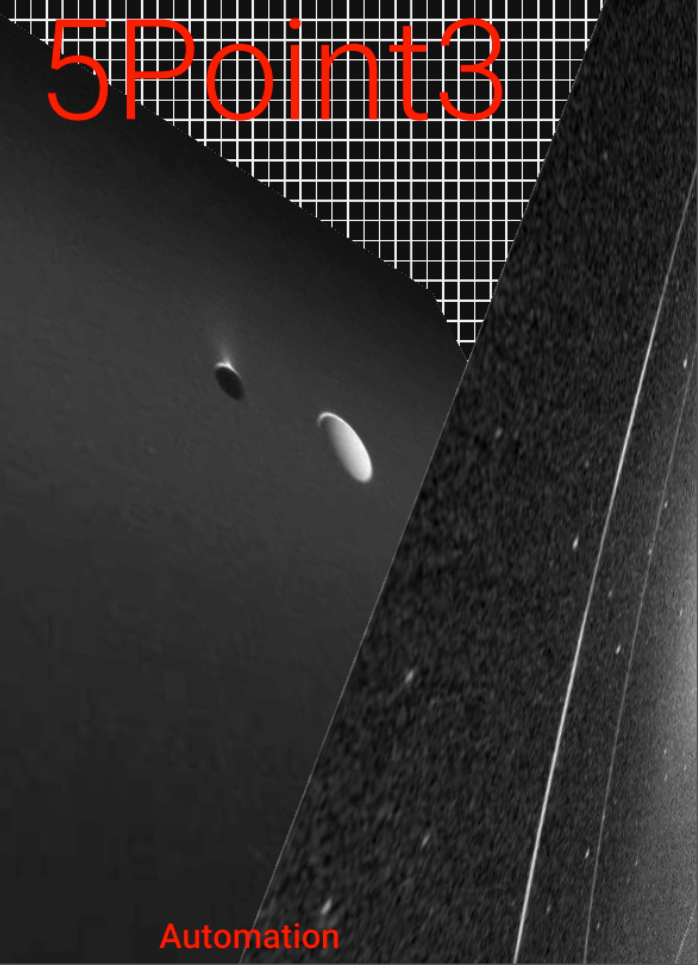
here I used

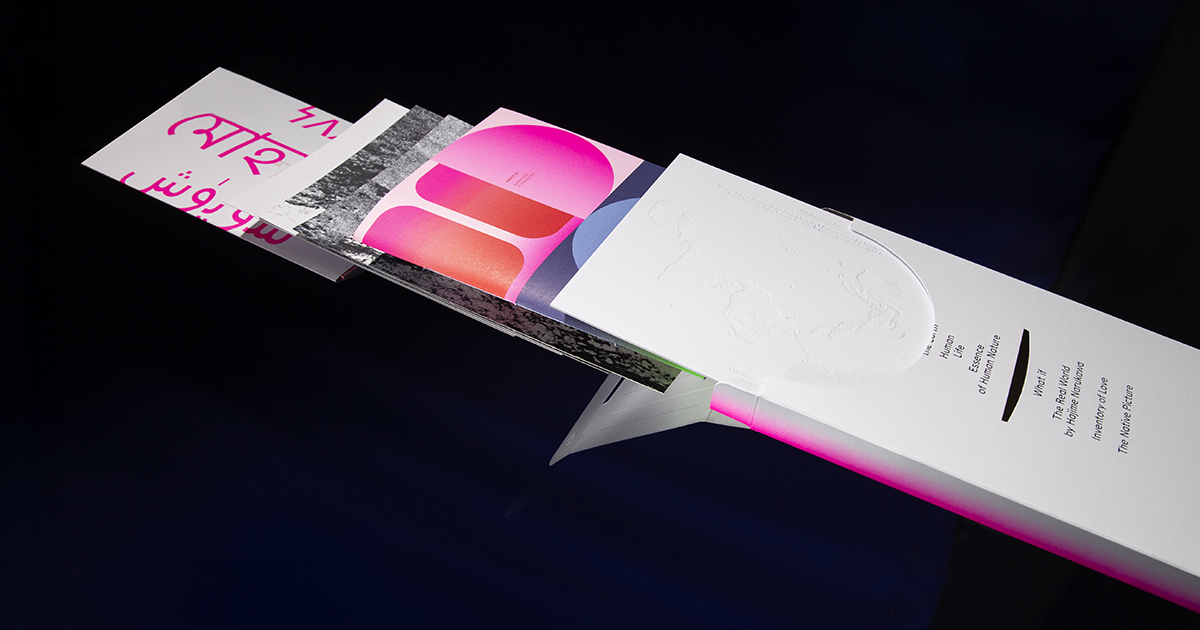
To create a fun moving animation
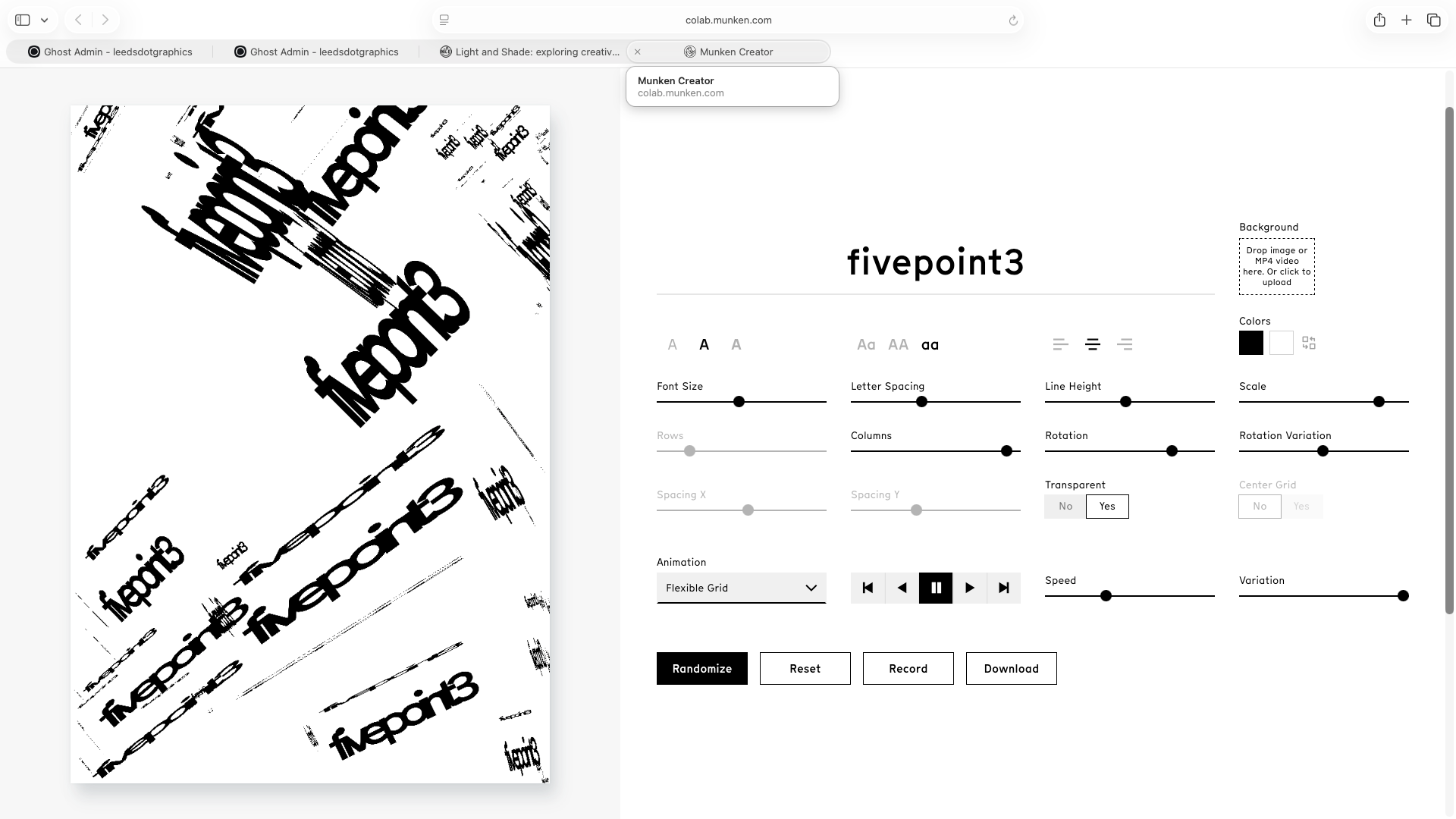
here I used
This website was interesting as it let me rotate the x and the y axis which was pretty cool. It could be used to make a band poster or something like that
Here I also used the website animals within animals
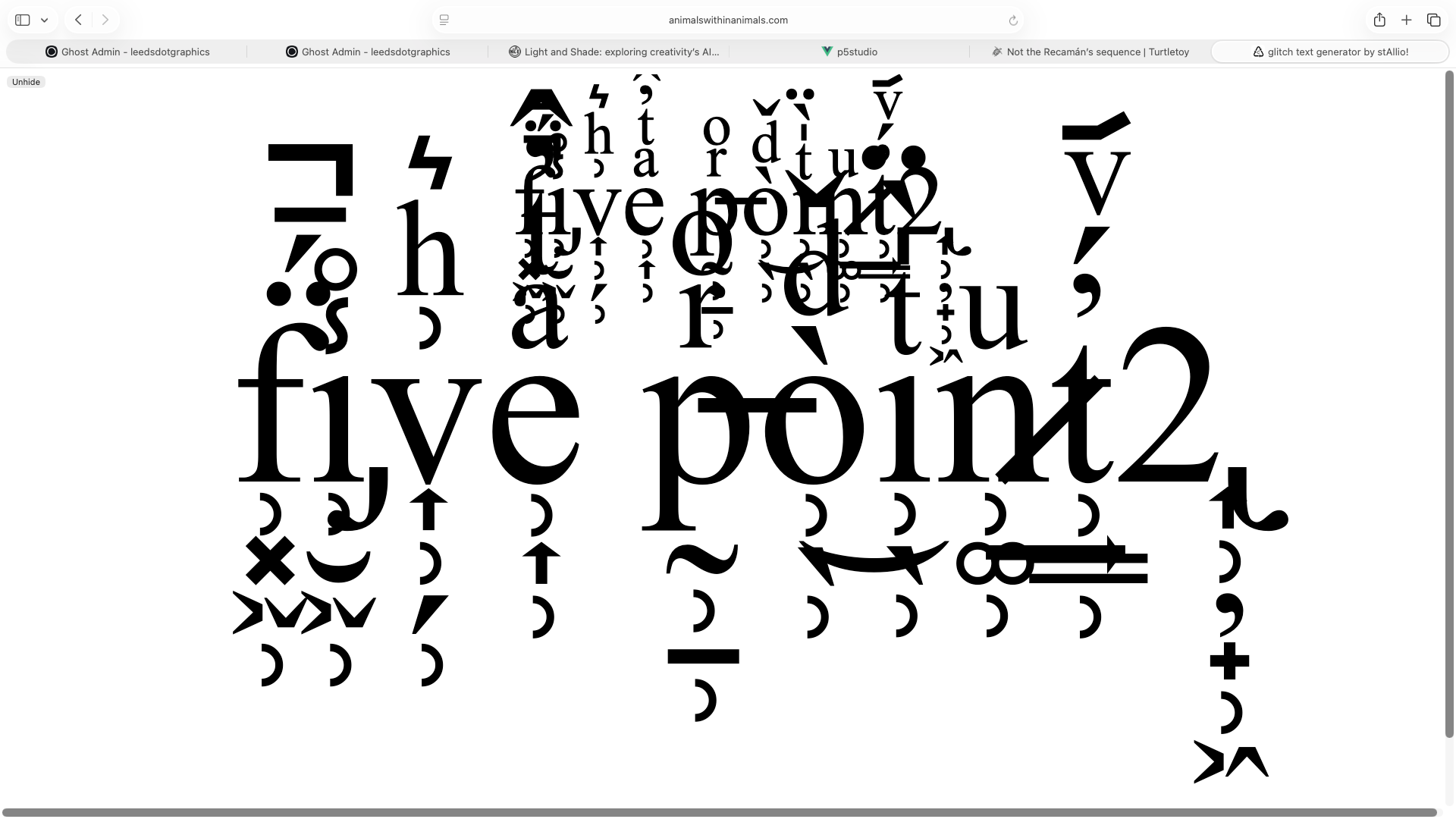
after looking over these I have noticed that for the first 2 I have mistypes 5.3 instead of 5.2
5.2.5 4x6
I chose then one brief which was:
Find a public dataset that relates to something you believe matters – social, environmental, political,local. Use it as the foundation for a project that communicates your perspective on the subject.
and then a outcome :
A pre-rendered, time-based piece that uses motion to communicate. This could be vector animation, cell animation, generative animation, projection-mapped content, or motion graphics. The sequence demonstrates considered use of timing, transition, and visual rhythm.
I then made a short video on After effects about litter
 Savannah Coombe
Here is some work I have done in Jons workshops: including rotoscoping and screen graphics
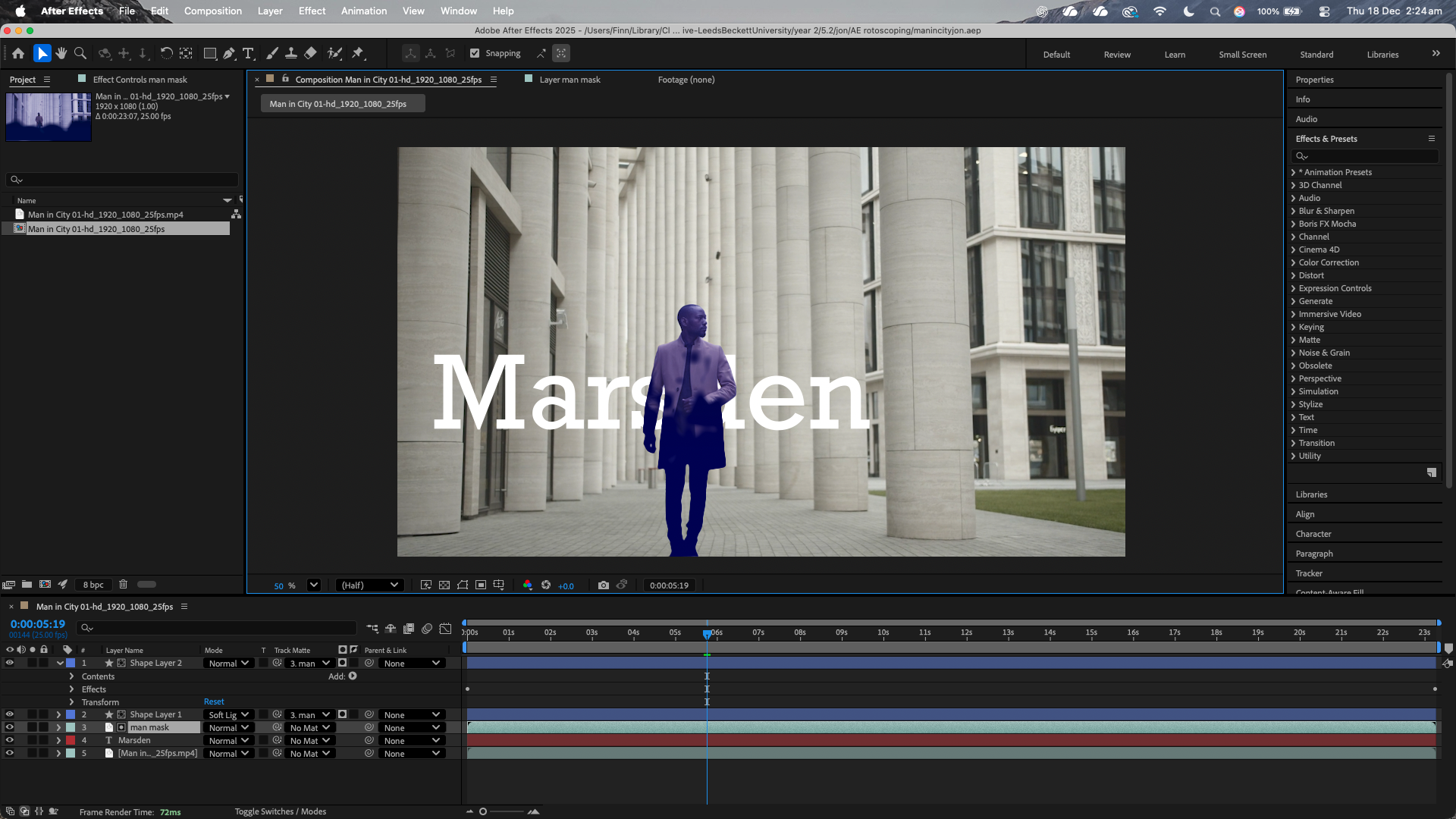
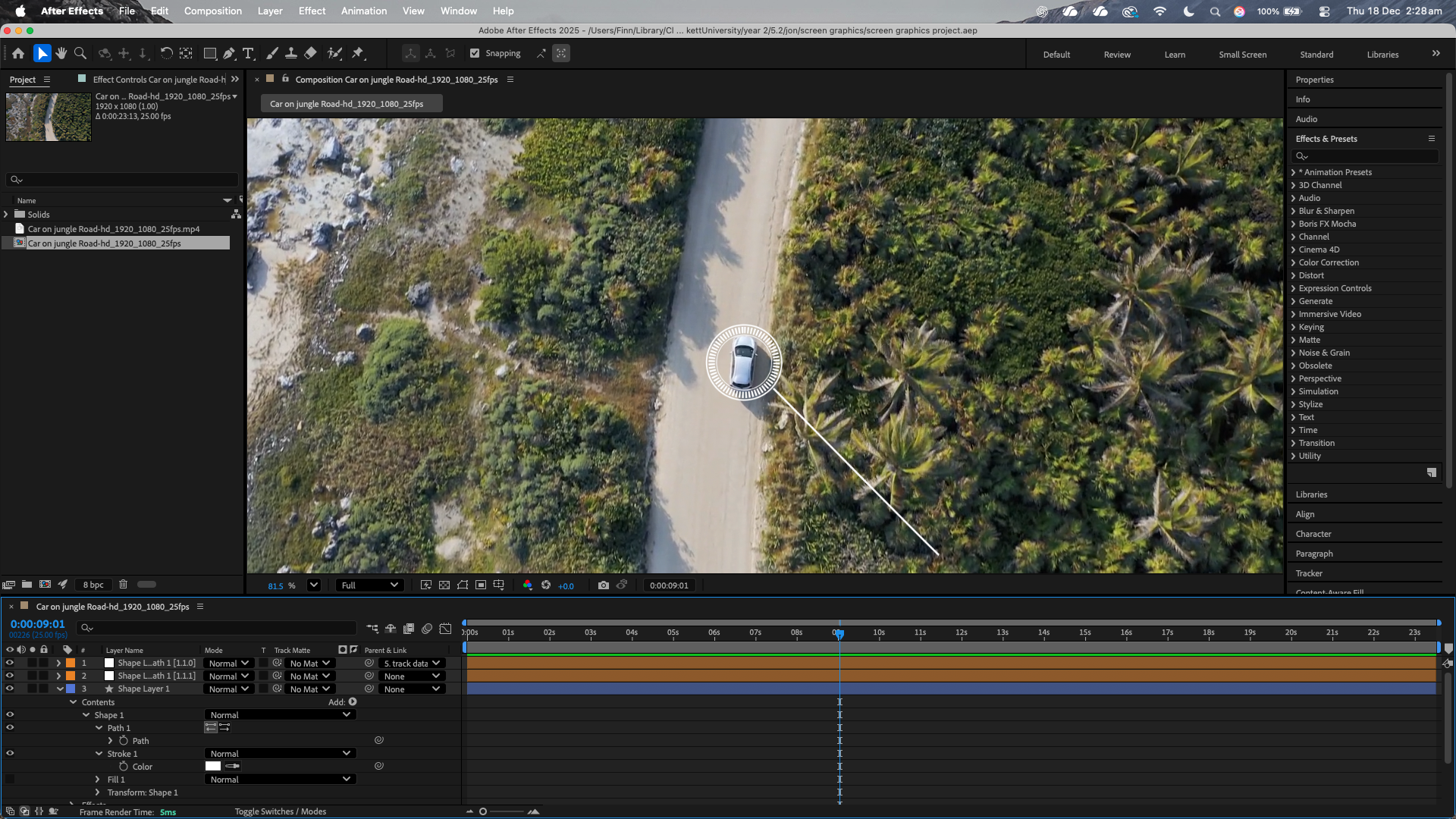
Reflection
Technology had quiet a big role in your design process, I used tool such as ghost, illustrator, after effects along with the various extensions I tried on the 5.2.3 week During this module I have encountered challenges, such as geraral planning and troubles with the typing and layout. Through this module I have discovered that I am very inefficient with my time management and that I should plan more ahead and do little chunks and often rather than trying to do everything at once.
From this module a few new techchnolgy's interest me some being the use of Ai and also Mac organisation extensions and apps such as Alfred, commander one and hazel.
Some general concerns that did arise for me when looking at this is the realisation that we let all this technology have access to all our files, and what would happen if something were to go wrong? especially with file management and also ai it could be the next terminator.
Although after looking my perspective has defiantly changed on the usefulness of extensions apps and tools which can help with our work process, and Ill definitely look more into it
