5.2.5 4𝑥6
Brief:
2. System Expansion
Take your branding guidelines from last year and expand their scope. Demonstrate how your brand identity works across multiple applications, contexts, or scenarios. Show the breadth of the system, not just its core elements.
Outcome:
1. Animation
A pre-rendered, time-based piece that uses motion to communicate. This could be vector animation, cell animation, generative animation, projection- mapped content, or motion graphics. The sequence demonstrates considered use of timing, transition, and visual rhythm.
Project Overview:
I've chosen to revisit my branding project from my Level 4 UX Project and use the guidelines I created as part of that brief to explore the use of new technologies and create a new outcome related to that submission. My proposal is a 2D app launch animation created for the City Bites takeaway and the app prototype I developed:
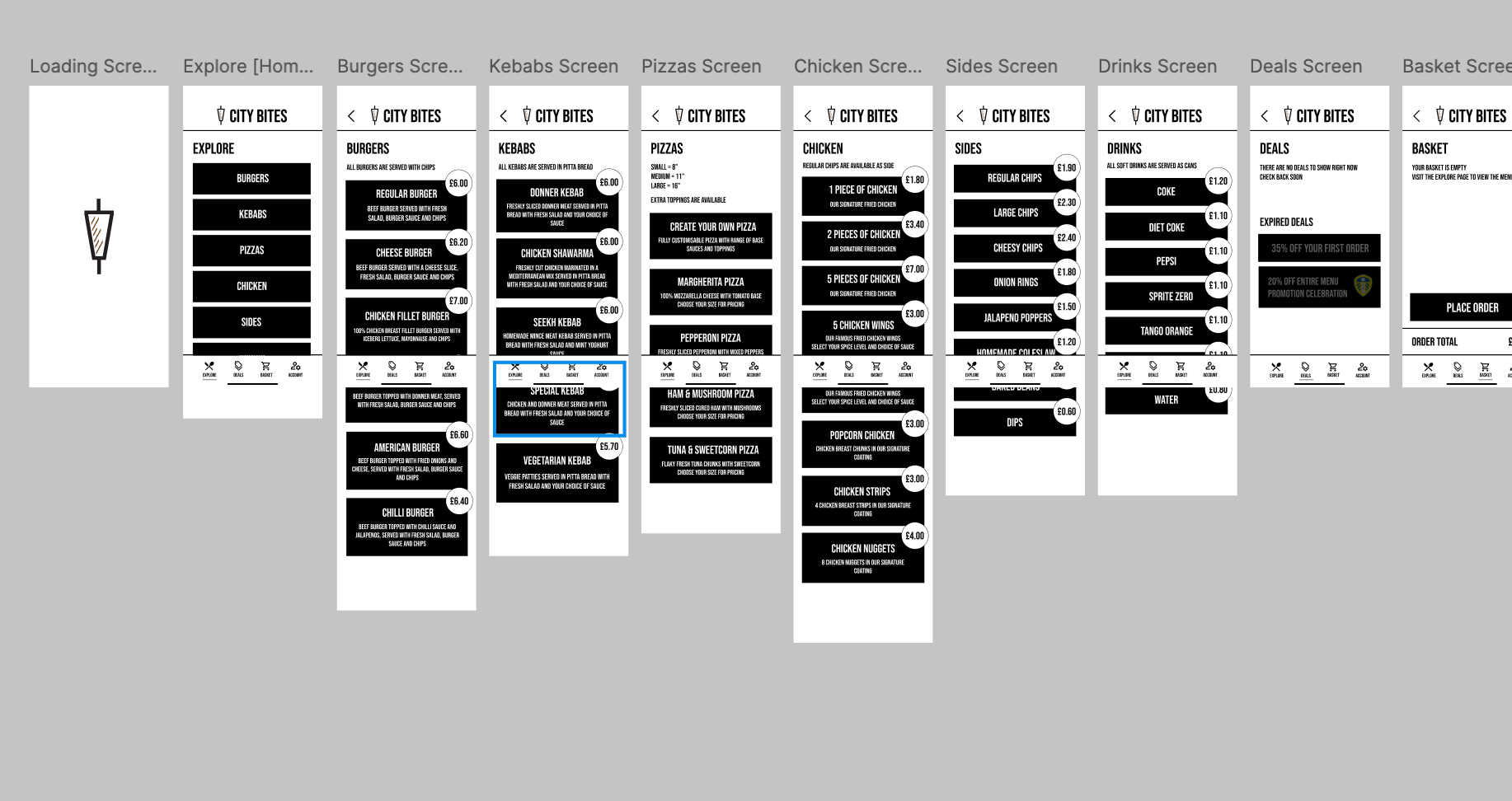
The reason I've chosen my UX Project to be paired with an animated outcome is because when developing this prototype for an app last year I was keen to incorporate moving image onto my initial loading screen. I wrote in reflection that I enjoyed apps where the interface feels less static - I wanted some motion on my rotator grill logo but at this stage last year I was too unfamiliar with any softwares for moving image/animation and mostly too intimidated to begin exploring any.
Visual Evidence & Technical Requirements:
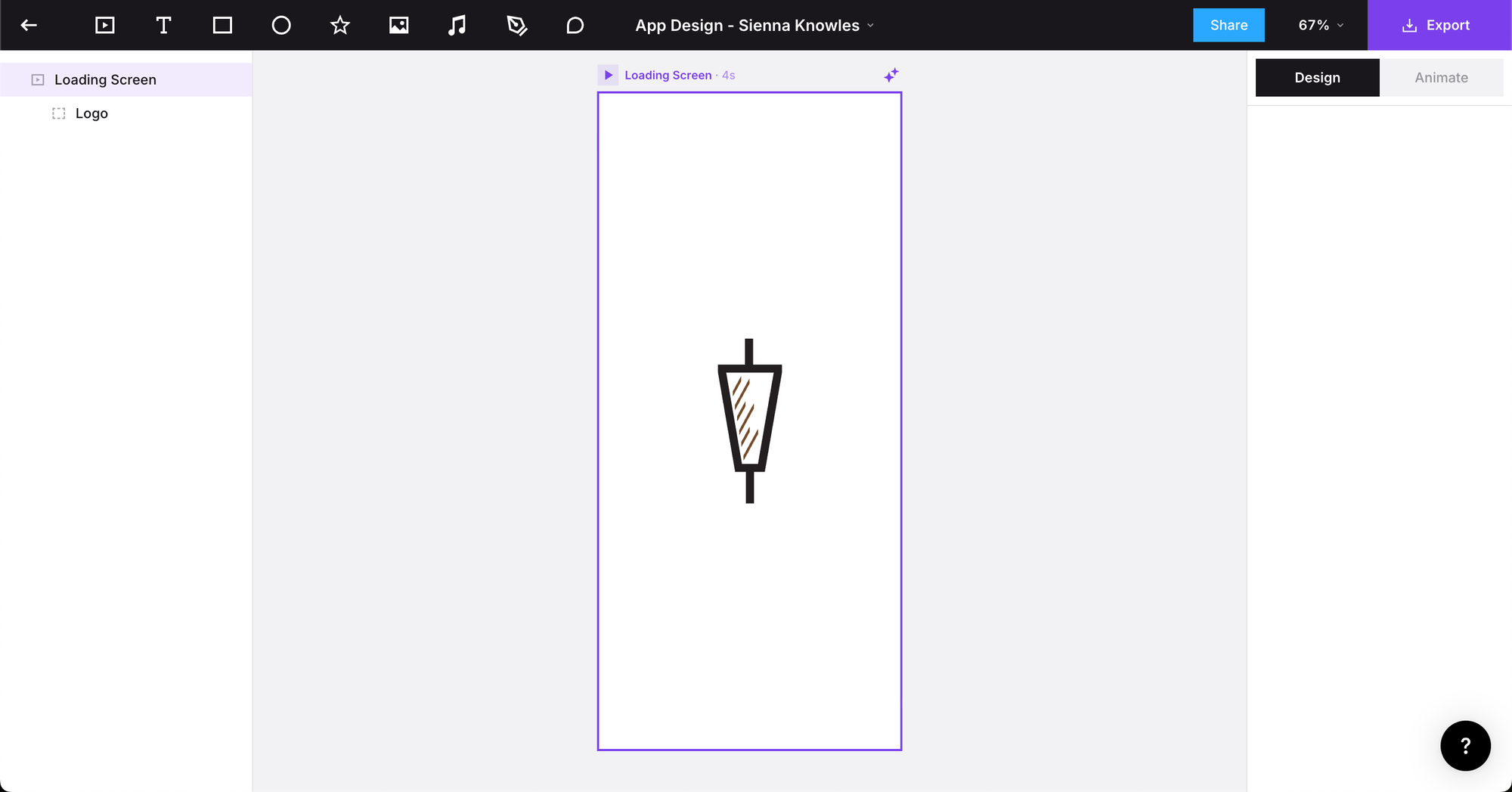
To make this proposal into a product, I'd have to revisit the workspace where I had my 4.4 UX project and open up my app design prototype file. From here, using the skills and knowledge I learned in the Jitter solar systems animation workshop, I know that I can select one page of the workspace and open it with the Jitter plugin from the bottom dock. This brings my design to a new page within the Jitter extension where I can add animations to already existing images on my page.
The skills needed for this proposal have since been developed in my second year of the course, but I would've needed to be introduced to moving image software that specifically suits short-term animations instead of something like Adobe After Effects that I've used before but doesn't suit this project or proposal in its capabilities - very limited!
In terms of research needed to make this happen, I could benefit from looking into existing apps that have a branding-specific loading animation and see how they've morphed their logo to include a motion aspect to it.
I've decided to go beyond the brief and attempt to make this happen using my newfound Jitter skills as I'm really interested in branding and want to find more ways to expand my capabilities when it comes to creating static images and designs for a brand's visual identity. Below details my process and thoughts:
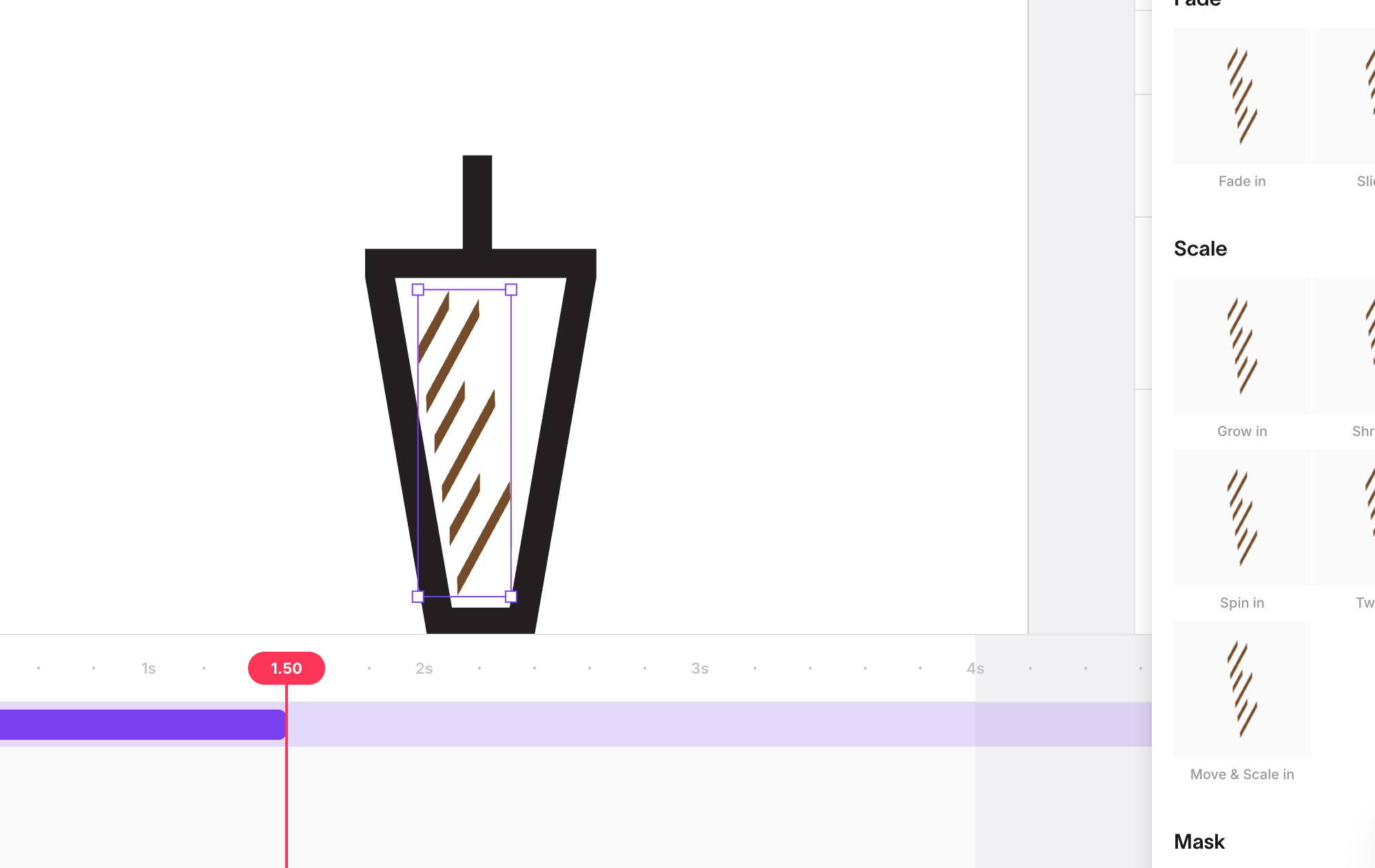
The Jitter workshop has familiarised me with the interface of this software and I am now able to explore different variations of movement for the animation of my grill logo. Based on my experiments with a failed attempt at having all the lines as its original group move together (see below), I didn't like the motions of the group moving as it was extending beyond the boundaries of the grill stroke itself.
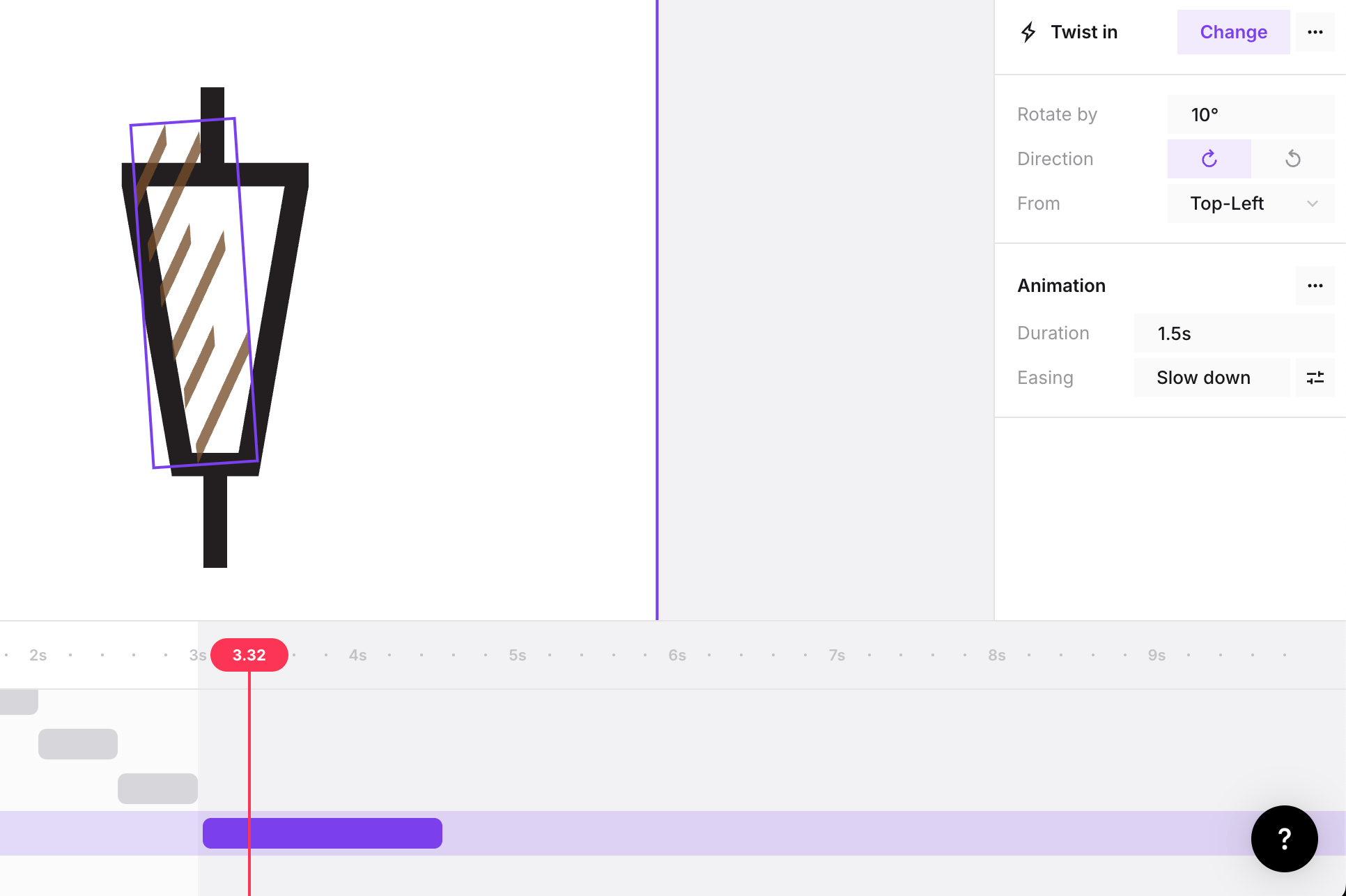
As a result of this failed development and similar iterations, I've decided to ungroup the lines of my design and animate each individually to appear consecutively to simulate that the page is loading:
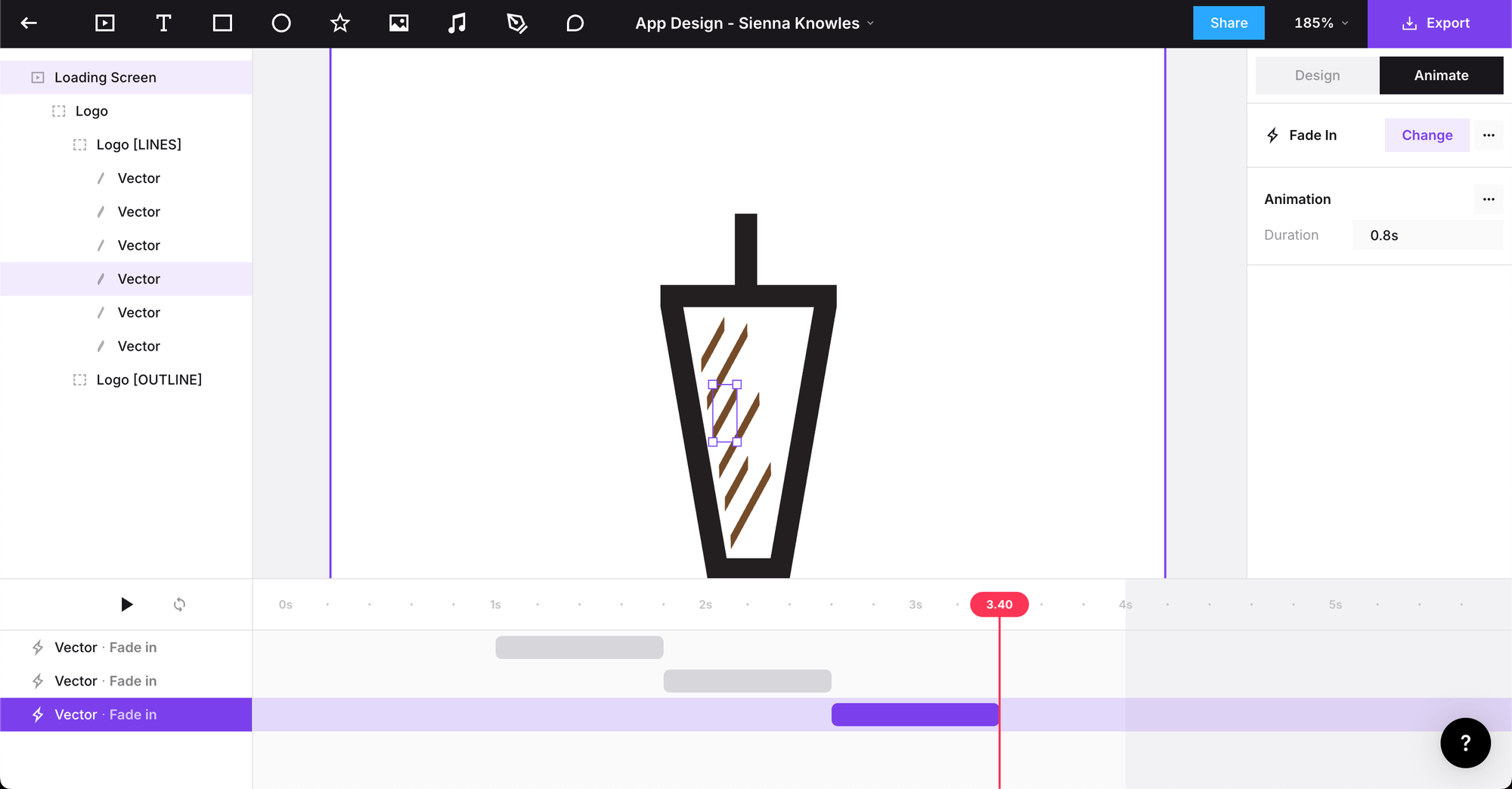
Being able to make the ideas that I had for this app prototype come to life and exist in real time after 7 months is not only satisfying but inspiring - how many more of my past projects could I enhance in this way using new technologies and processes that I was yet to learn until now or the near future?????