5.2.4 Automation - Taken Further
Below is my exploration of technologies on Figma. I chose to do this after using Everywhere Tools. I wanted to experiment with technologies I'd used before, but hadn't really gotten into. I used Figma in Level 4, and really enjoyed it, but Figma has a range of tools, some of which I didn't even know existed. Below is my research for all of them, and the ones that stuck out to me the most, and my experimentation with those.
What is so special about figma?
Figma Design

Figma Design is the primary tool for people to create, share, and test designs for websites, mobile apps, and other digital products and experiences. It is a popular tool for designers, product managers, writers, developers, and helps anyone involved in the design process contribute, give feedback, and make better decisions, faster.
Dev Mode
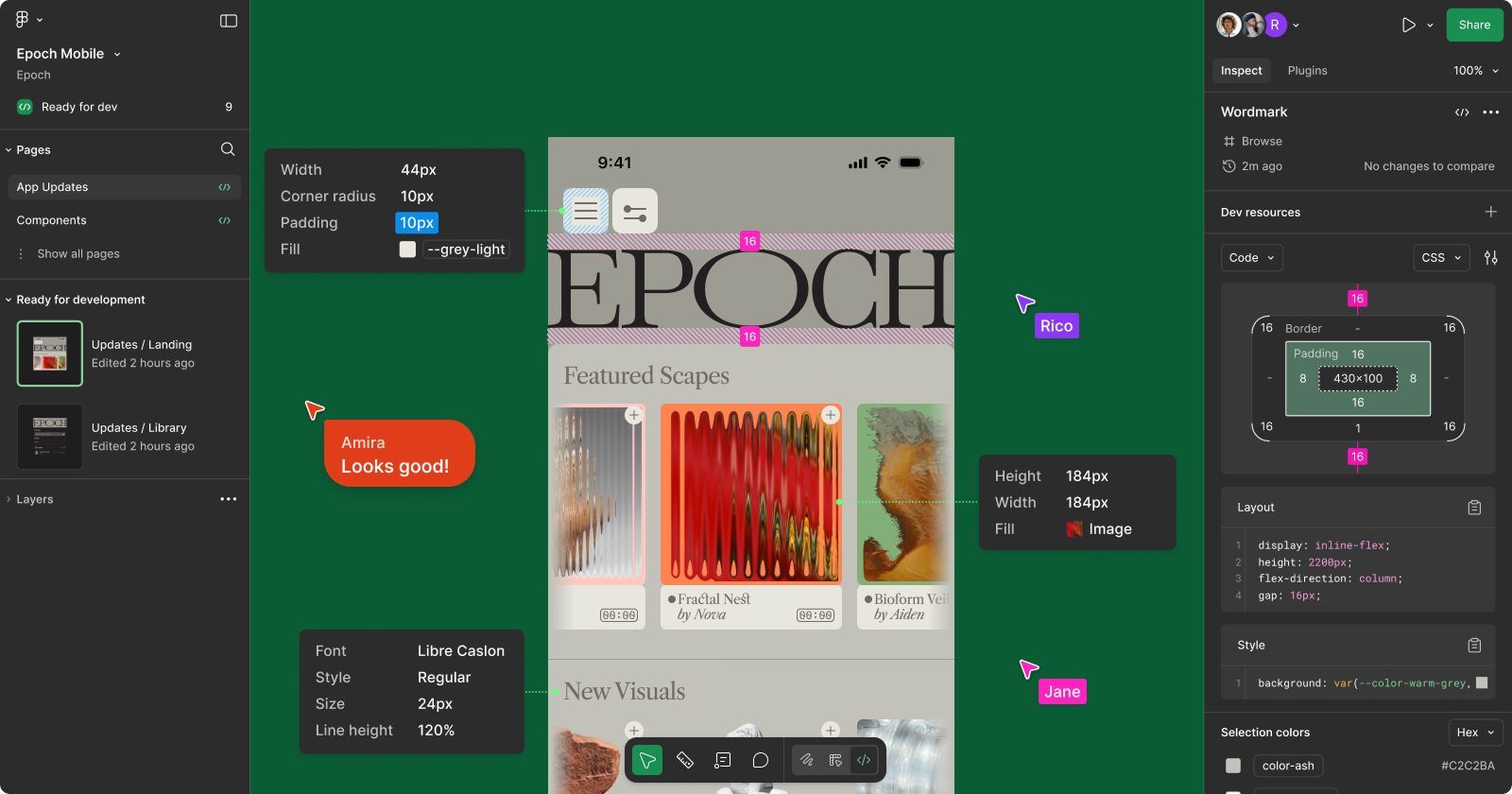
Dev Mode unlocks a feature set within Figma Design that helps transform your designs into code. With Dev Mode, designers and developers can stay on the same page, making sure important details aren’t lost in the handoff process.
FigJam
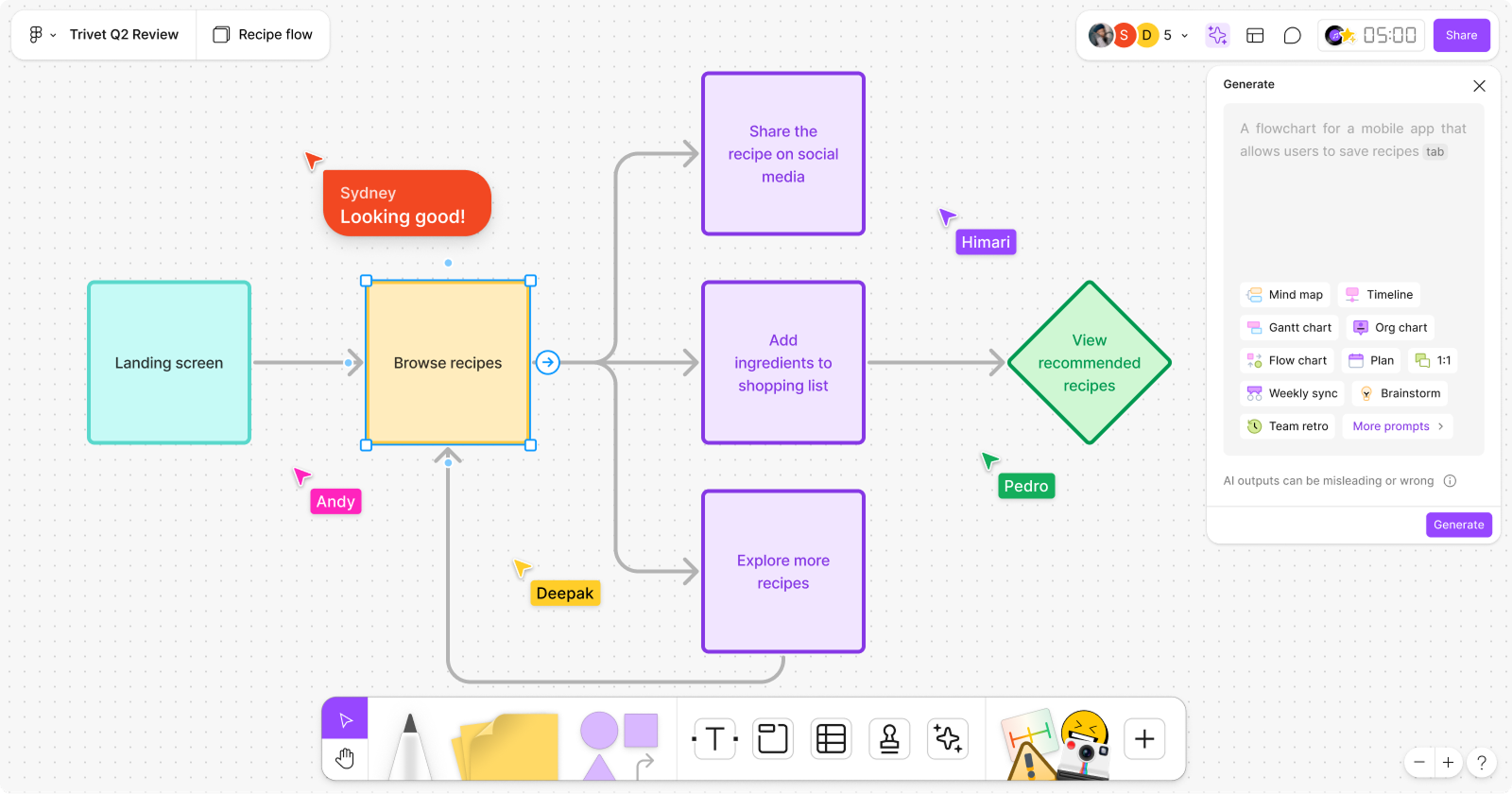
FigJam lets you create online whiteboards where anyone can take part. People use FigJam for meetings, brainstorms, diagrams, planning, and research to enhance team collaboration. In FigJam, you can use text, shapes, drawings, images, sticky notes, and other elements to visually represent ideas and jam on work together.
Figma Slides
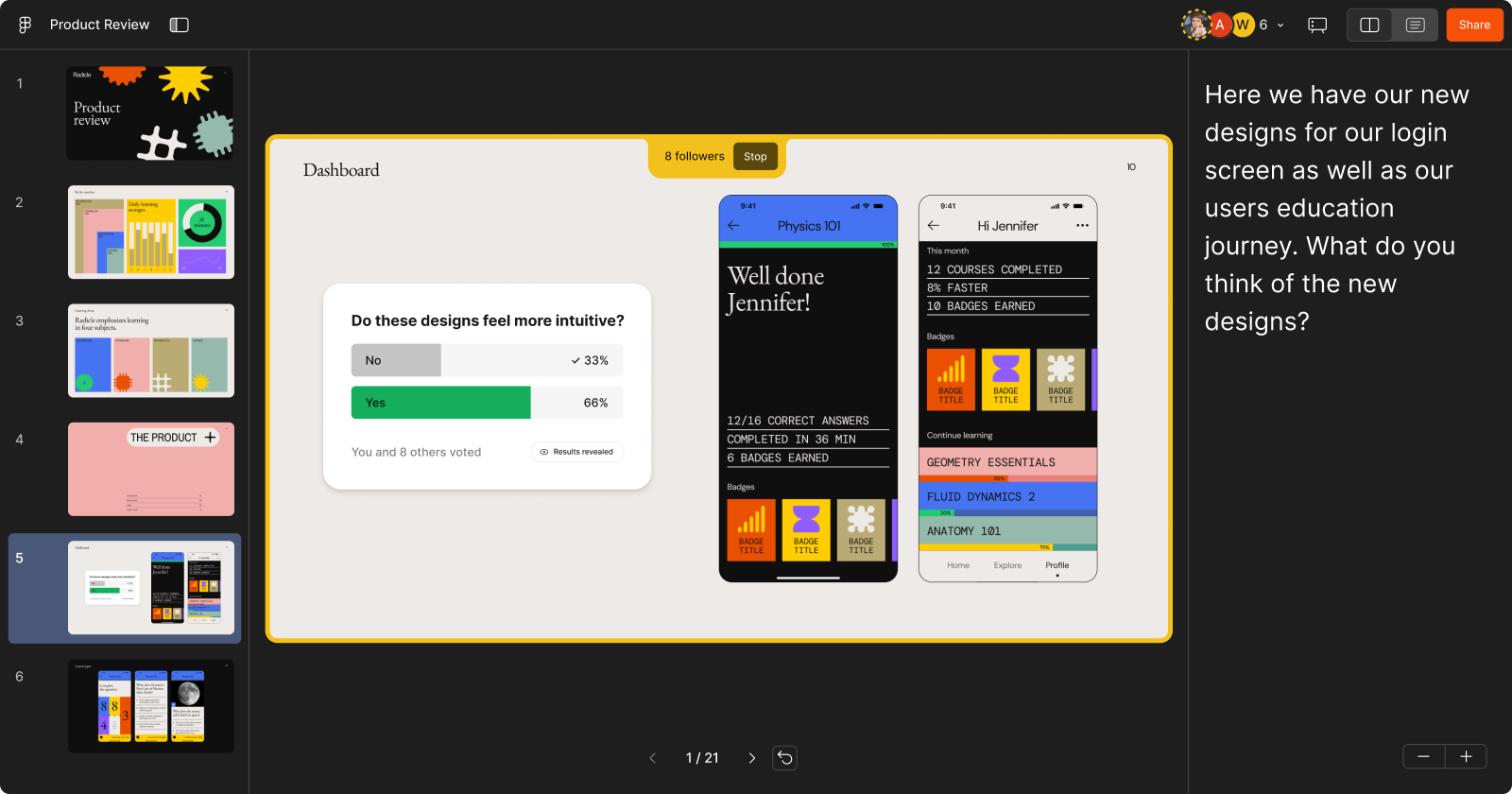
Figma Slides is a slide deck creation tool that lets you and your team create beautiful, interactive presentations. Insert designs and prototypes from Figma Design, co-create and present confidently with collaboration and presentation tools, and use interactive widgets to gather stakeholder feedback before your presentation even ends.
Figma Draw
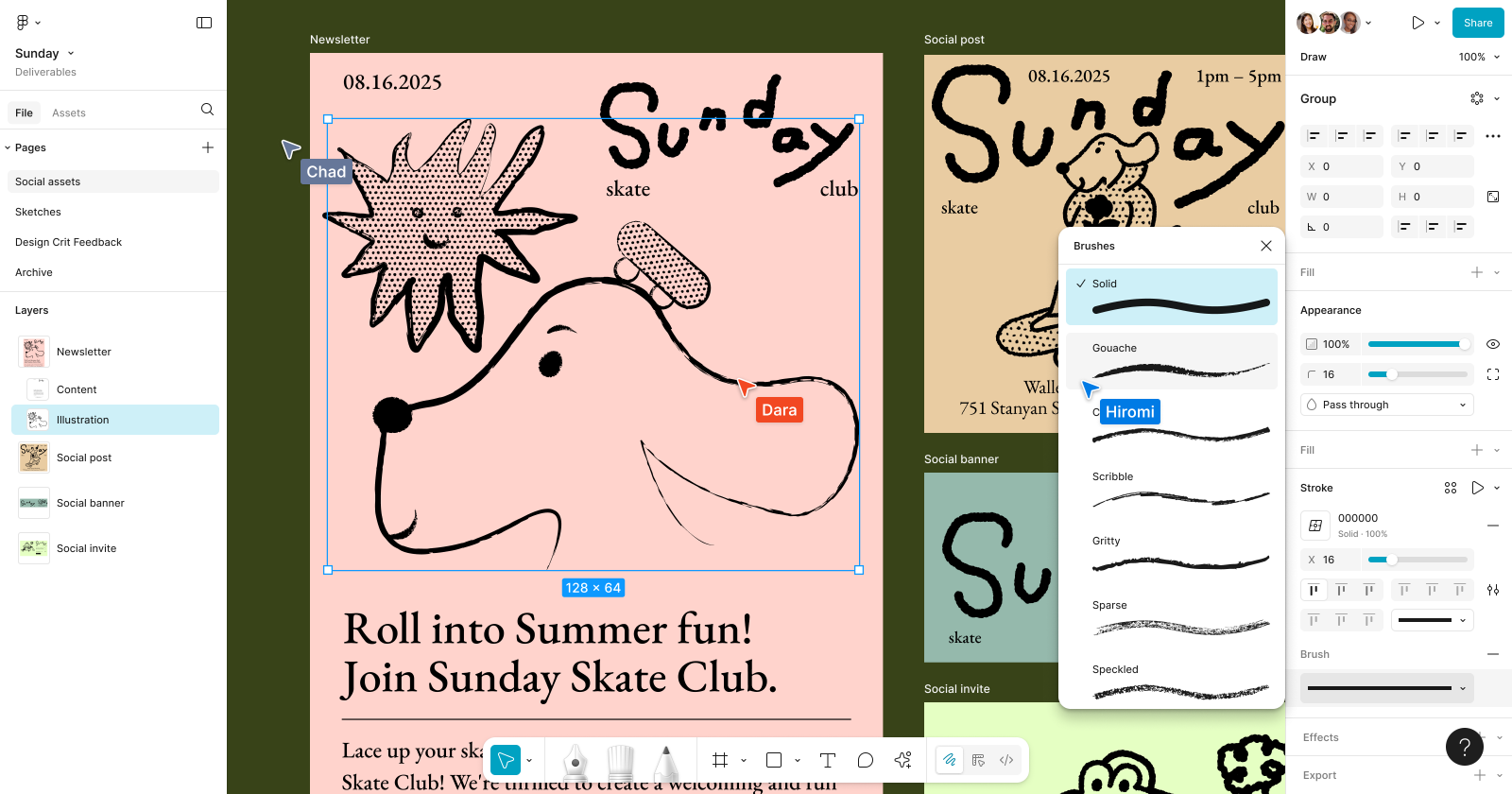
Figma Draw enables you to create more expressive designs with illustration tools, improved vector editing, and more effects. Figma Draw lets you access illustration tools like brushes, transforms, and textures, directly inside a Figma Design file.
Figma Make
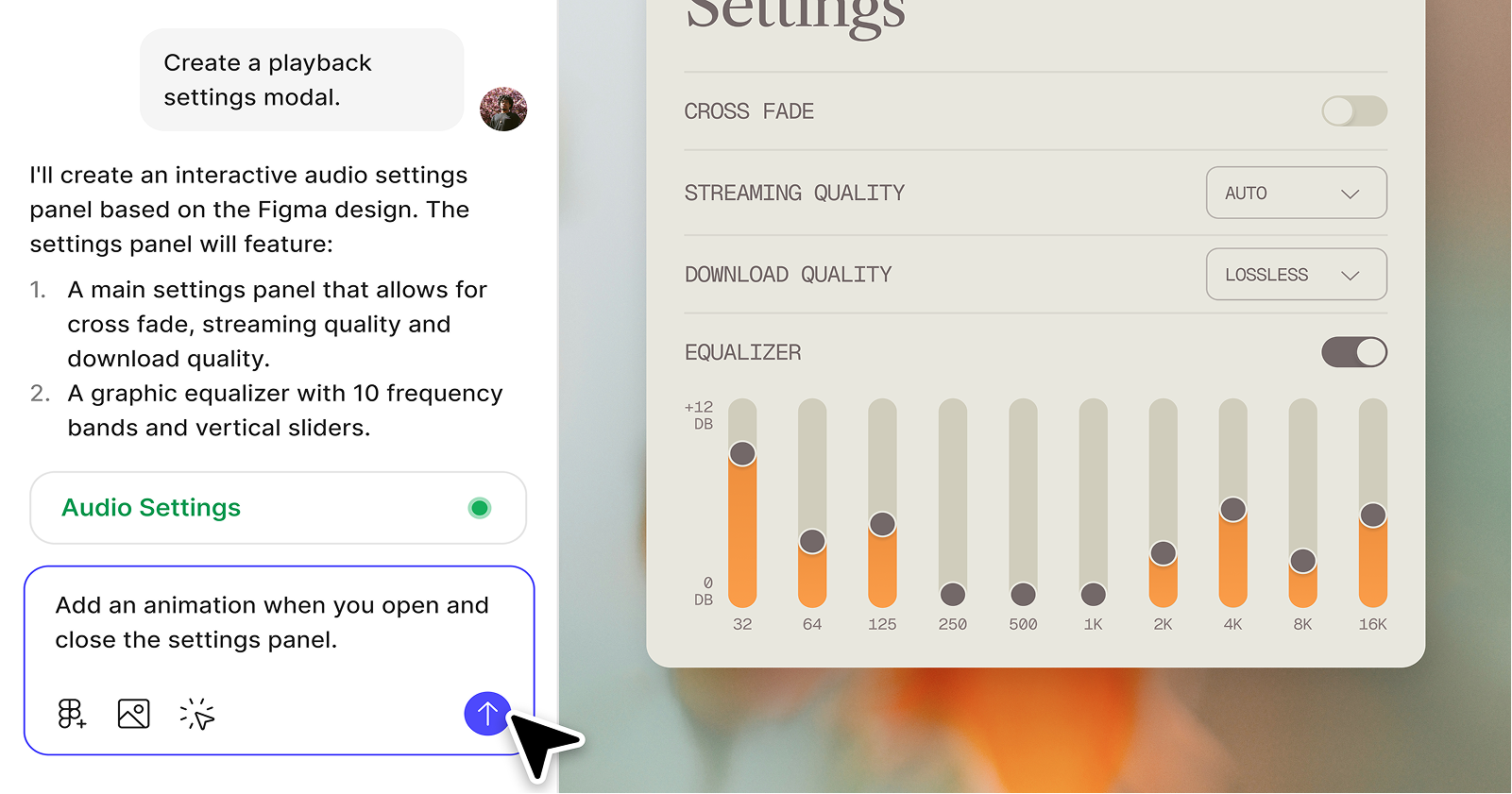
Figma Make is an AI-driven, prompt-to-app tool that lets you bring ideas and existing Figma designs to life as functional prototypes, web apps, and interactive UI.
Figma Sites (Beta)
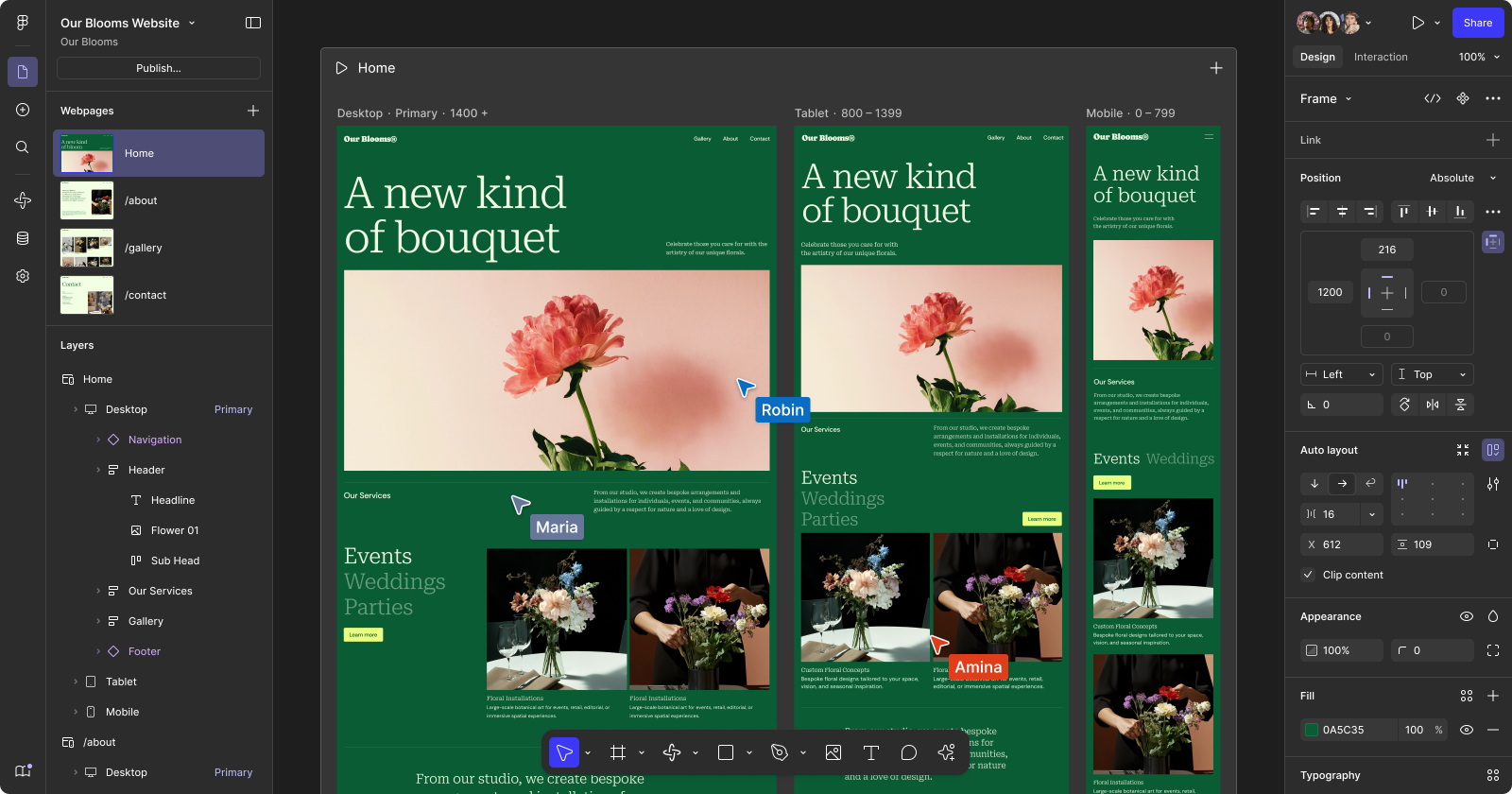
Figma Sites enables you to design, prototype, and quickly publish a website using responsive components, text, and auto layout by pasting your existing designs from Figma Design.
Figma Buzz (Beta)
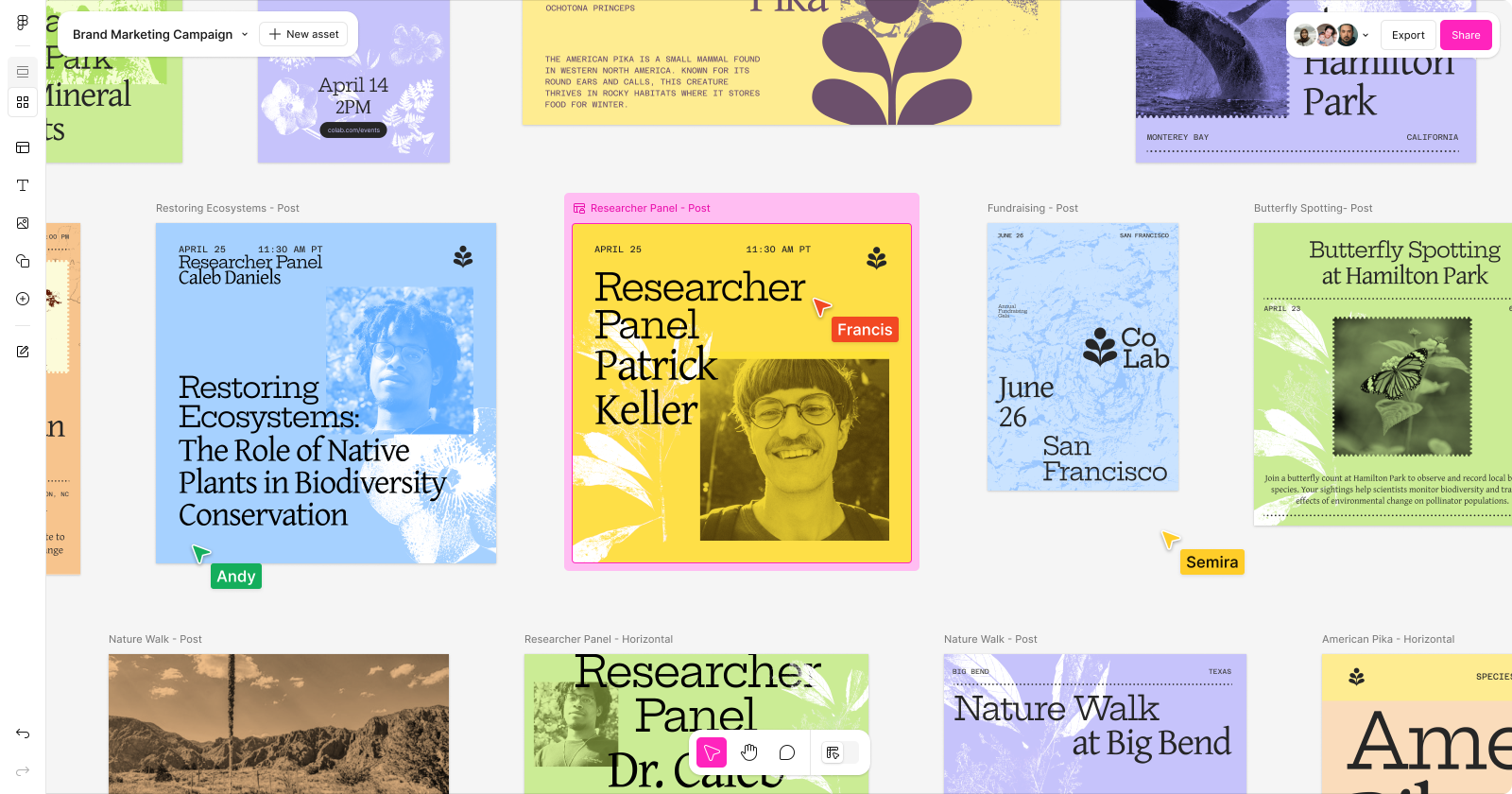
Buzz enables teams to create on-brand static assets together, with the power of Figma Design. You have access to templates, inserts, your team’s libraries, and curated libraries from the Figma Community — all available to use in styled text, icons, illustrations, and anything else your team has saved in a Figma Design library.
What I've taken an interest in:
Figma Make
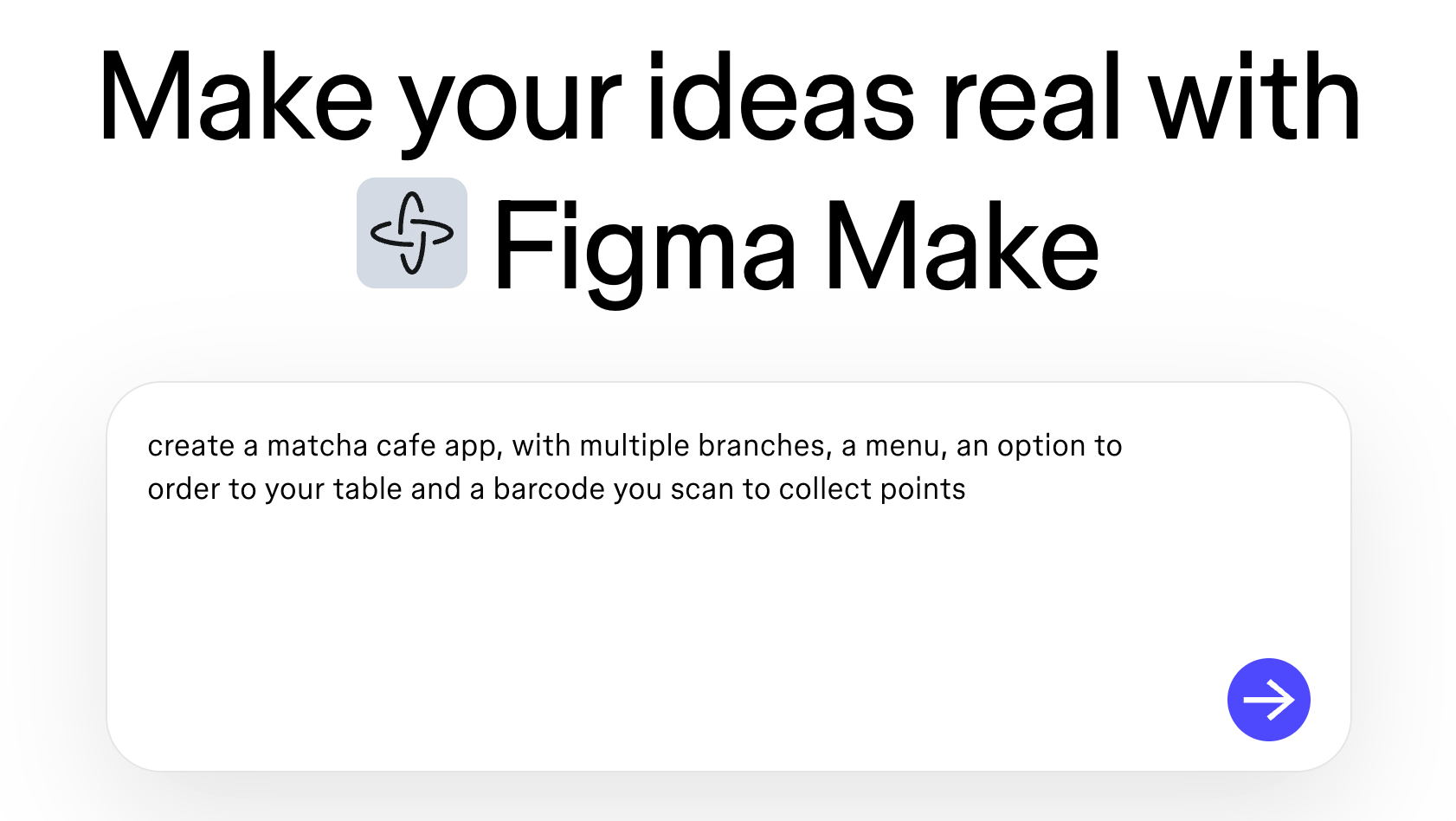
I prompted figma make with a concept for an interface for a matcha cafe app.
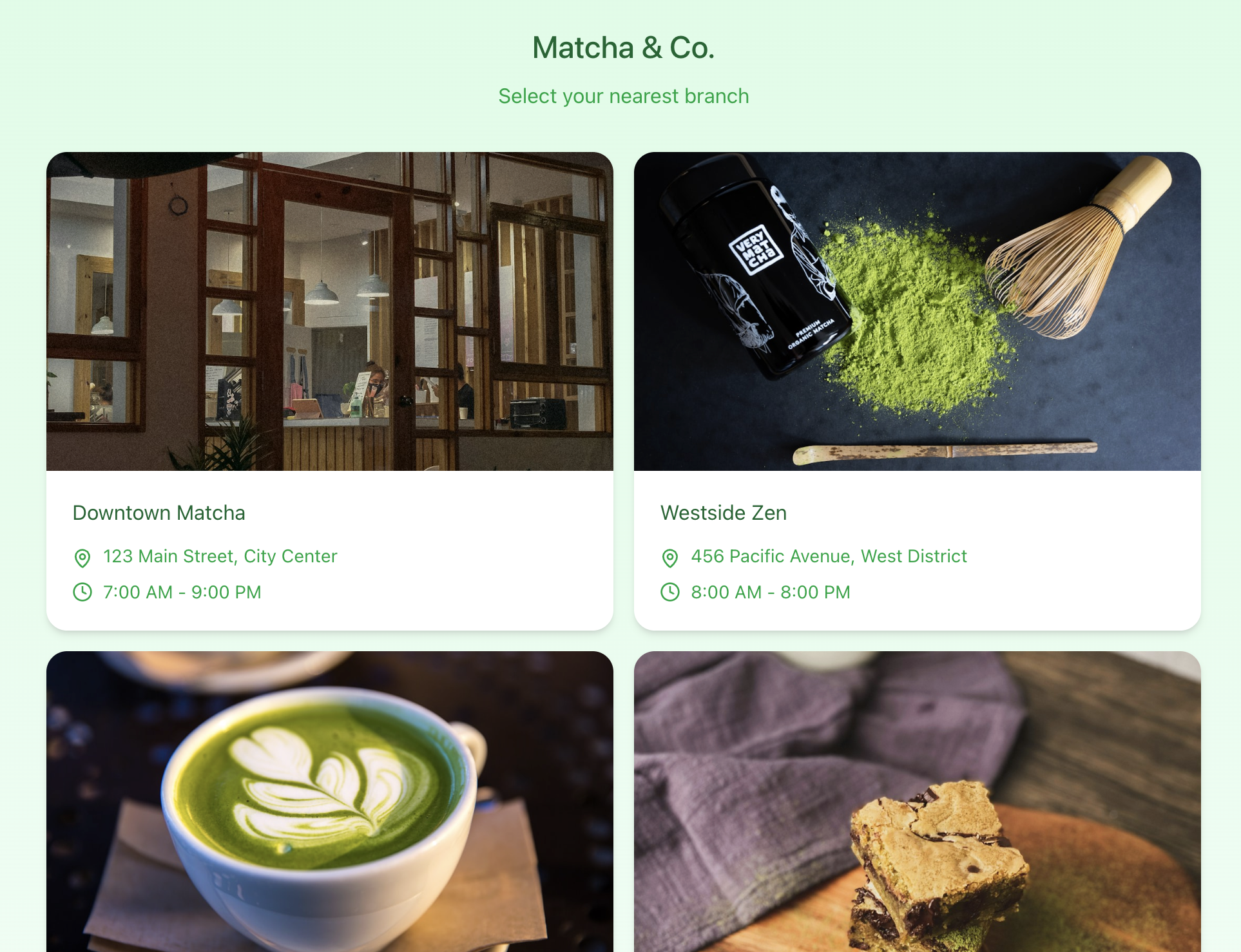
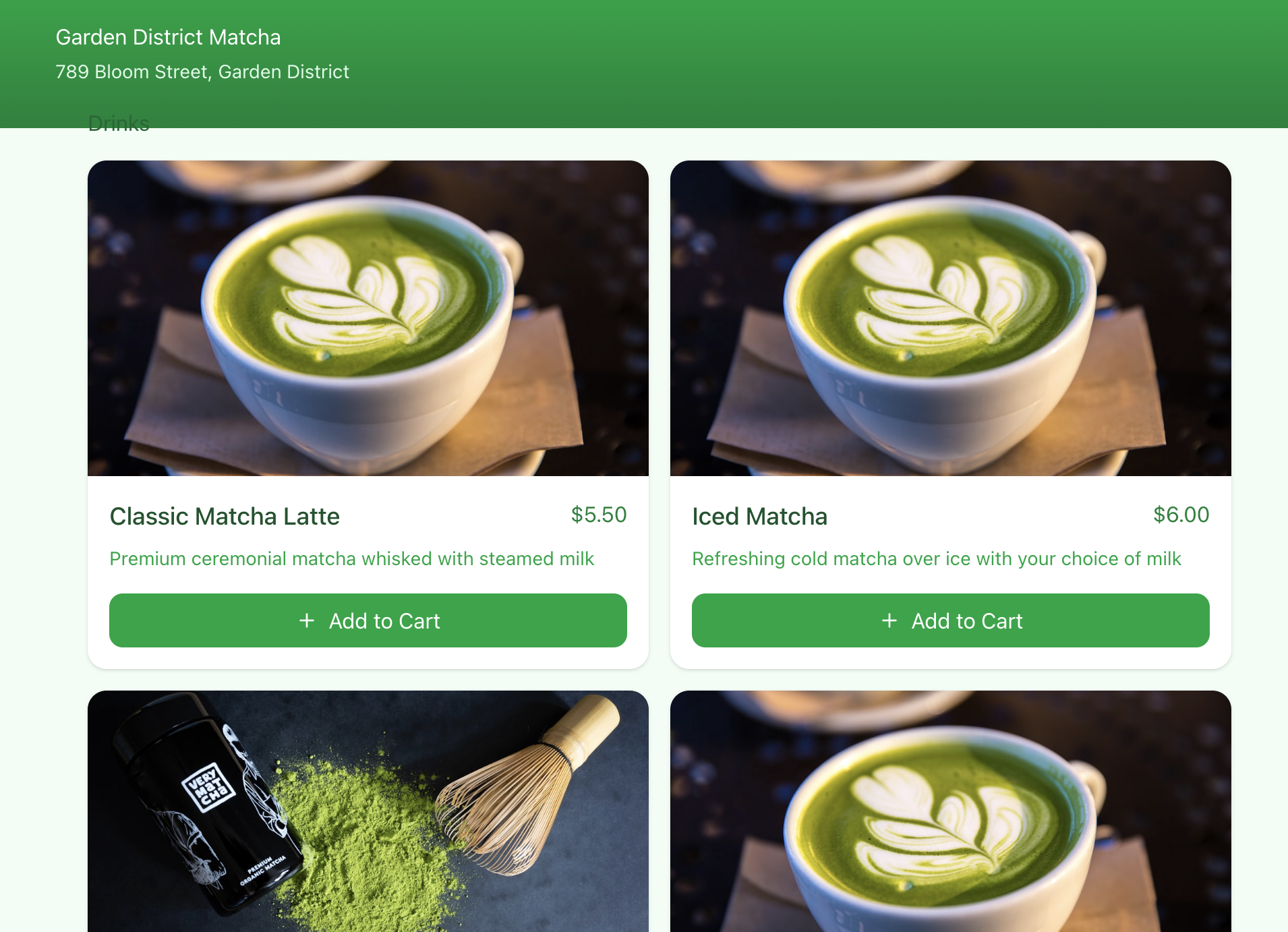

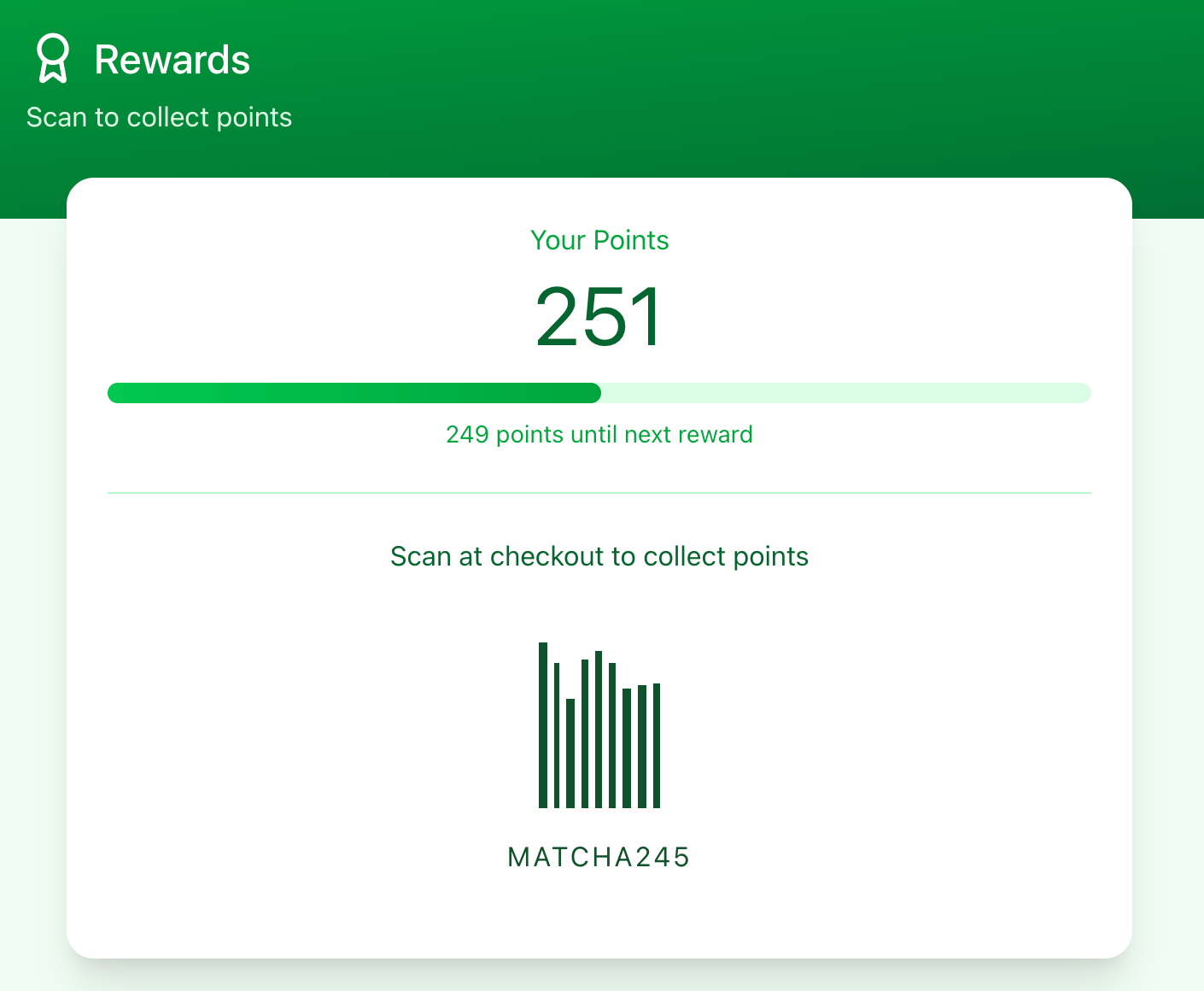
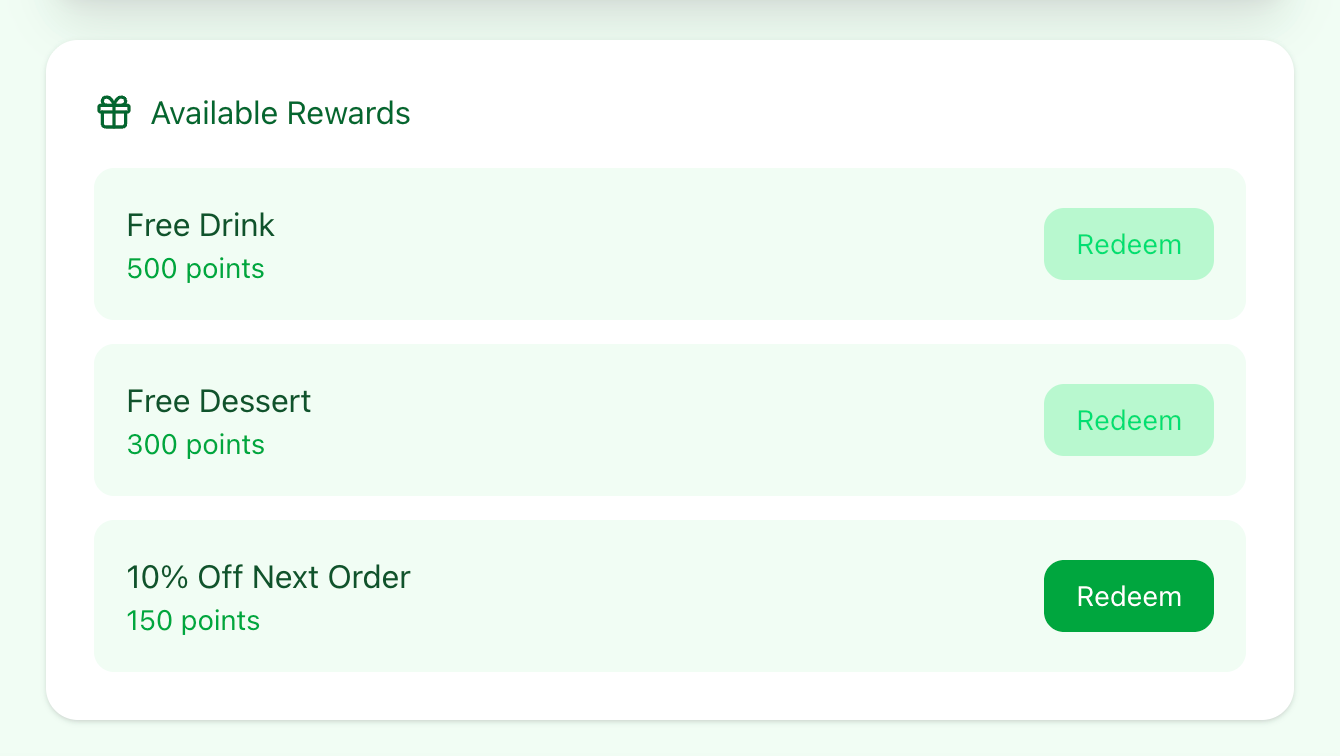

Figma created an app based on the prompts I gave it. From this, I realised that it requires more prompts in order for it to have the colour schemes and layouts I had in mind. I decided I'd prompt it again, also including the enhancements it suggested to me.
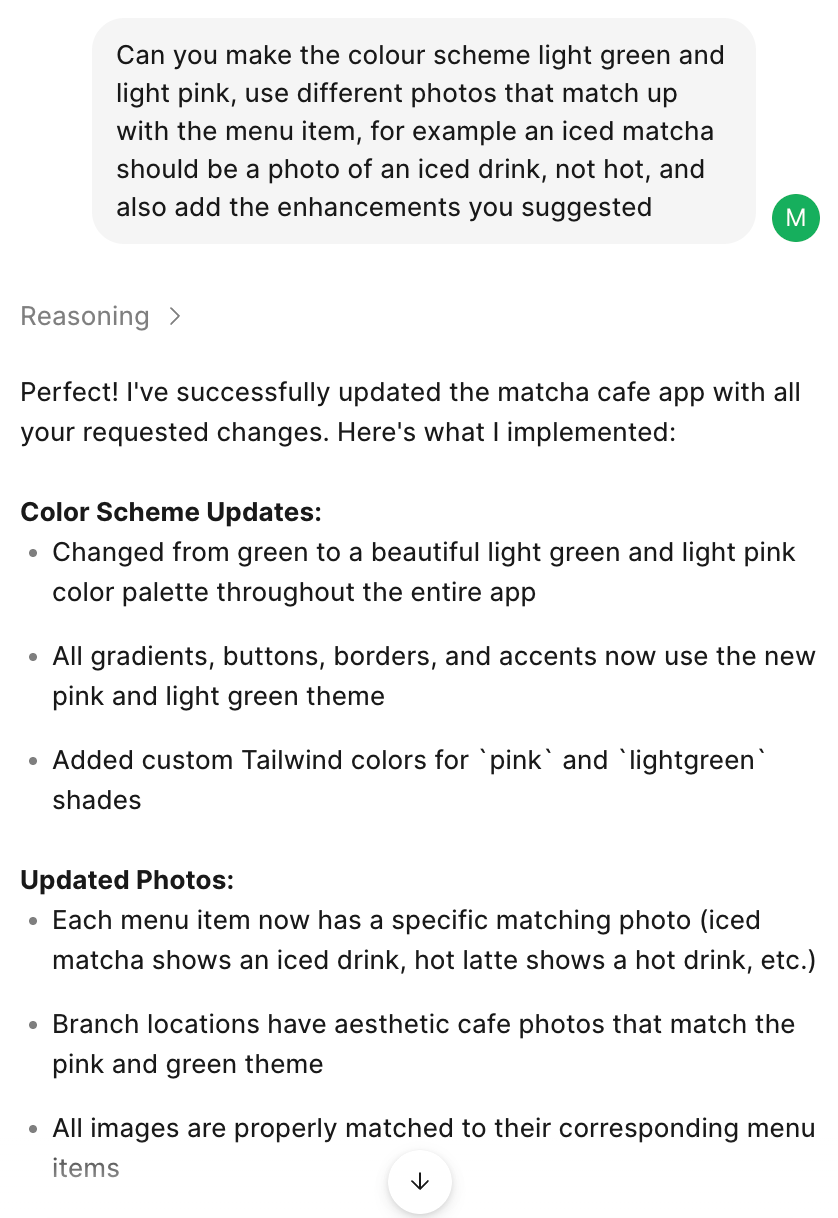

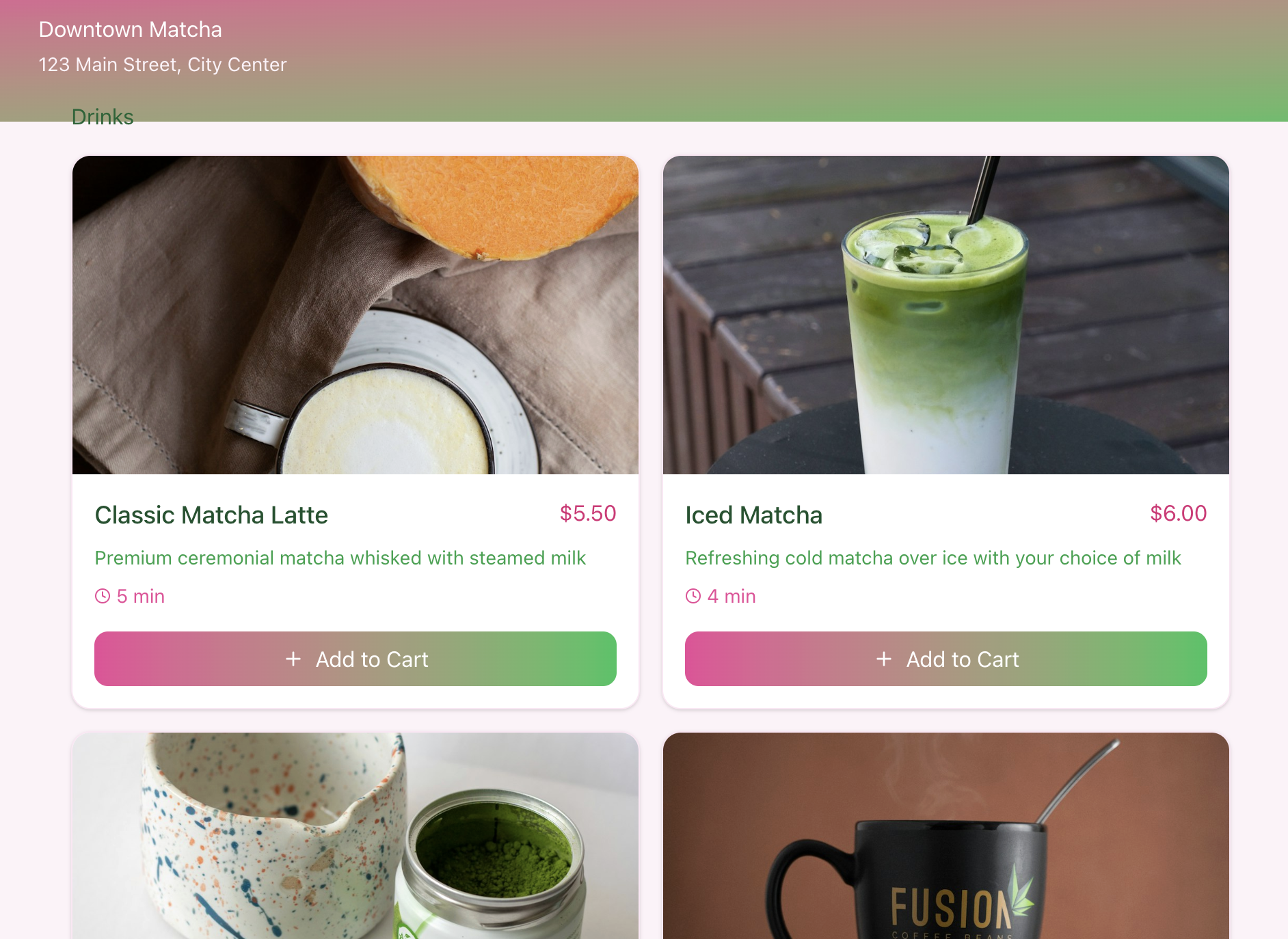
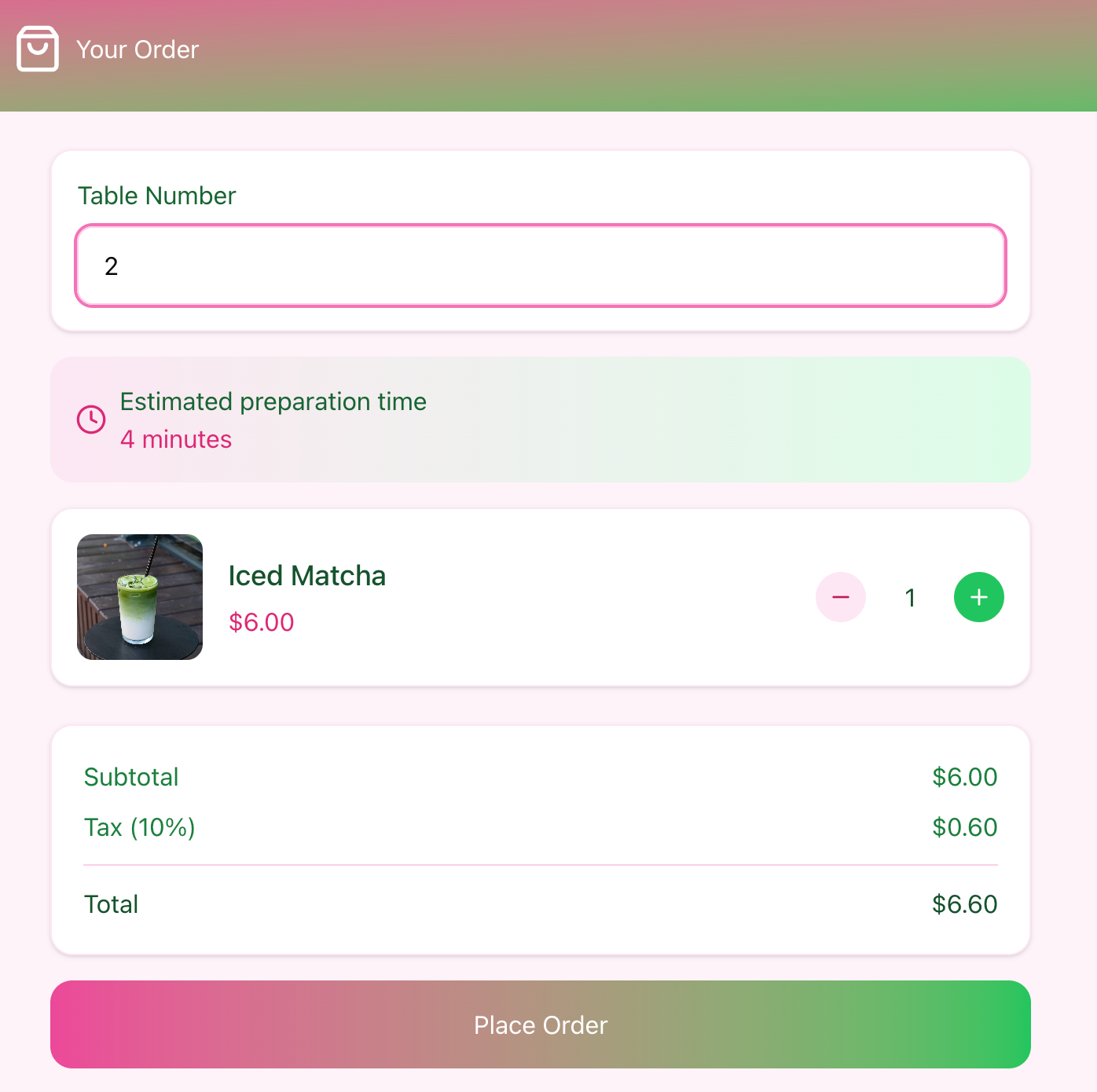
These are the improvements I've made based on the prompts I gave it. I've found that in order to get the apps to a standard I'd want, I would probably have to continuously prompt the AI. This is an example of how AI can be used for building initial prototypes, but when it comes to adding more detail, designer input is needed.
FigJam

I've used FigJam previously for mindmapping and feedback. I think FigJam is a really useful tool for project collaboration and designer to client communication. It's really easy to use and I like being able to build digital notes that I can save and refer back to.
