5.2.3 Workflow
Part One: Reflect
What parts of your practice make you feel most engaged and creative?
I felt most engaged during the early exploration stages (researching, moodboarding and generating ideas). Making unexpected connections and experimenting freely. I'm also energetic when those ideas turn physical, like prototypes or visuals like a test prints. The moment when everything just 'clicks' together is where I feel most creative and excited.
When do you 'actually' feel like you're designing?
I feel like I'm 'actually' designing when I start making intentional decisions rather than just completing steps. It's the moment I move from gathering information or producing drafts to shaping my work. Weighing the options, refining the concept and committing to a direction.
What pain points do you identify in your workflow?
My energy dips when it's unclear what the next steps are or when the goal shifts and becomes bigger than before. I also lose focus during repetitive tasks that pull me away from the creative problem-solving side of work.
What tasks or steps fell like obstacles to designing?
There are some tasks that interrupt momentum like messy feedback or unclear project requirements. My energy dips when I have to pause to find out missing information or wait through long cycles of approval.
Part Two: Research Tools
What tools, techniques or strategies did you find in your research?
From my research, I found some tools and strategies that help the design process. Softwares like Figma and Notion support faster exploration and better organisation. I also found that using moodboards and structured workflows like starting with quick sketches, setting timed ideation sessions and tracking progress by keeping old versions of designs have great value. One of my favourite things to do is keep checklists or project boards because they help reduce friction and keep the process focused.
How could these be integrated into your practice?
One thing I could do is integrate some of these strategies and softwares/tools into the early stage of my workflow. For example, using project boards will help reduce or remove repetitive steps and keep the project flowing from the start. Furthermore, quick sketch sessions and moodbards would increase speed and efficiency of the exploration stage while tools like Notion checklists would help handling the details. These tools and strategies would help generate more mental space for creativity during the ideation stage, creating a more focused design process.
Part Three: Question
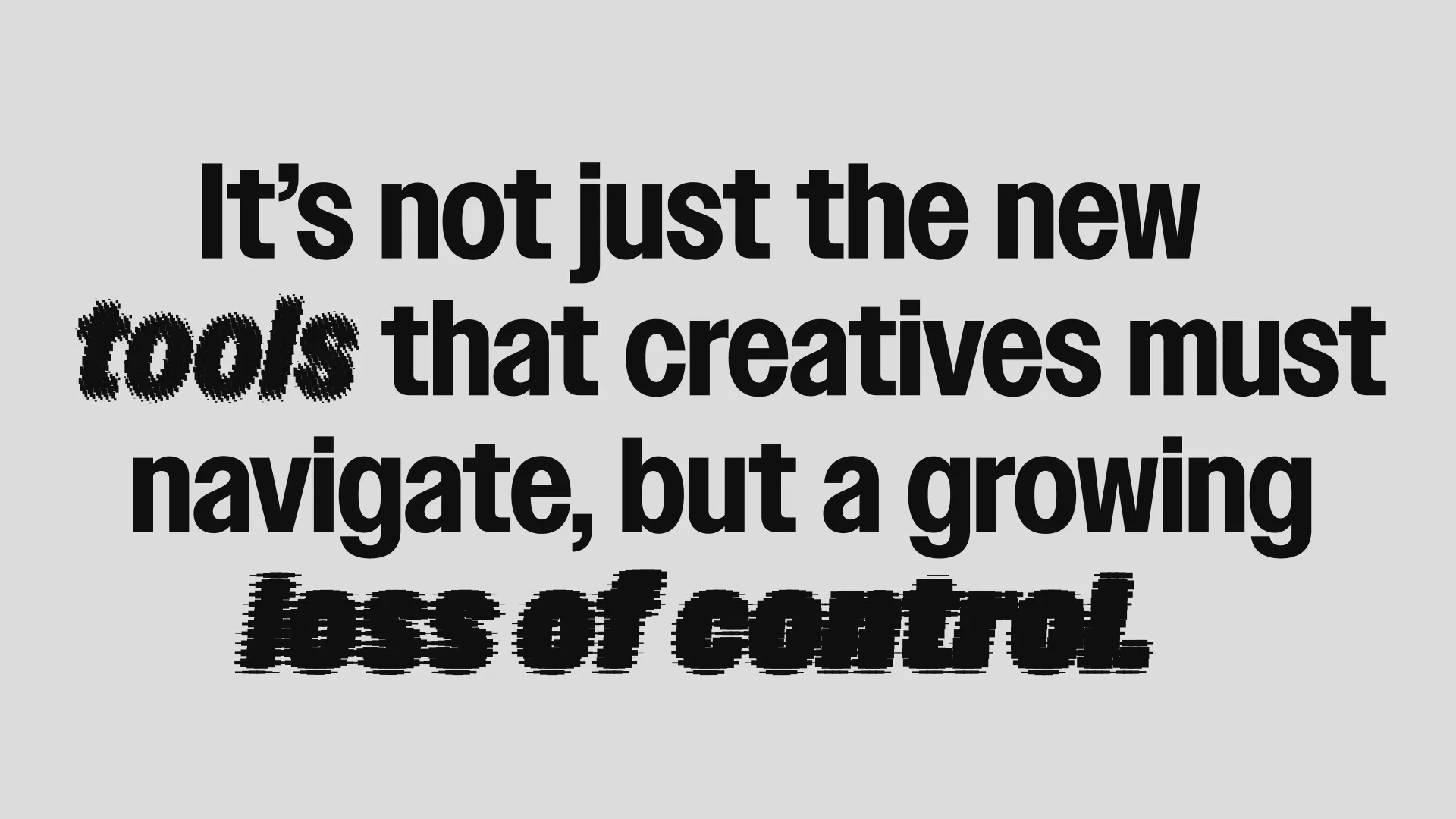

How do emerging tools (including AI) challenge or change what it means to be a designer, and how might your workforce need to adapt?
New tools like AI are constantly reshaping the design space/industry. AI can speed up exploration and handle repetitive/low-value tasks, however it puts strain on originality and what it means to be original. Designer's need to, if they want to, integrate tools like AI thoughtfully while keeping hold on to human thought and judgement. As workflows evolve and grow the designers role changes meaning. Us as designers should ensure strategy and decision making remains intentional rather than automated.
