5.2 workshops
Jon's sessions
Week 1
Animations
In this session we experimented with the Wacom tablets and creating animations through photoshop. The Wacom tablets were really fun to use as I haven't used them in ages.
I found using the Wacom tablets difficult to remember how to use them at first. However, once I got the hang of it, it was easy. If i was to do this again, with more time, I would add more frames so it looks a lot smoother and the frog isn't jumping as fast.
Gecko animation
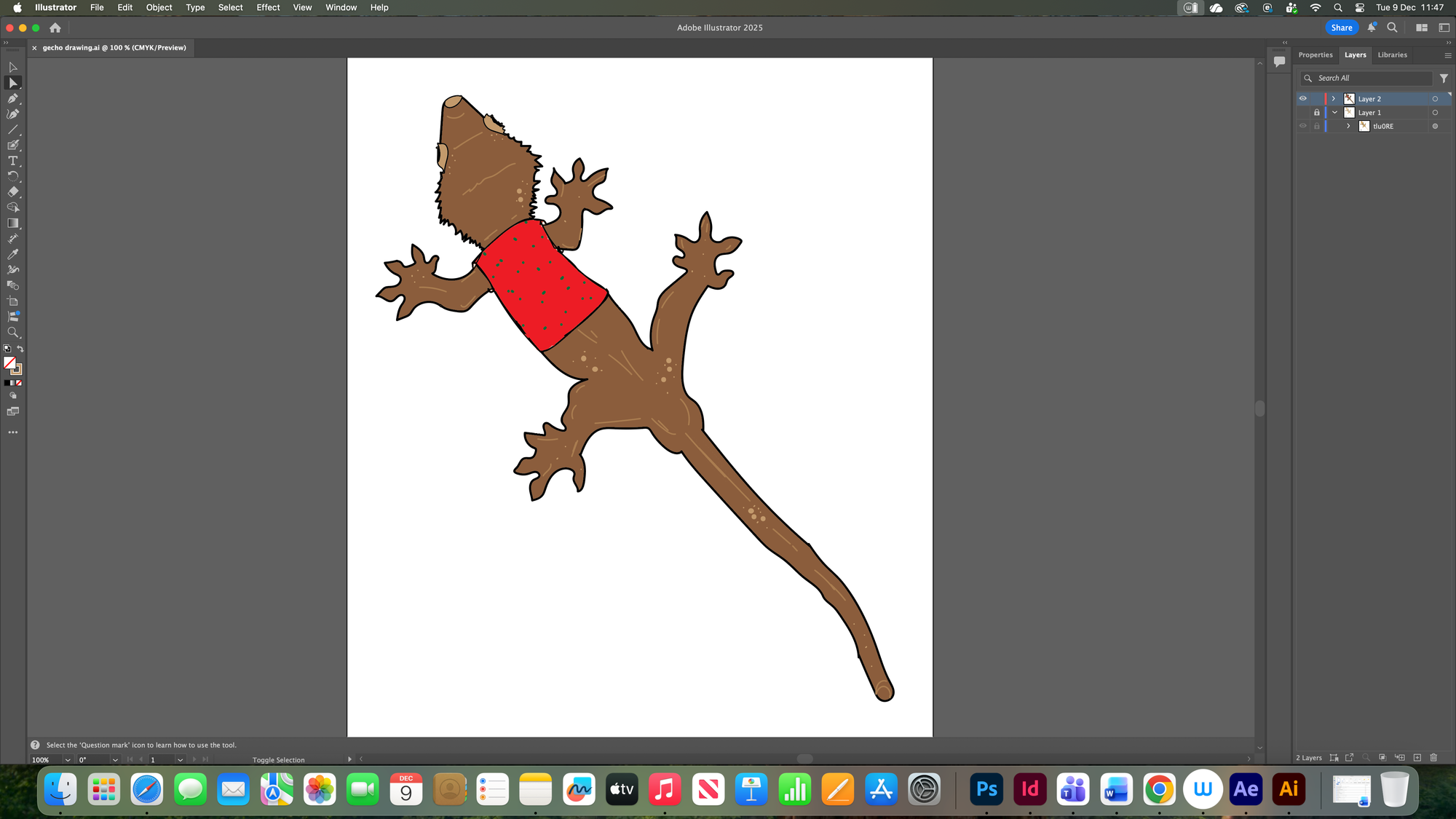
First we started off with tracing a Gecko from online using the Wacom tablets. We drew this on illustrator. It wasn't as hard as I thought it would be and it was good that the lines straightened up themselves.
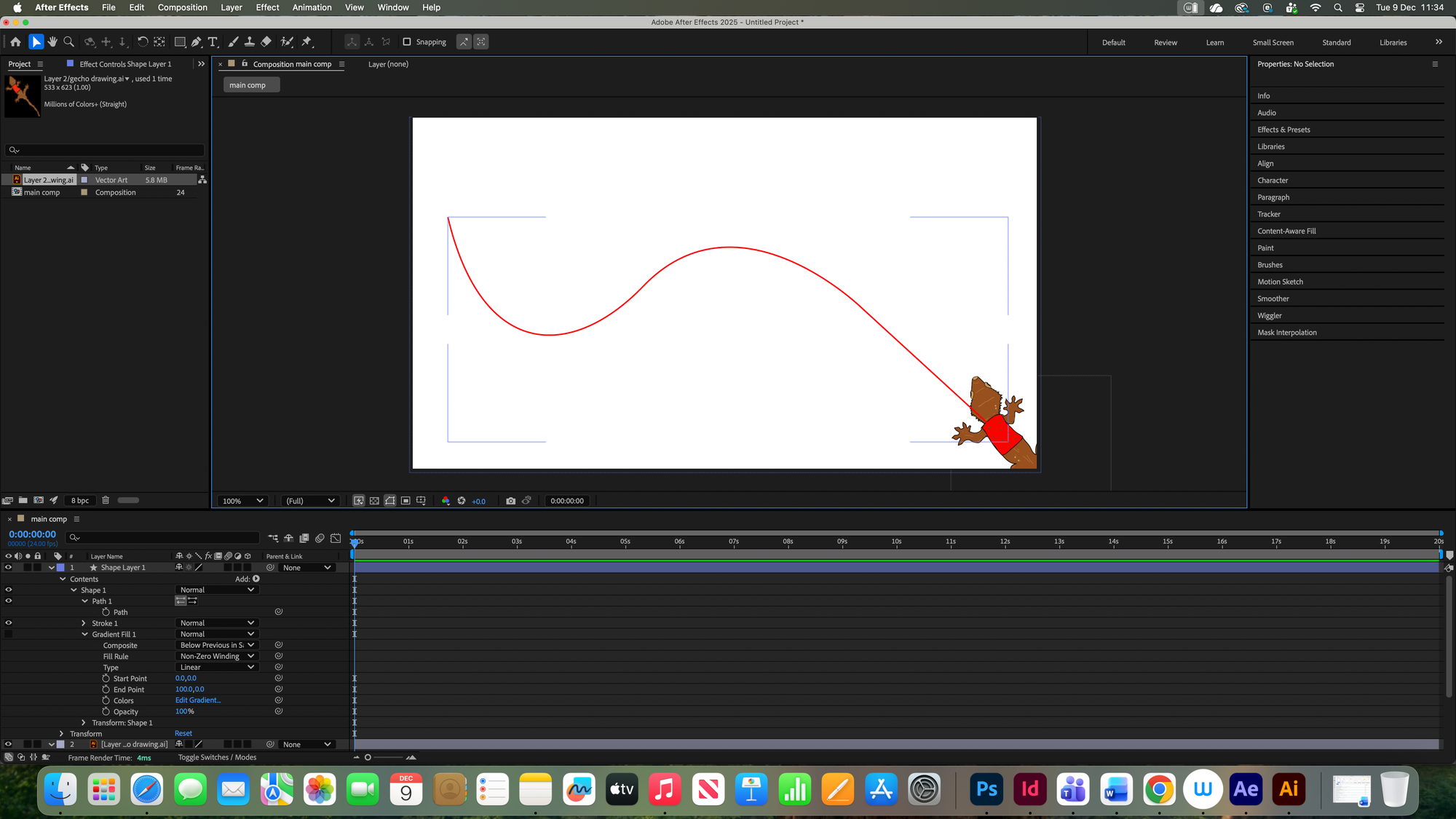
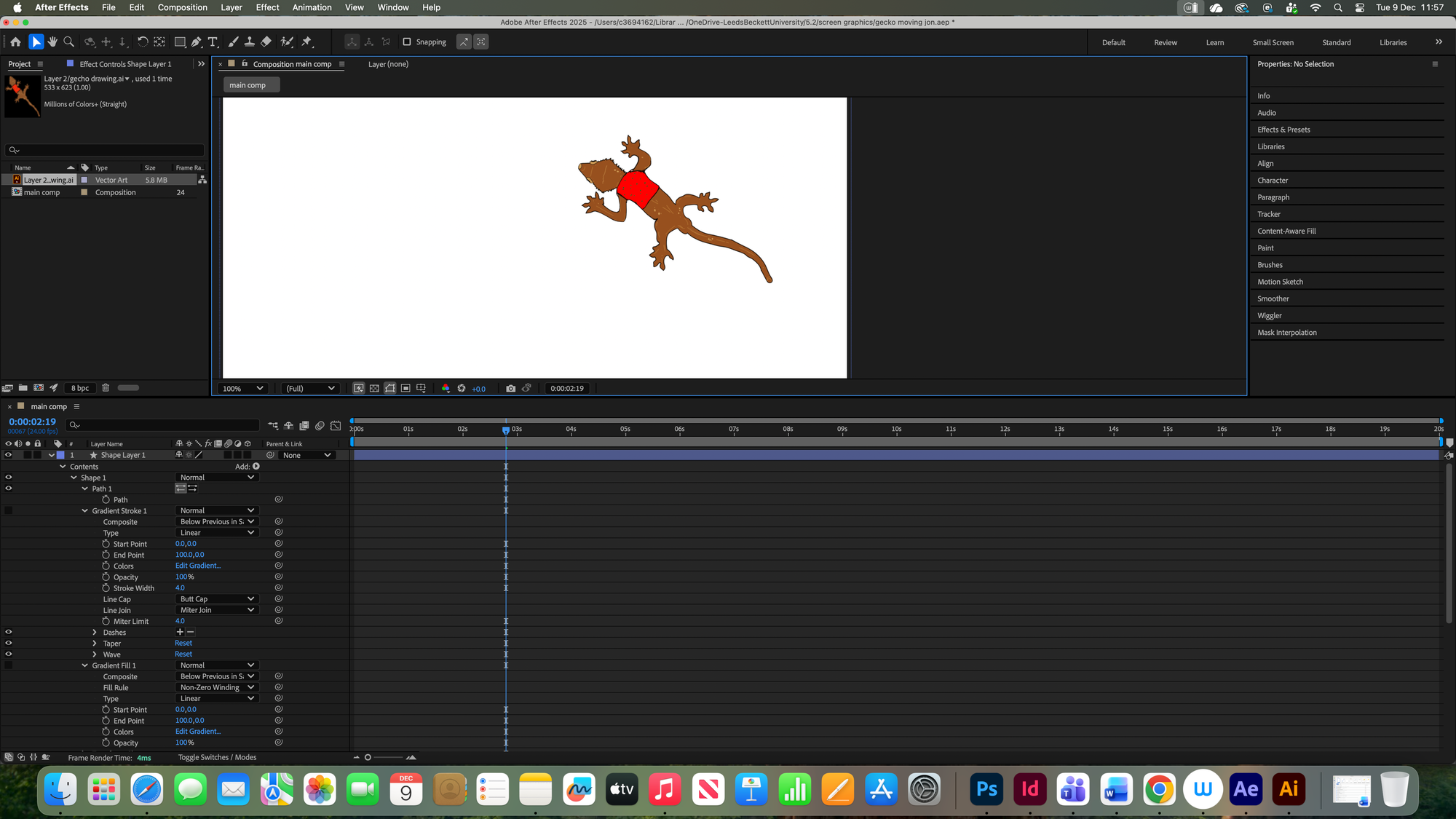
We then transferred this over to AfterEffects so we could animate it so it looks like it was walking. Given the time we had, I couldn't finish it fully walking along the path I made. However, I got the idea of it and understand how to achieve it. It wasn't as complex as I thought and was really funny to start seeing my gecko move. Using the pins let me move the gecko how I wanted and what legs go what direction. I would love to spend more time doing something like this, but it was difficult to get the Wacom tablets when they were available, I would definitely look into buying my own and practicing more with doing animation using it.
Week 2
2D Motion Graphics: Title Sequences
Jon introduced us to rotoscoping videos which we used to create our own motion graphics. This was really exciting to create and it showed me new features on After Effects.
Making my own motion graphics with my own video helped me remember the skills Jon taught us so I can use it in my own way. Although it was fun, I think I need to practice more with using After Effects. I believe that's why it’s not drawing my attention as much since I struggle to use it. If I was to use Aftereffects, it would be mainly with the Wacom tablet I believe, unless I practice more then it might change.
Week 3-5
On week 3 we started two different projects with Jon.
2D Motion Graphics: Screen Graphics
Over the three weeks, we worked on this video. At the start it was really complicated and I struggled a lot. I couldn't vision what the final outcome would be, which is why I believe I didn't have much motivation towards it. As I started seeing progress happening, I got excited, not just because it looks cool but also because I never knew I could make something like this. In the final outcome, I think it looks good. Although the audio might've went a bit too slow so it’s been cut off in the mp4, it is still cool to watch. I especially had fun making the audio and the sound waves.
Messing around with all the features like the height and whether it showed side A and side B or not really interested me.
After learning how to rotate circles and use dashes within them, I decided to place these ideas into a background which I made on https://hex.constraint.systems/ on everywhere.tools which Graham showed us. It was only a simple background but I thought it could've fit into these rotating circles, it gives off a technical engineering vibe. Making these rotating circles was based on what I remembered from Jon's session, they aren't perfect but I think it was a good attempt at it without his help.
Workshop B1 : Introduction to 3D Graphics and motion graphics.
This project was based on cinema 4D, teaching us how to use it and most of its features. I found this really difficult to start with as I never heard of it or even used it, I was fascinated by it and it definitely drew my attention.
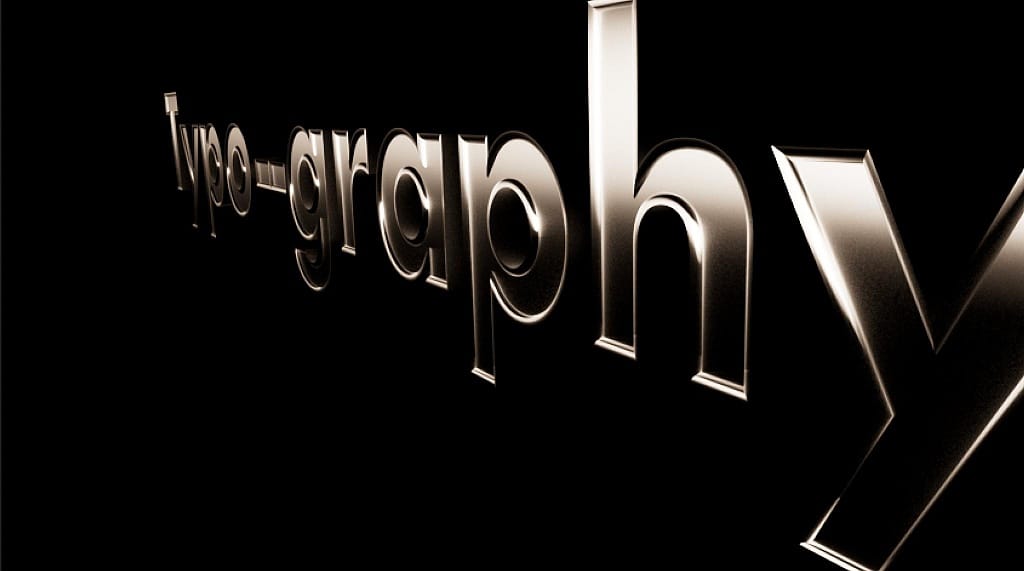
At first we started off simple, picking a material and placing it onto the text. It was exciting choosing which material as it offers you so many.
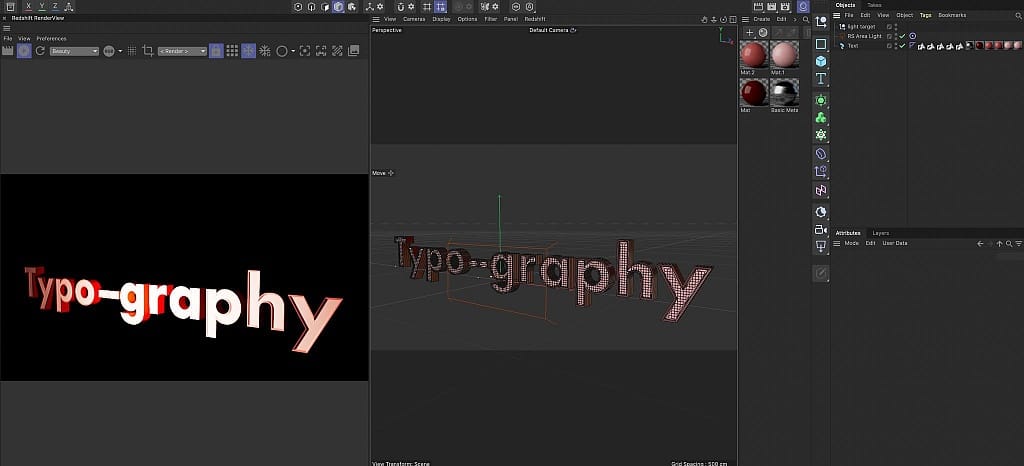
We then started to add light onto our word, emphasising specific parts and creating shadows on the areas with no light. It was really fun to experiment with as you were able to put it behind the text, In front or under it etc. It showed me how light can impact a simple word in different ways.
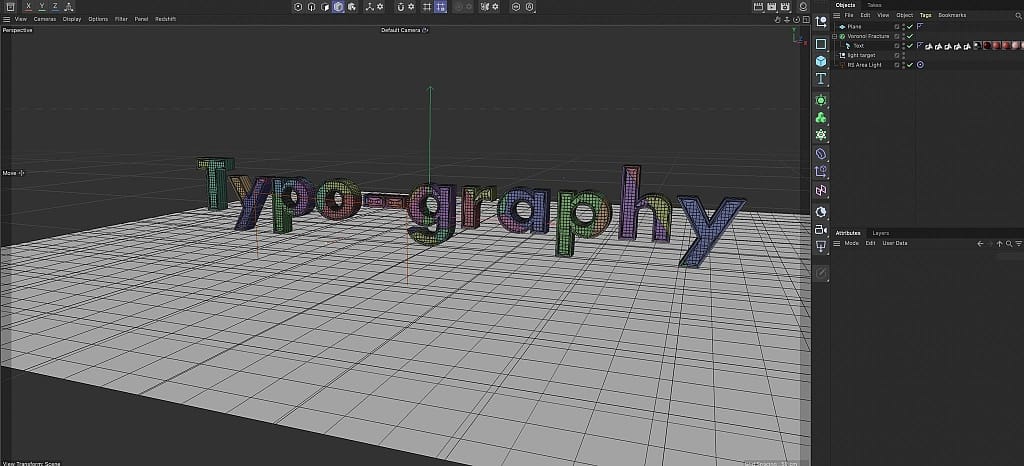
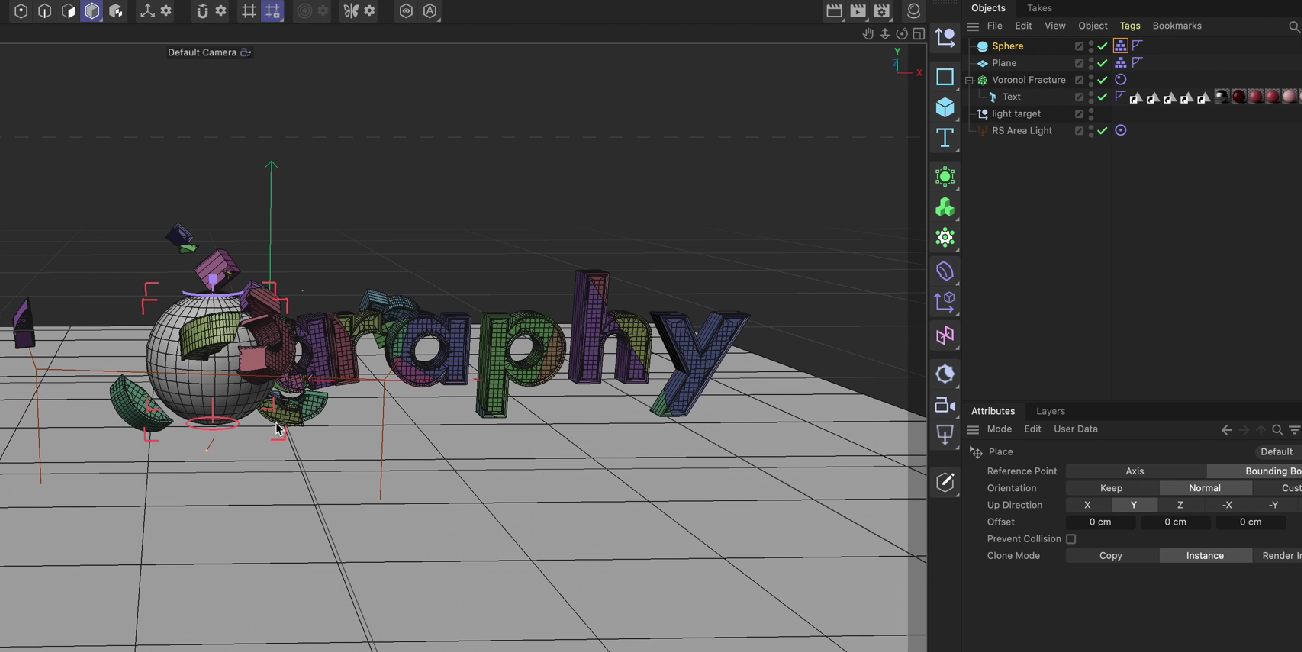
Jon then showed us how to make a 3D sphere crash into the letters, making them break apart and bounce off the floor. This part was really exciting to create.
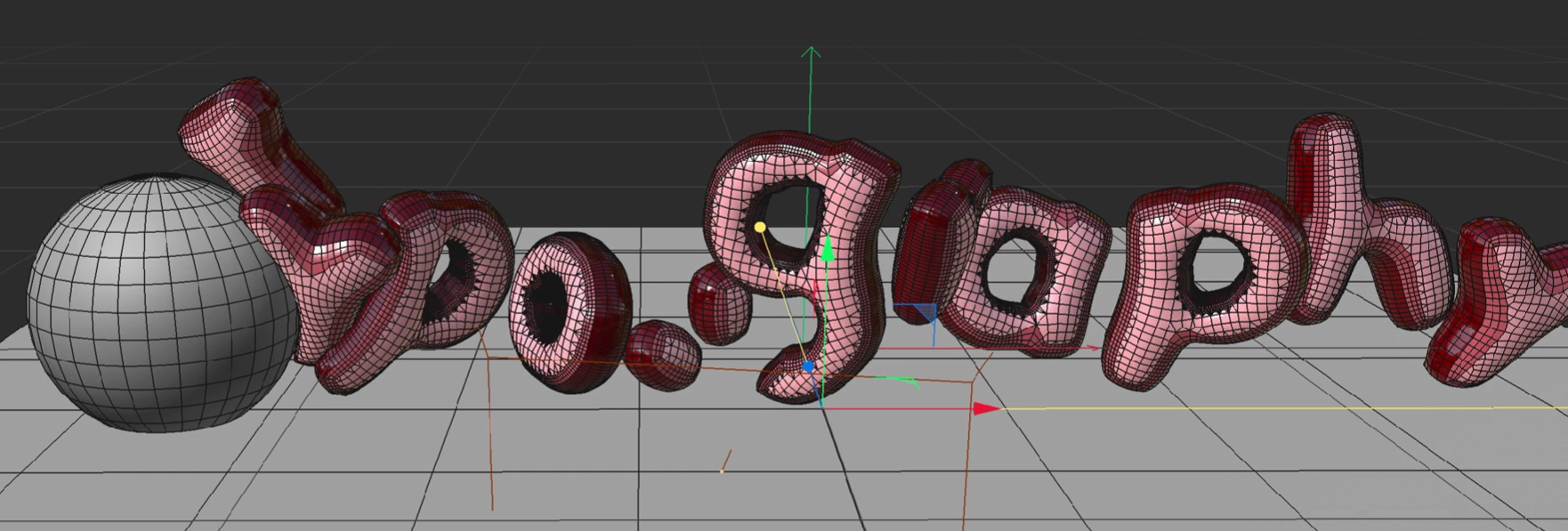
Then Jon introduced us to even more fun features like making the text bubble effect. Making the sphere crash into bubble letters was a lot more satisfying to watch and more intriguing to make. All of this wasn't as difficult to create as I would imagine, having Jon help us through each step made it a lot easier to understand.
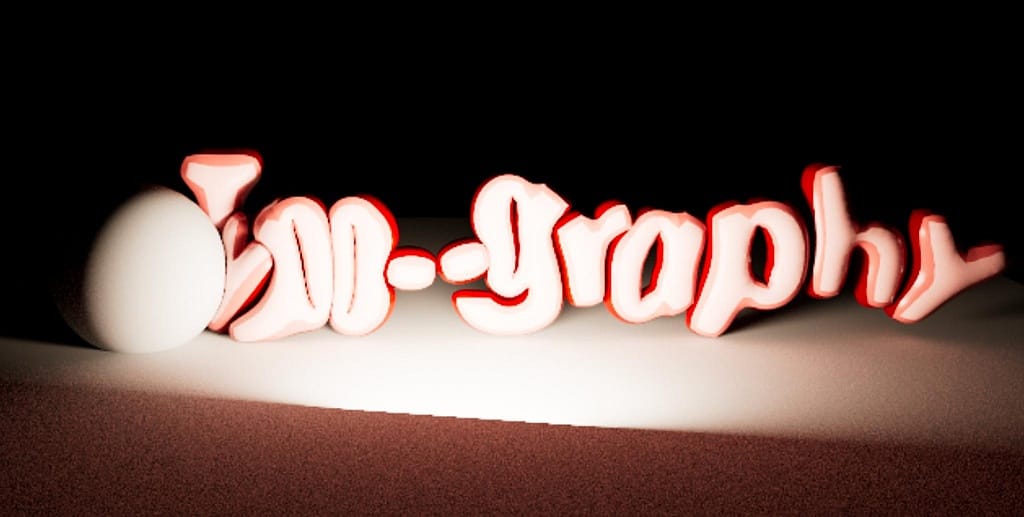
This is my video when it rendered and the quality was better. You can see the light in action and how it is creating shadows around the text whilst highlighting the middle part. It was really cool making this and I would definitely want to practice more with 3D cinema sometime in the future.
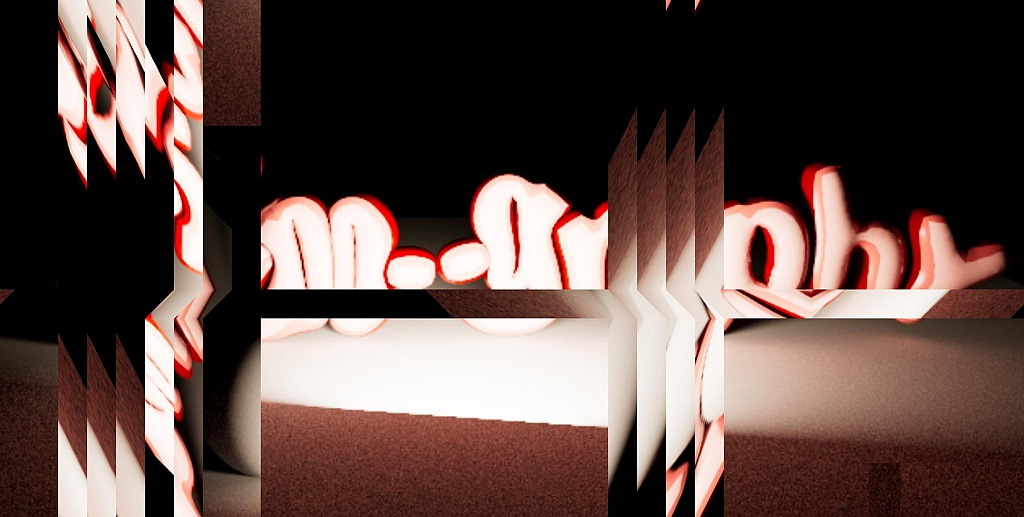
Using a screenshot from the final video I made, I put this into everywhere.tools using https://flow.constraint.systems/. This made parts of my image slide in alternate directions, it was fun to play around with and being able to create contrasts within my image by making them go in different directions. Plus, it showed me other cool features on the website Graham introduced us to.
Overall, it was really fun working with Jon and being able to have the opportunities to experiment with different apps. It opened my eyes to new ways of designing and the different paths I could take as a graphic designer. I think my favourite one was 2D Motion Graphics: Screen Graphics.
