5.2.4 Type Safari
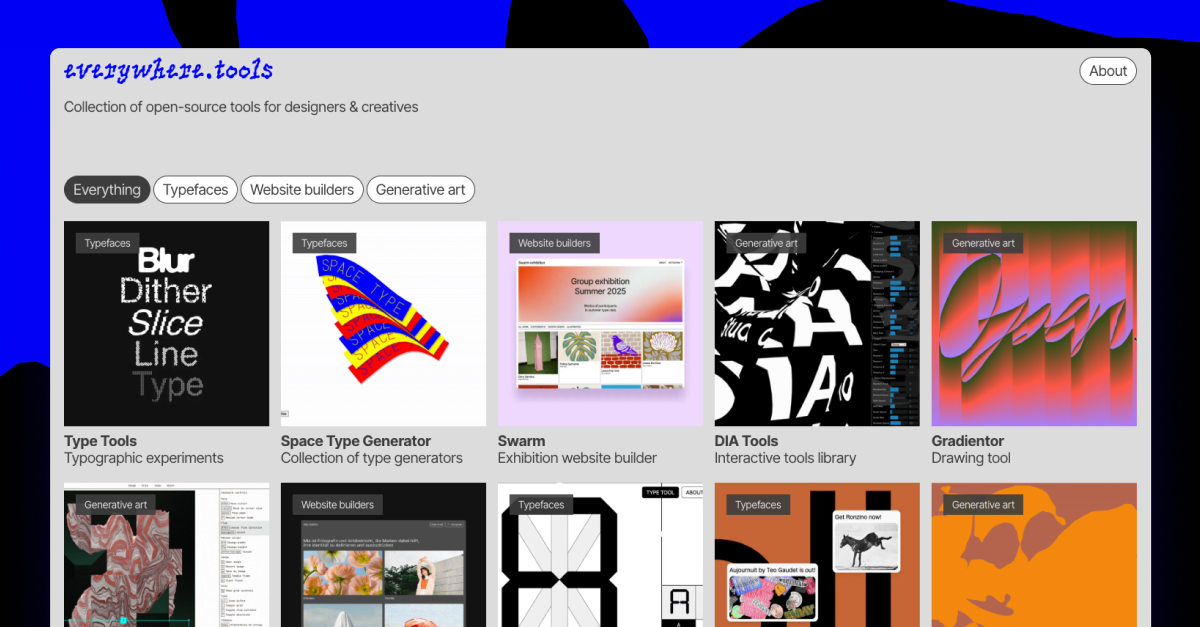
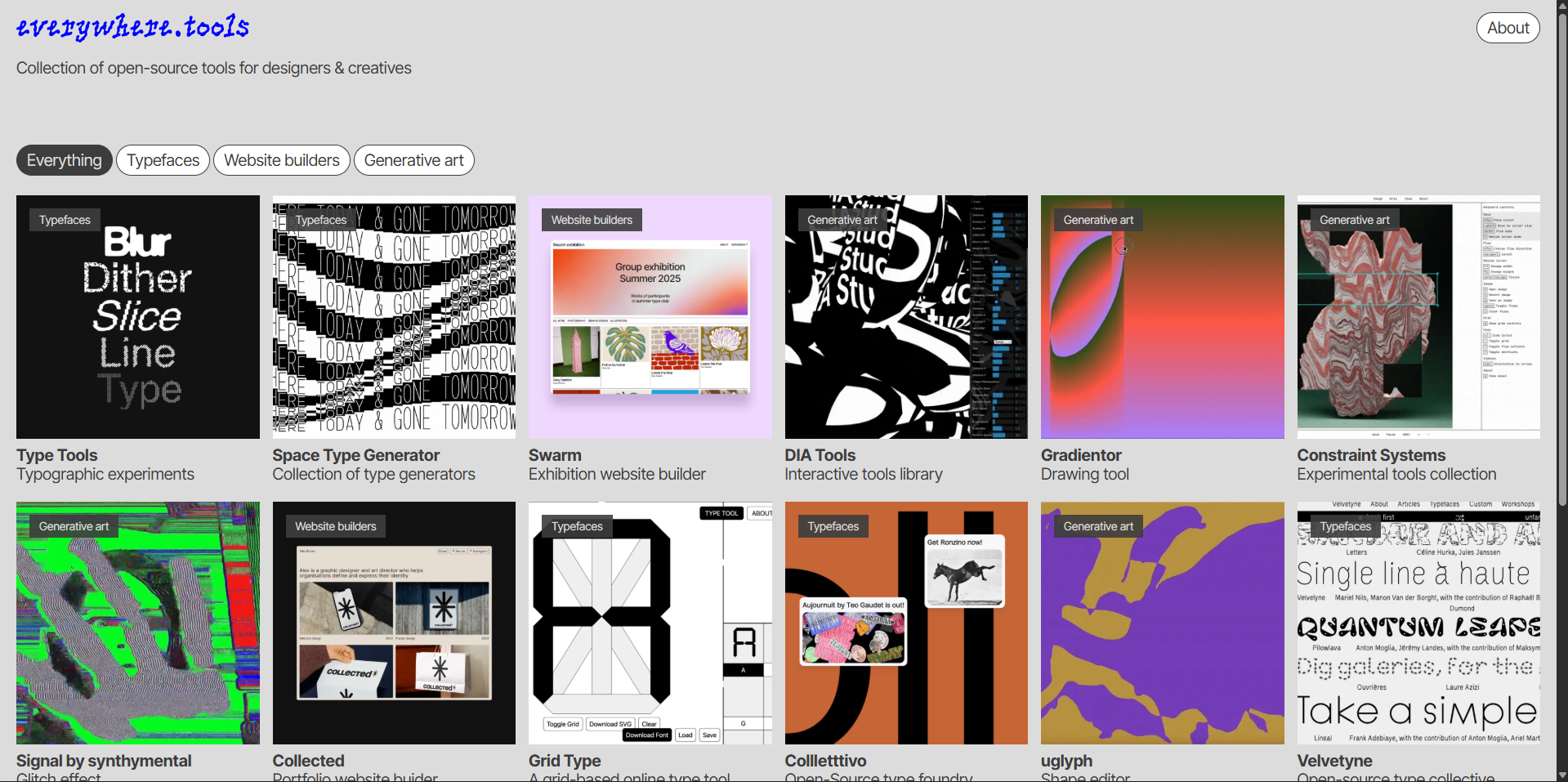

Collection of open-source tools for designers & creatives
Everywhere.tools is a living collection of open-source design resources. It gathers the experiments, utilities, and side-projects that usually stay hidden in personal repos – and gives them a stage.
The site is built using a customised version of Collected, and the logotype is set in PicNic by Mariel Nils.
Everywhere.tools is made by Danil Vladimirov and exists to inspire designers and developers to experiment, share, and create the next wave of design tools.
In 5.2.4 Type Safari I picked out some of my favourite sites from everywhere.tools. I wanted to highlight different features or effects I could use in later projects, or personal website.

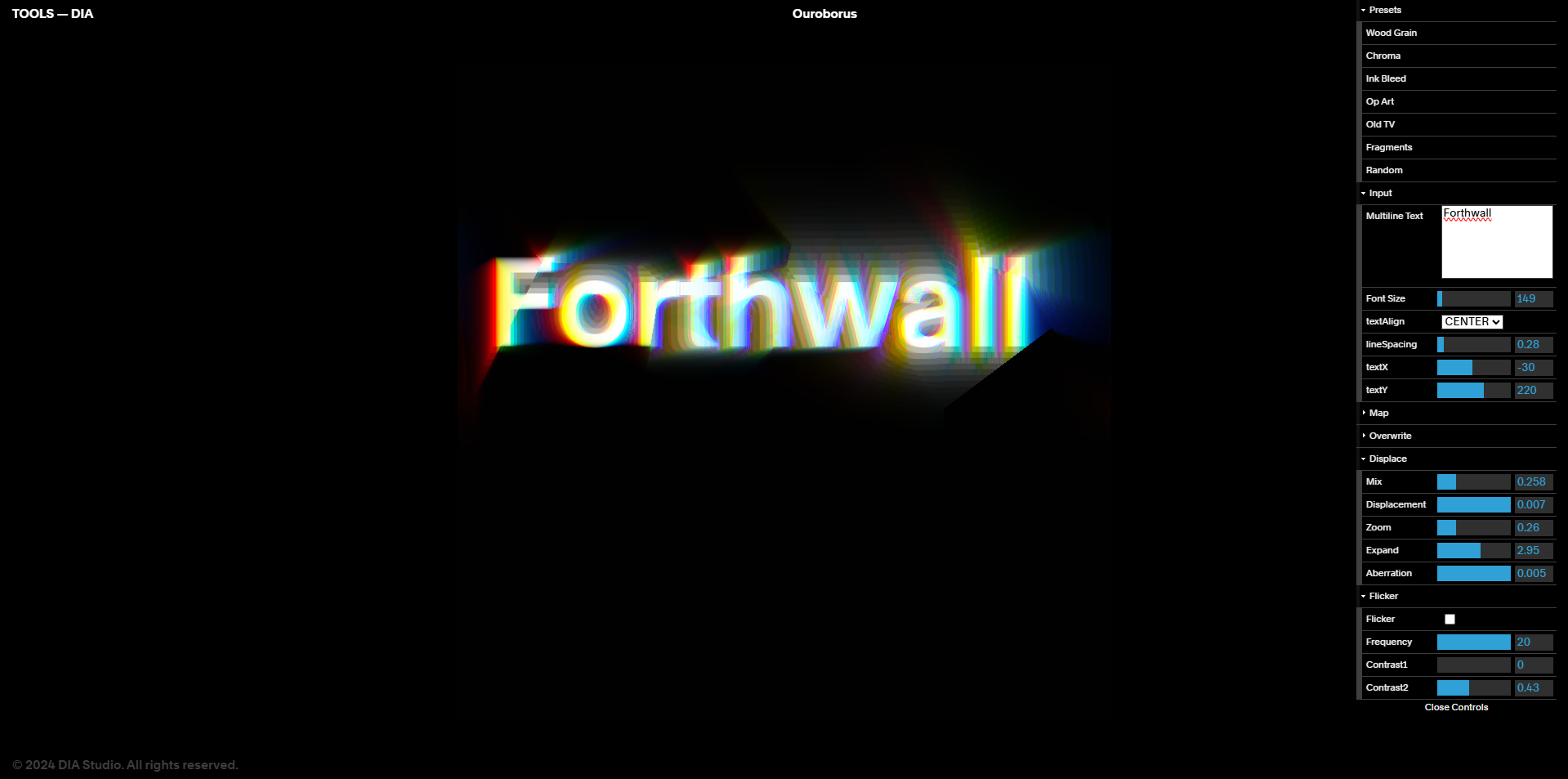
Our studio's process is rooted in R&D. This ensures that we continue to grow and helps us anticipate how new forms of technology will affect brands and how we communicate.
These discoveries and new perspectives can then be applied to larger projects. This provides us with a unique offering when we feel it strategically or tactically makes sense.
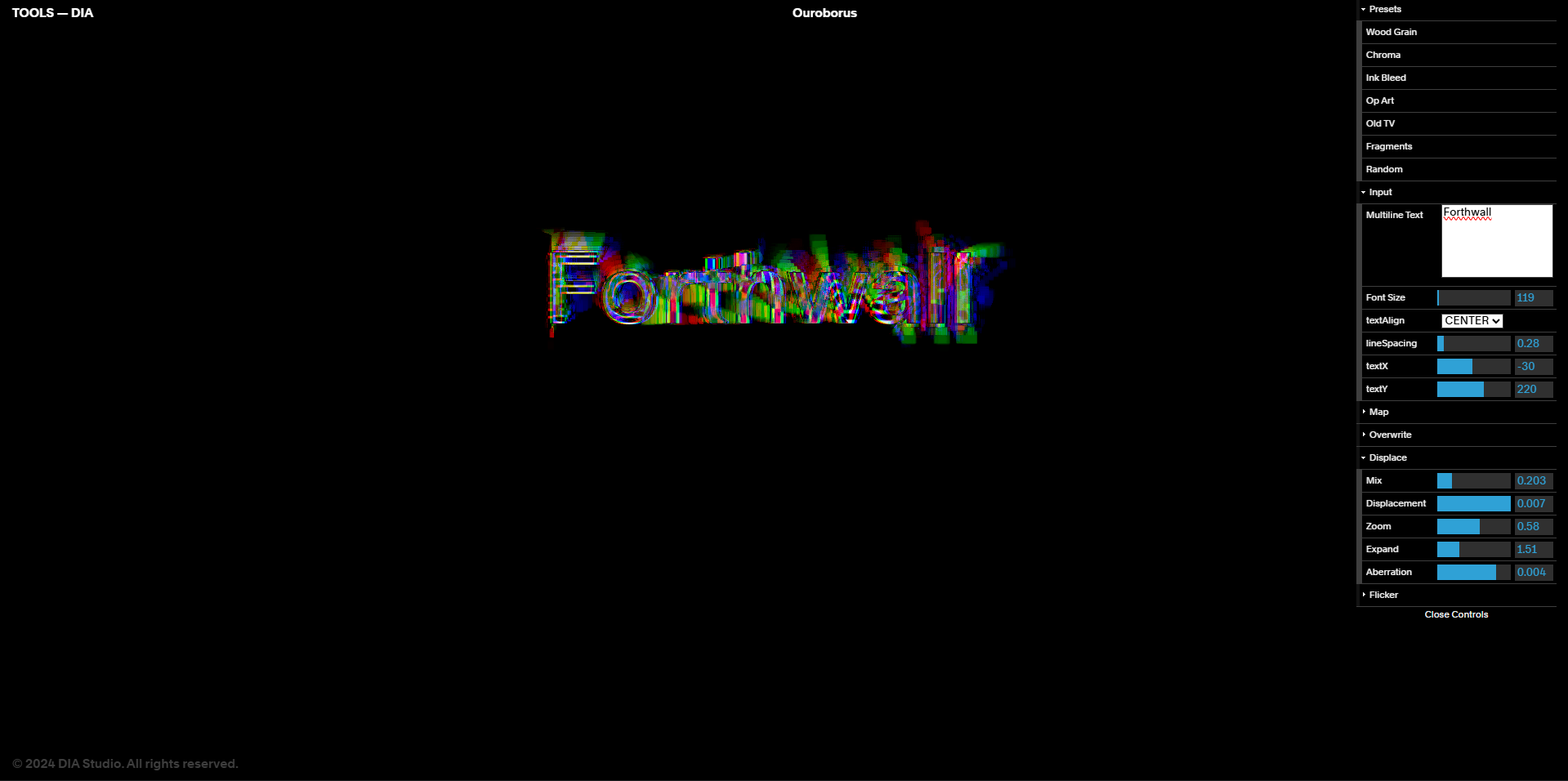
DIA Tools, uses Java Script coding to make typography patterns. Within the app you can use sliders to change the speed, colour, type, and visual output. You can go from a glitch like effect to a more smooth and linear type animation with a few clicks of a button. Overall this website has inspired me to learn code to a higher level, as I want to recreate something similar.
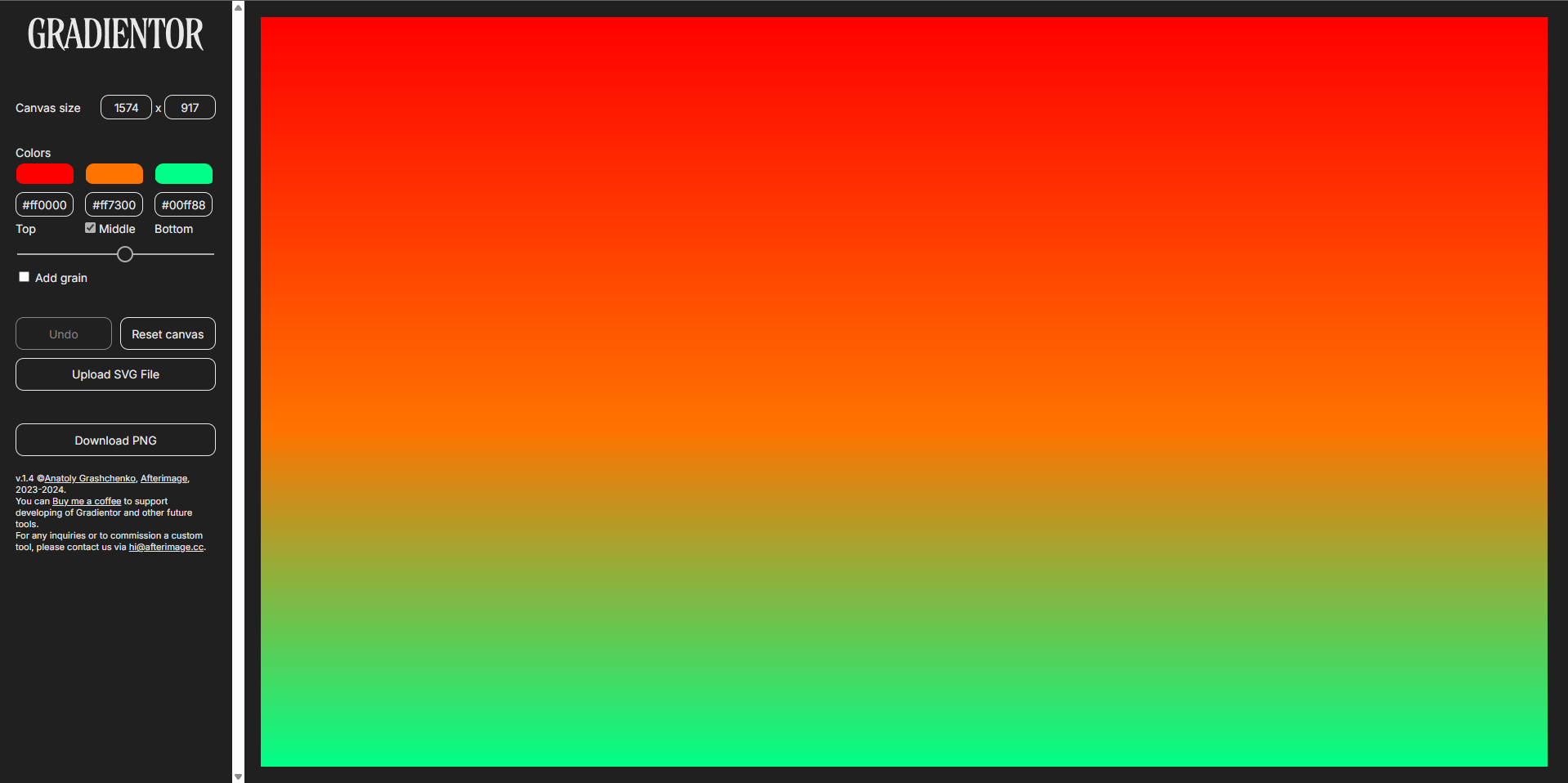

A simple and fun tool for drawing with gradients.
Gradientor was something I just wanted to mess around with. I changed the colours and found that a zigzag pattern created a more harsh 3d look that I really liked. Overall this tool was a lot more limited than the previous tool as it could only draw.


Dutch designer Wim Crouwel gained a reputation for his radical, grid-based typography through his work for the Van Abbe and Stedelijk museums between 1954 and 1972. One of these typefaces was created for the 1970 exhibition catalogue of sculptor Claes Oldenburg at the Stedelijk. Crouwel designed the typeface with soft, “padded” letterforms, mirroring Oldenburg’s use of soft, pliable forms. This typeface was later published as the Architype Catalogue Soft Solid. → The Foundry Types | Architype Catalogue Soft Solid
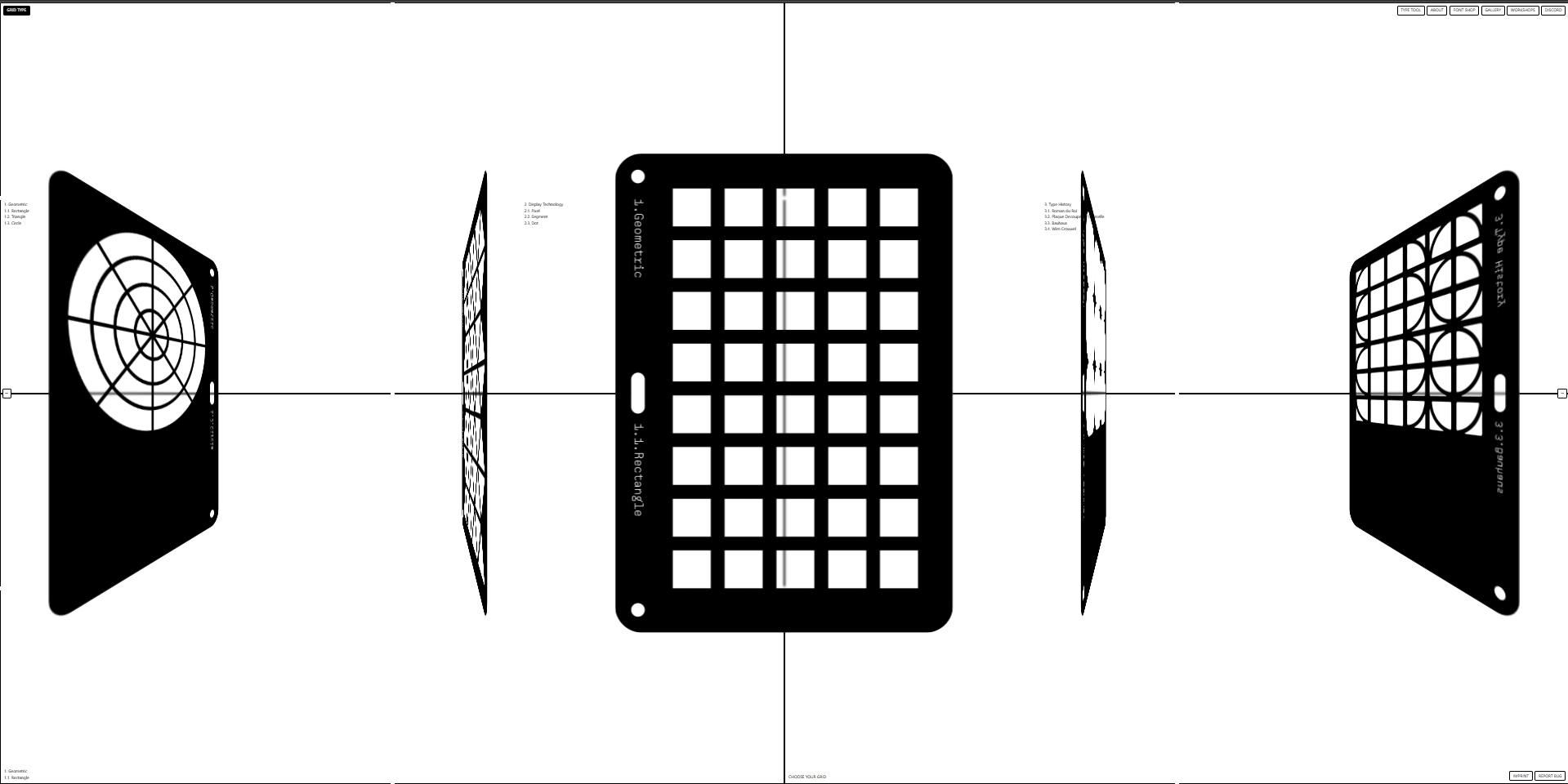
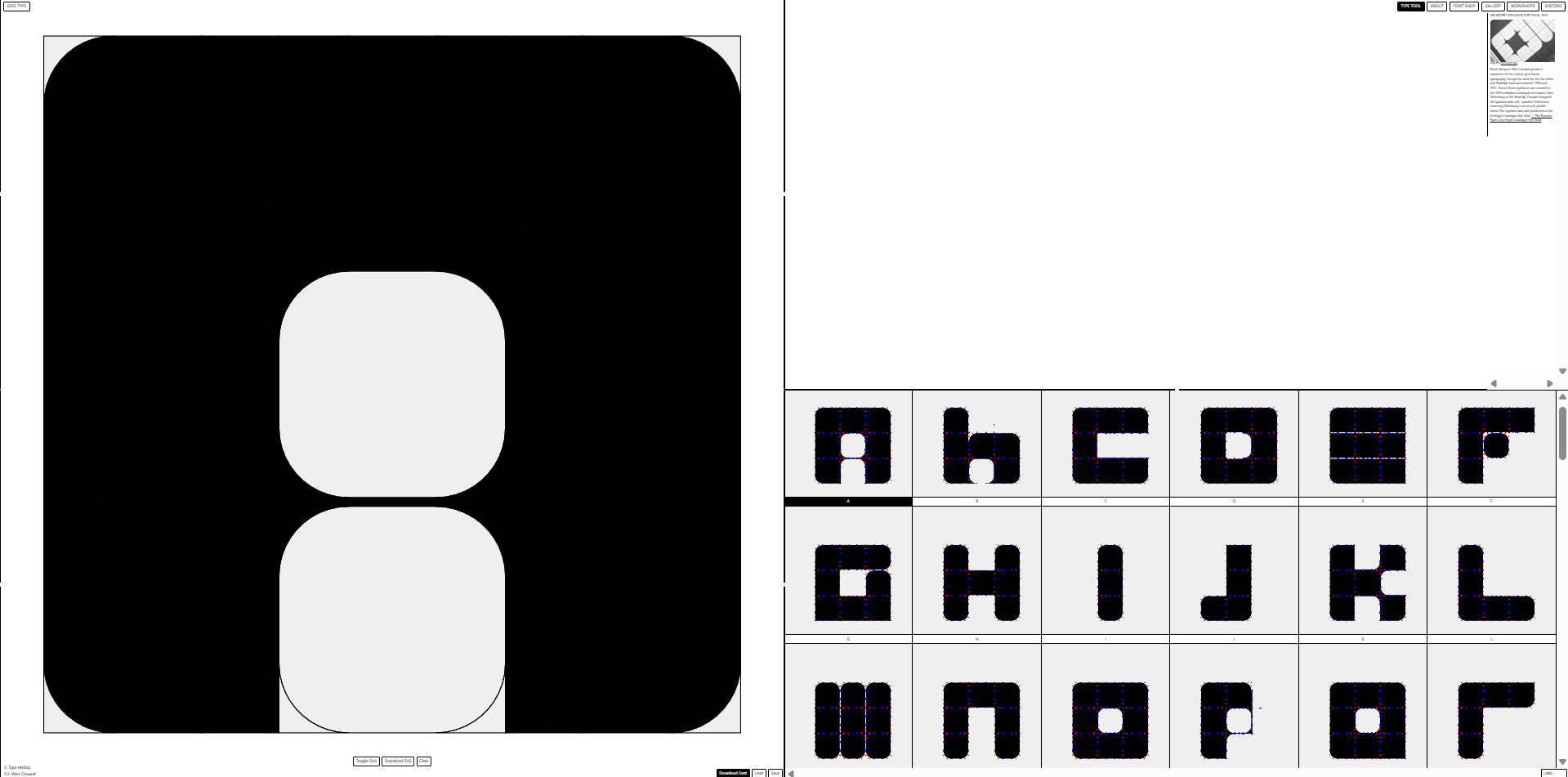
Grid type was another tool I would also revisit and spend more time with. Grid Type allows the user to create their own typeface. There was lots of different preset options with multiple different grids to choose from. I choose the rounded square option as I felt it was different from the usual square grid typeface. I spent around 30-45 mins using this software and came up with my own custom type face. However with certain letters lie B, E and P it was very difficult to use the grid effectively.


Constraint Systems is a tool linked in everywhere tools, however through the website it has multiple different options on modifying images, webcams and type. I picked out two tools on the website.

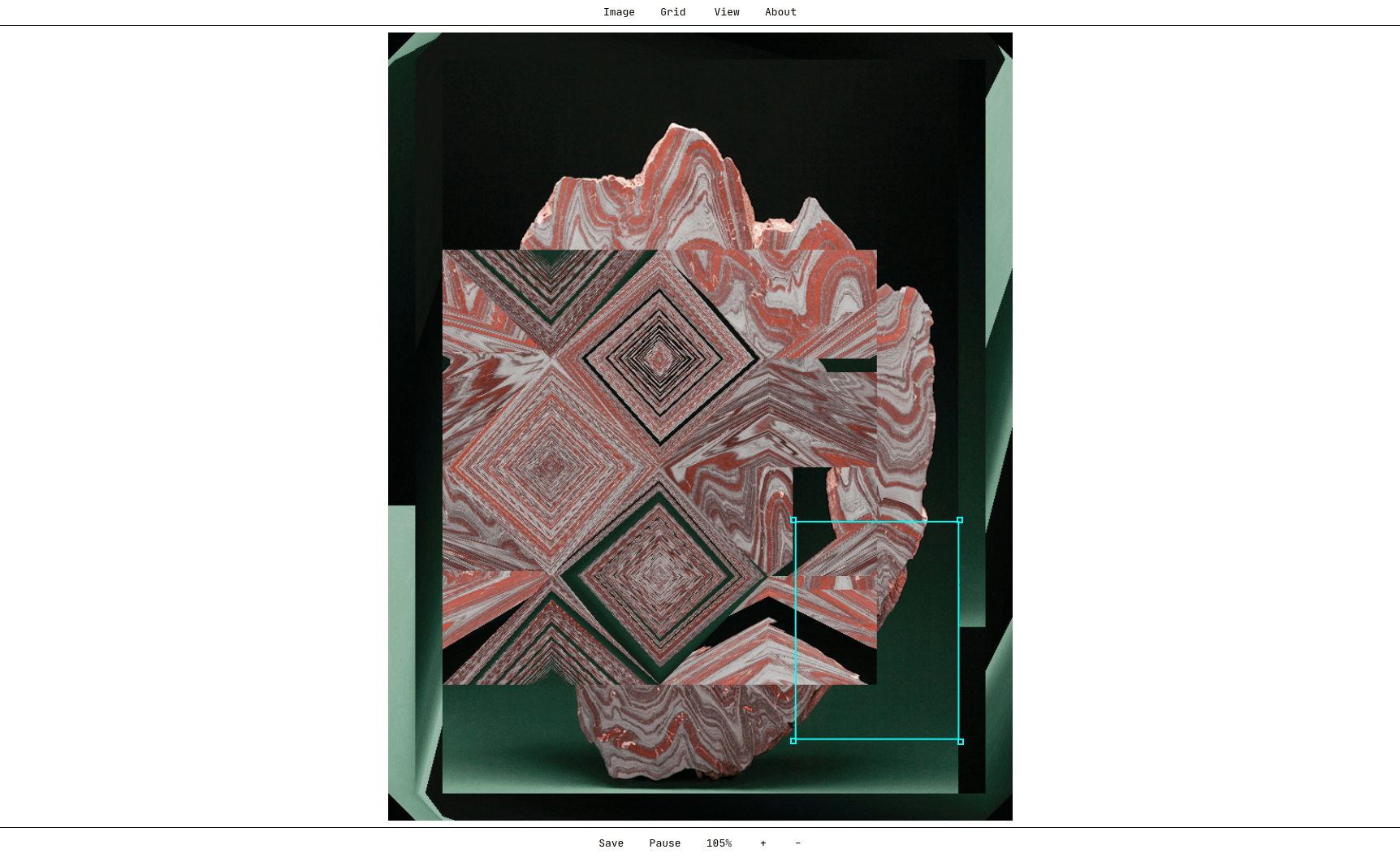
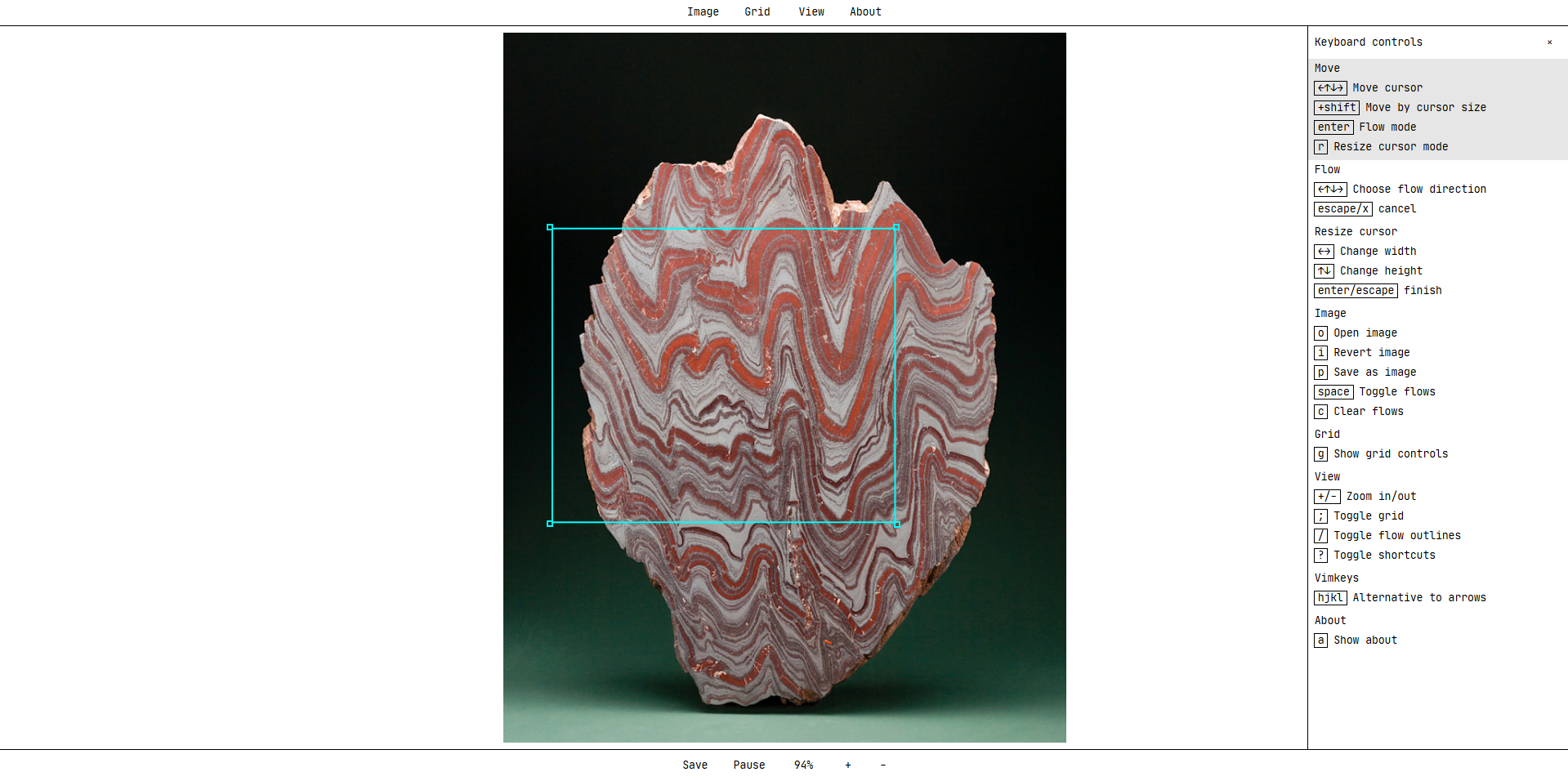
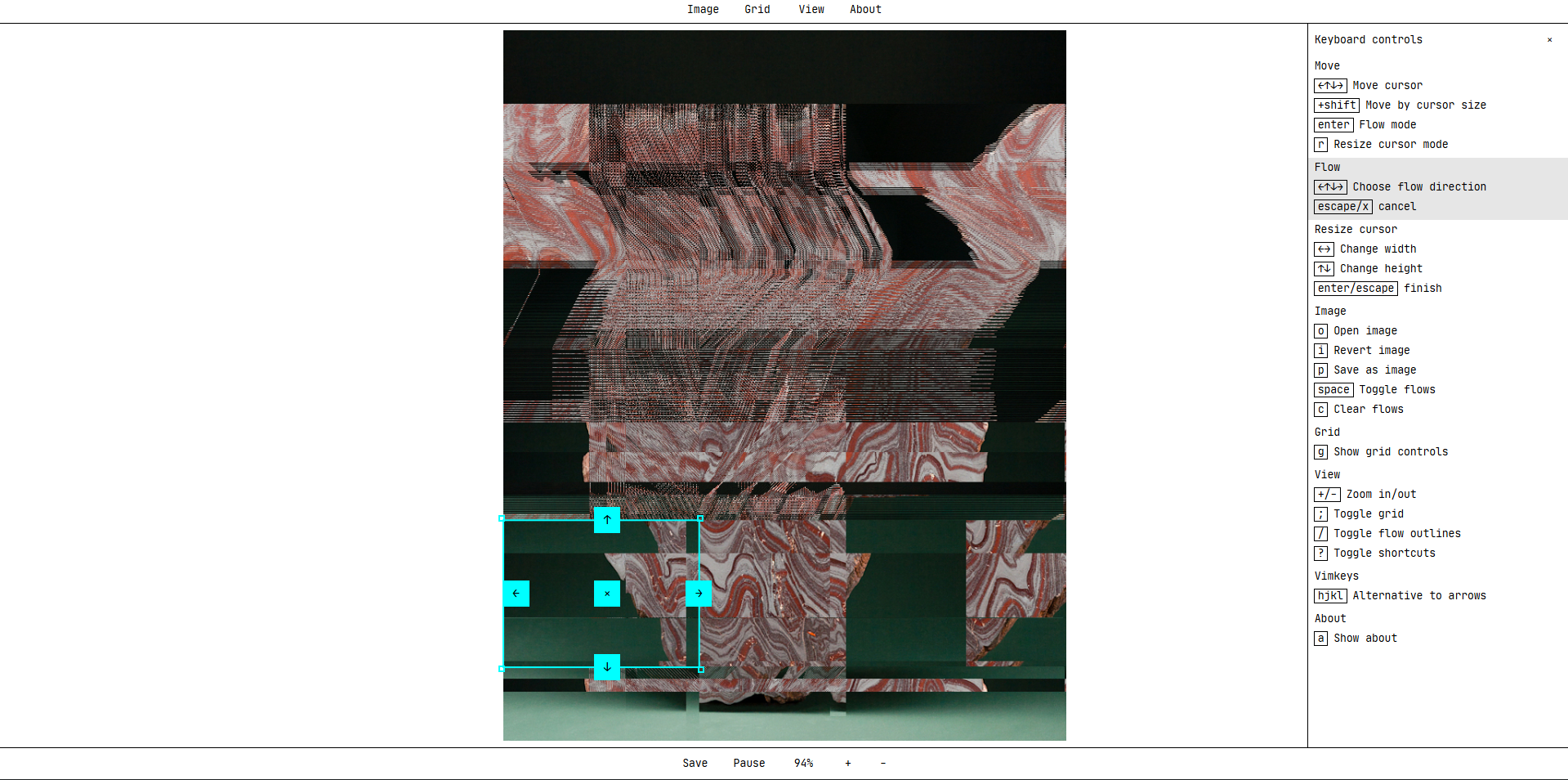
Flow uses images and a select tool to move parts up down left and right. Once you old down left click to create a box you have a option to move it. It then loops it moving in one direction. In my experiment above it uses the multiple different moving parts to create a data-mosh style effect. This was very cool but I do not know how I would move it into my work.

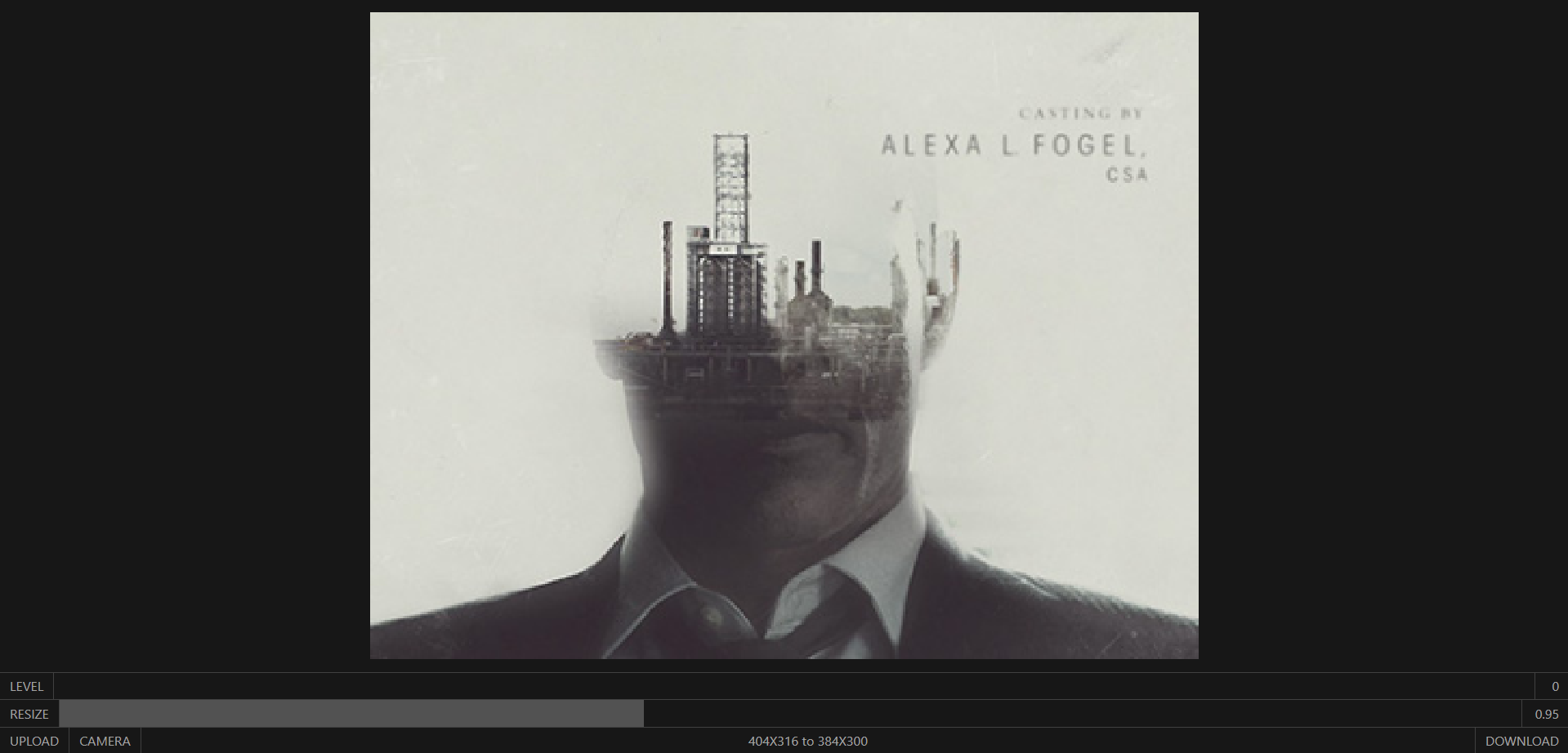

Grain was a simple slider tool. You import a image then use the slider which changed the level of pixelation and one changes the size at a random scale. I used a image from True Detective and changed it to a pixelation I was happy with.